 Maytinhcongnghiep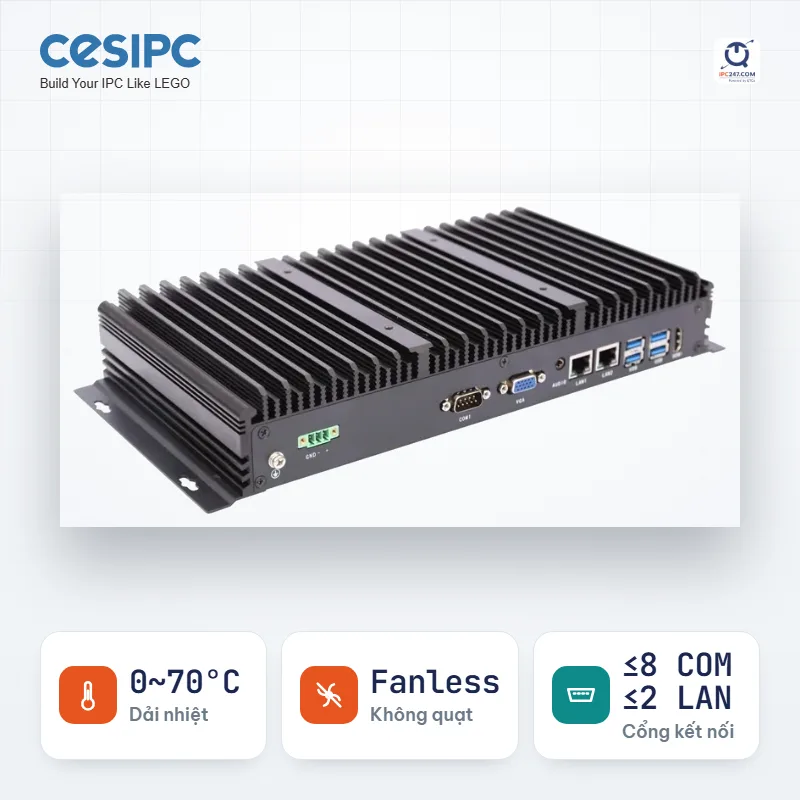

Industrial box PC
UPC-300 32 configurations in this series
37 CPU options · power-efficient to high-performance
0~70°Cup to 8 COMup to 2 LANFanless
One machine standing in the middle, collecting data from a dozen devices: PLCs, VFDs, power meters, scales, temperature sensors — mostly speaking Modbus RTU over RS-485. The machine runs for years on end with nobody sitting next to it, and when it fails the whole line’s data is lost.
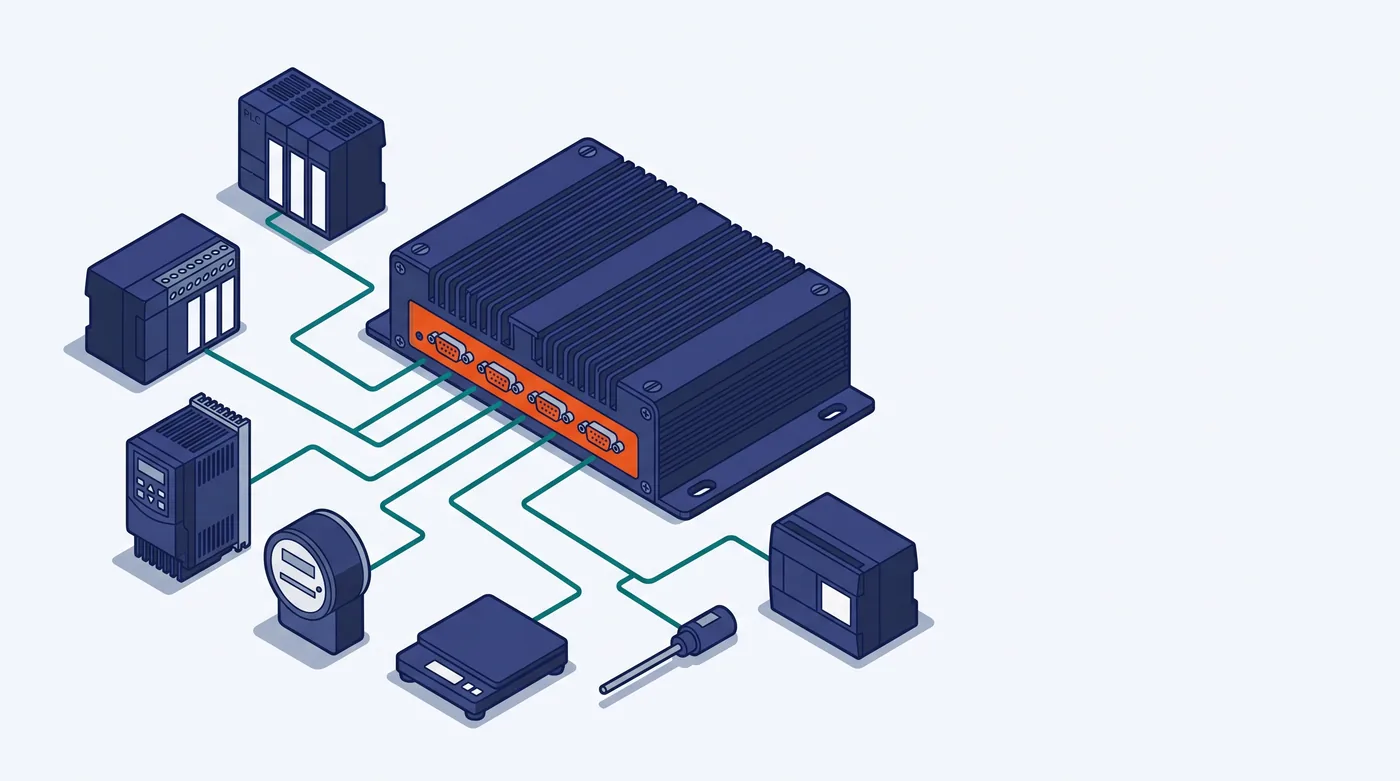
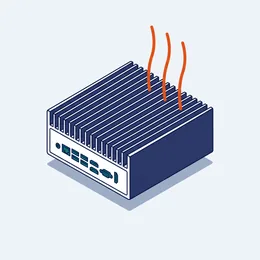 Industrial computer Gathers data in the cabinet · 42 series · 277 models
 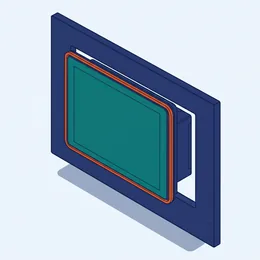 Panel PC Doubles as the operator display · 49 series · 376 models
 The data collector stands in the electrical cabinet and runs for years with nobody next to it. No screen needed — whoever needs to look, looks over the network.
That is 277 specific configurations. Open a series to pick screen size and CPU.
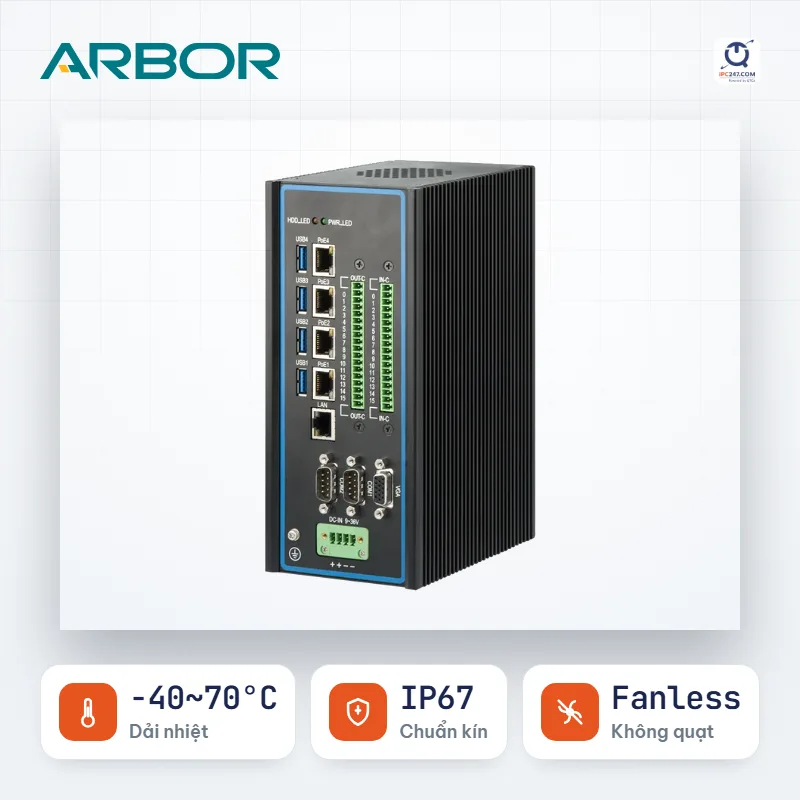

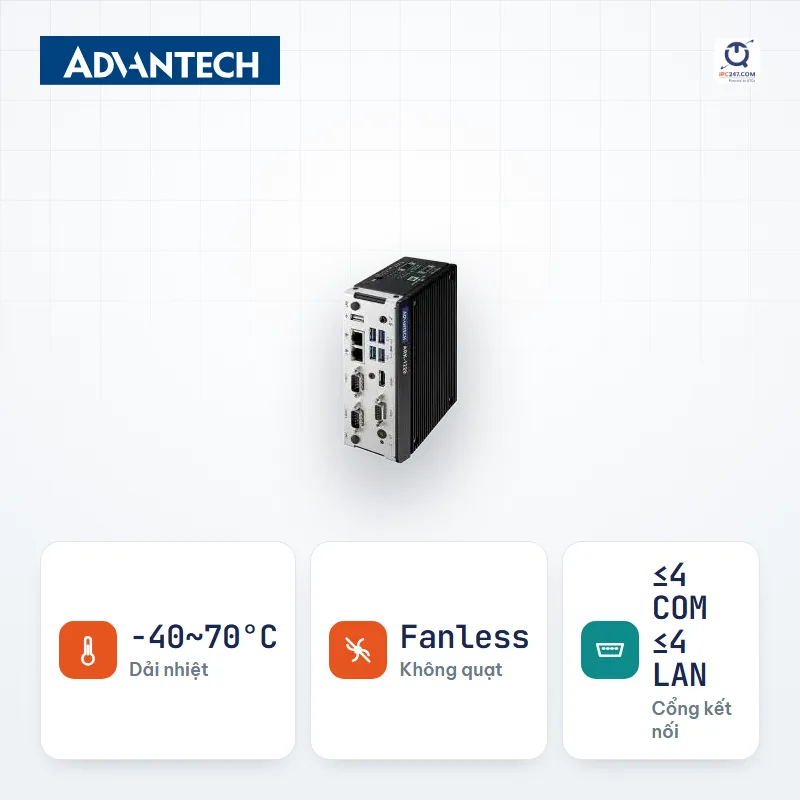

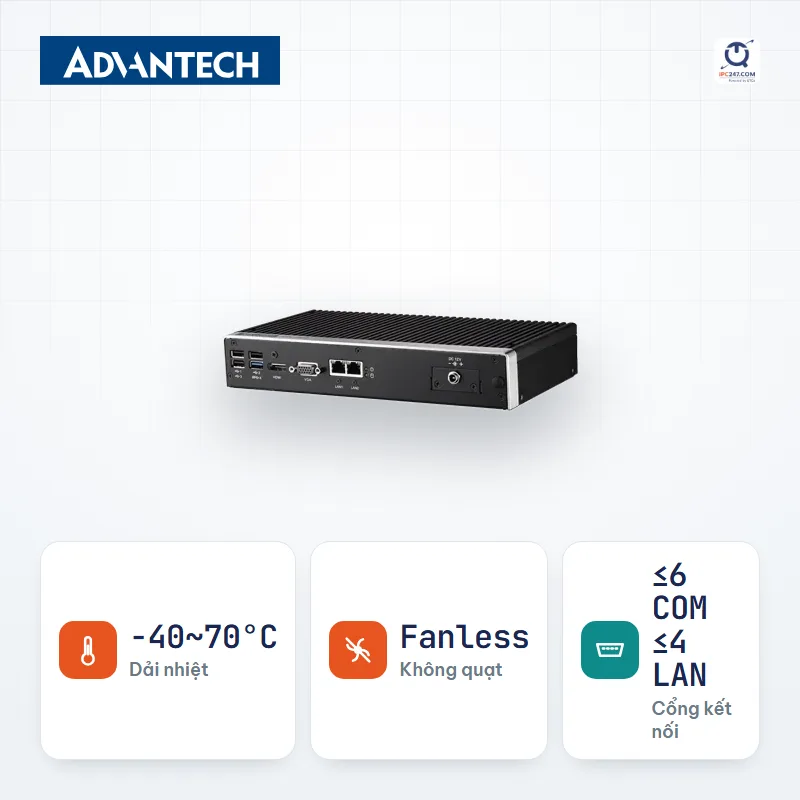
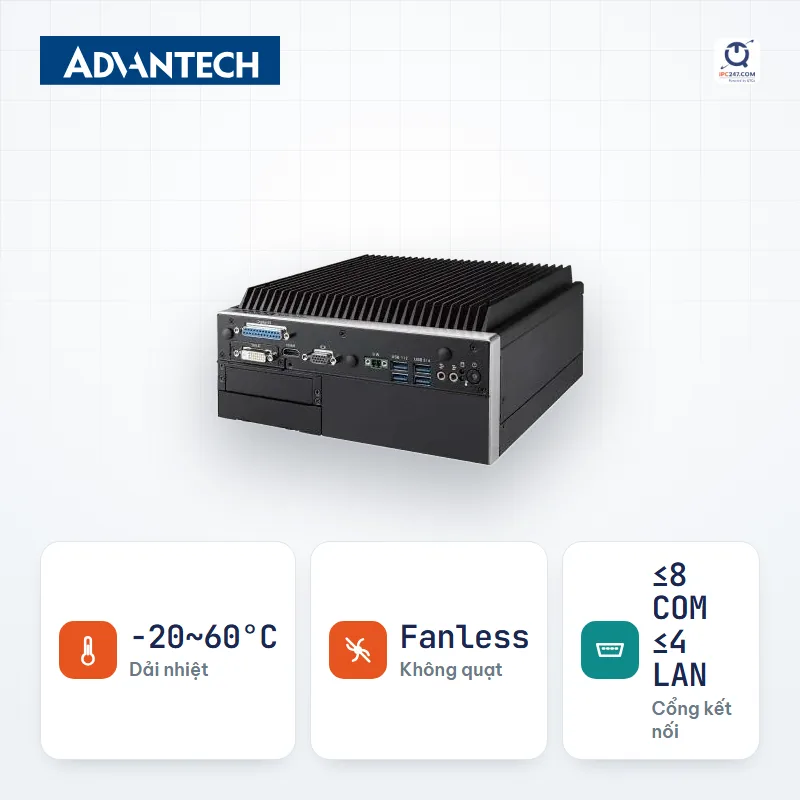
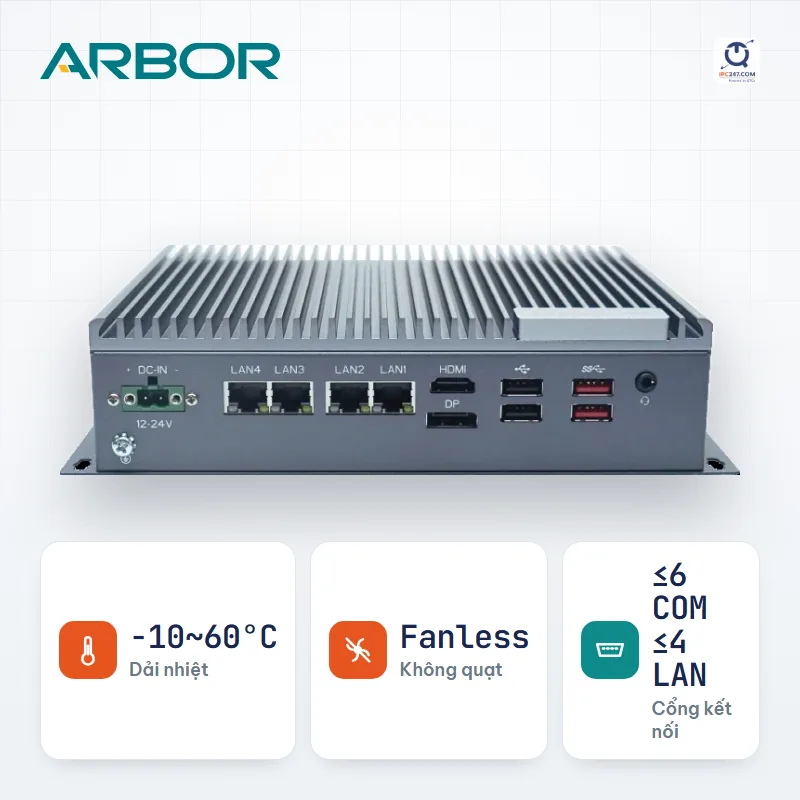
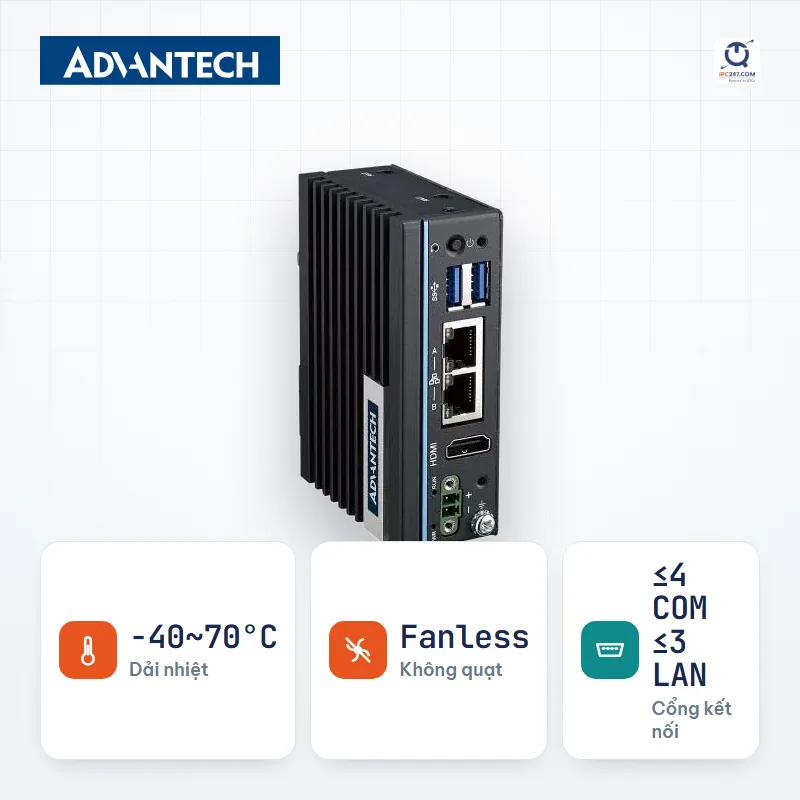
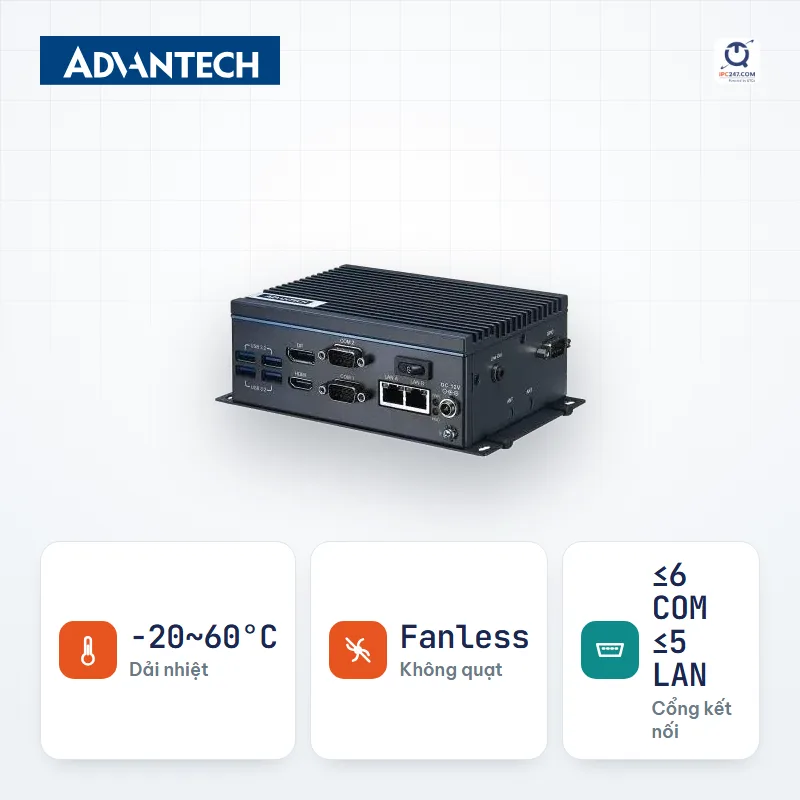
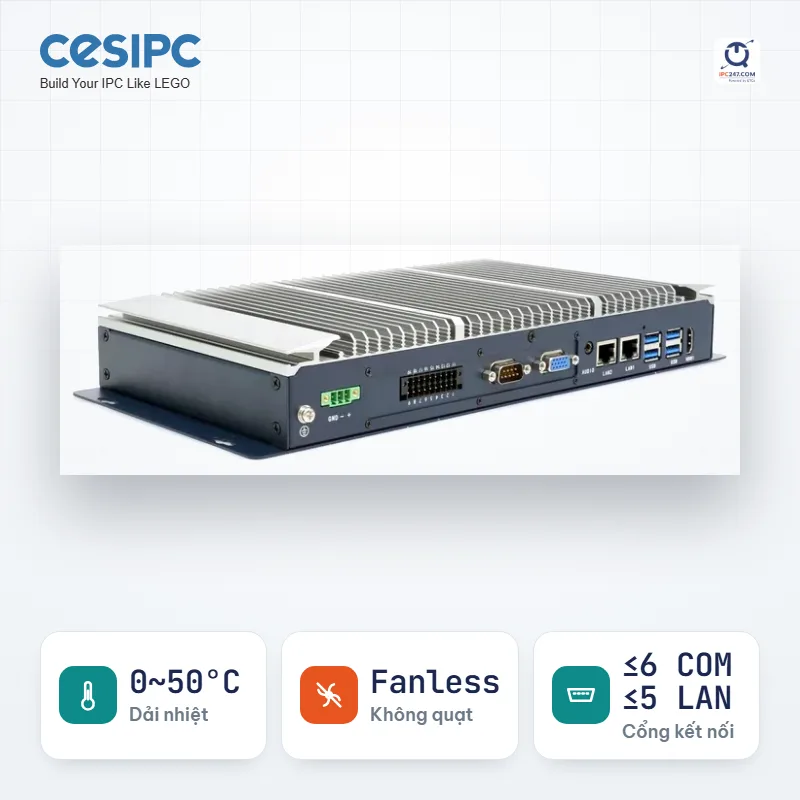
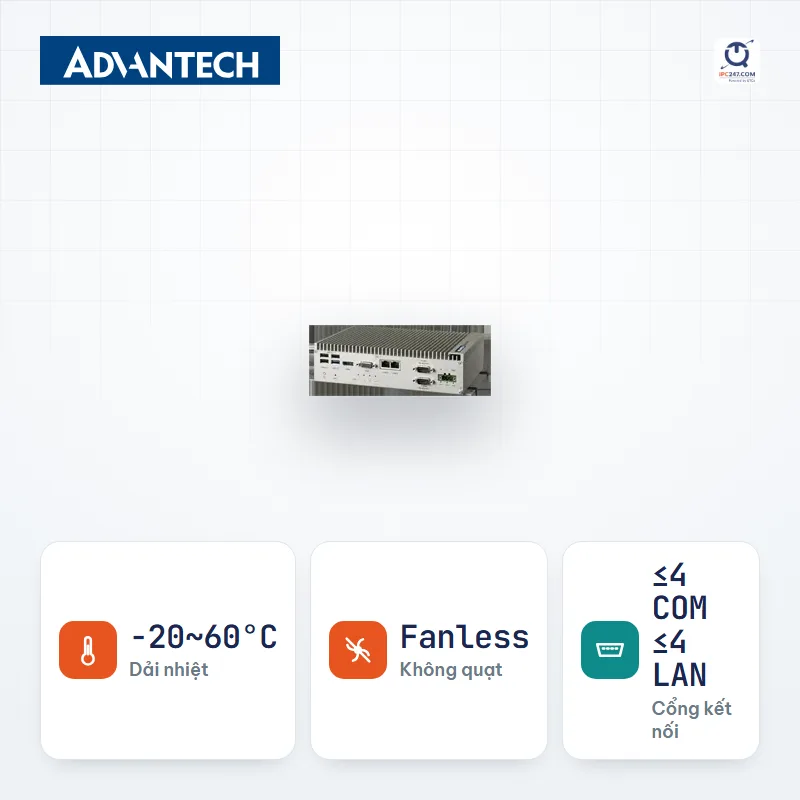
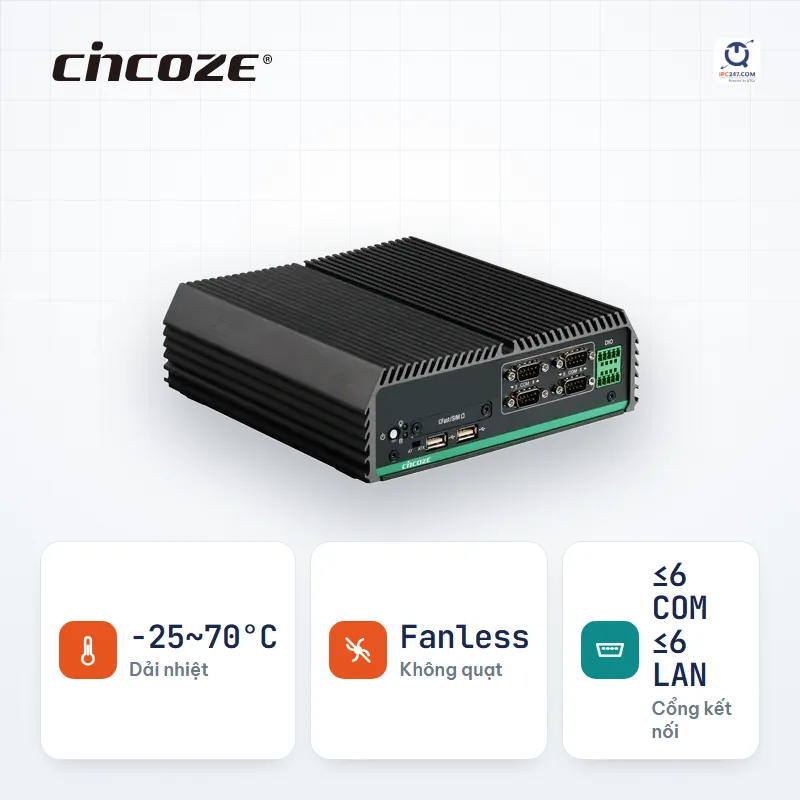

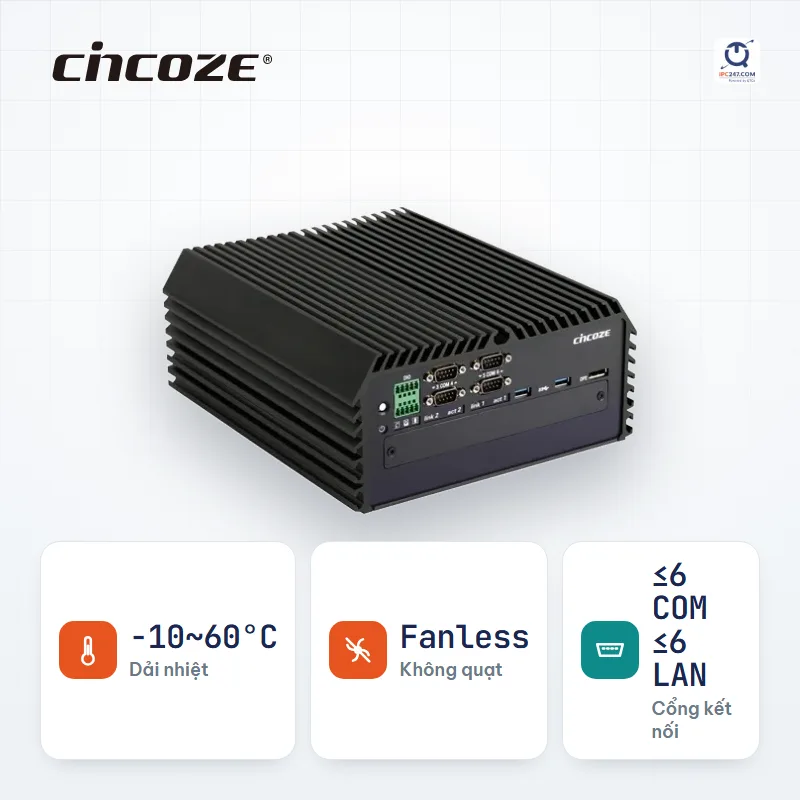
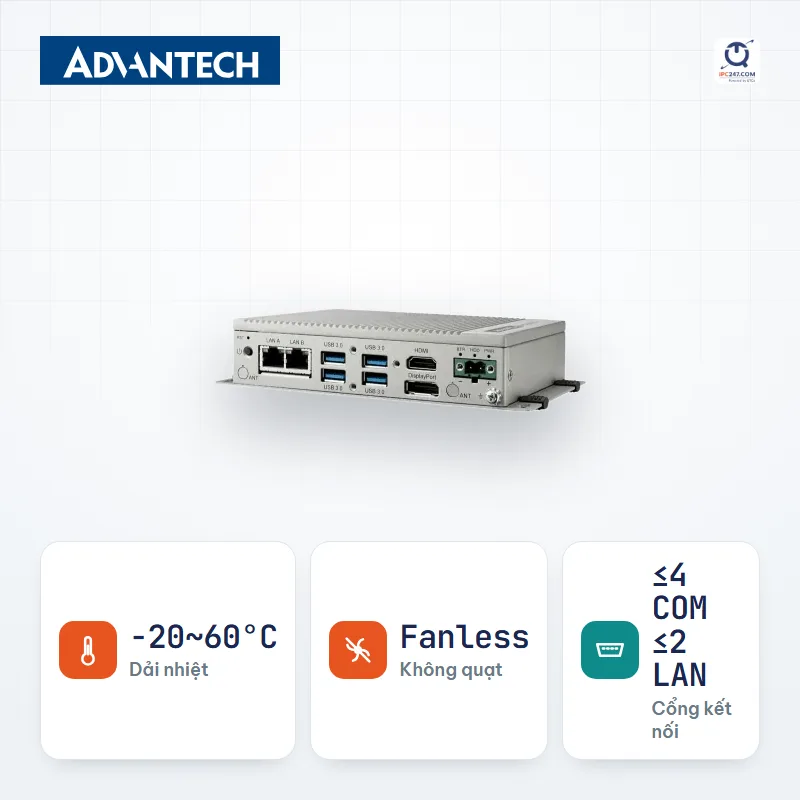
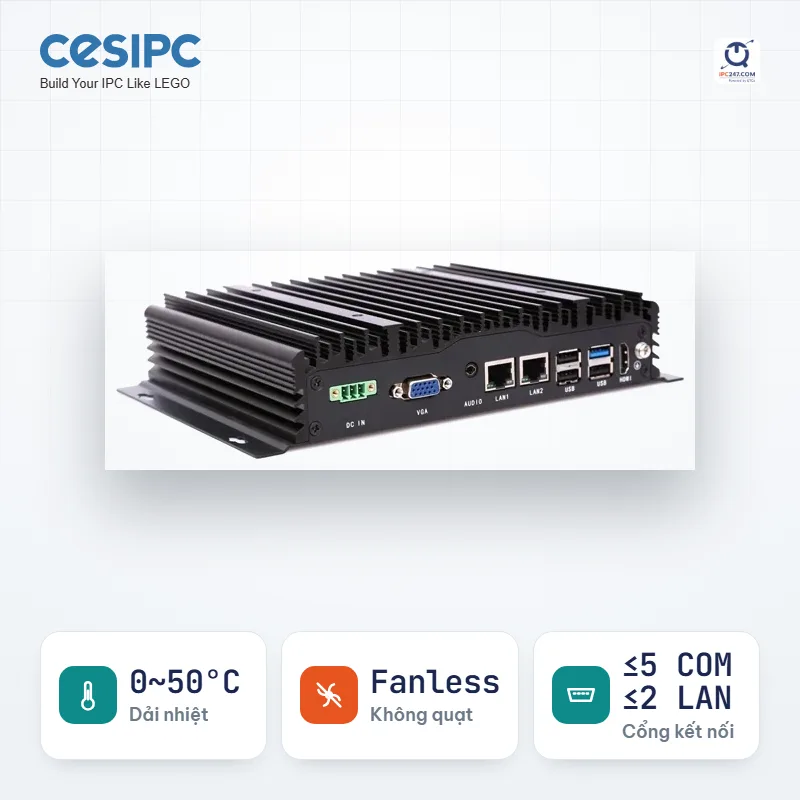
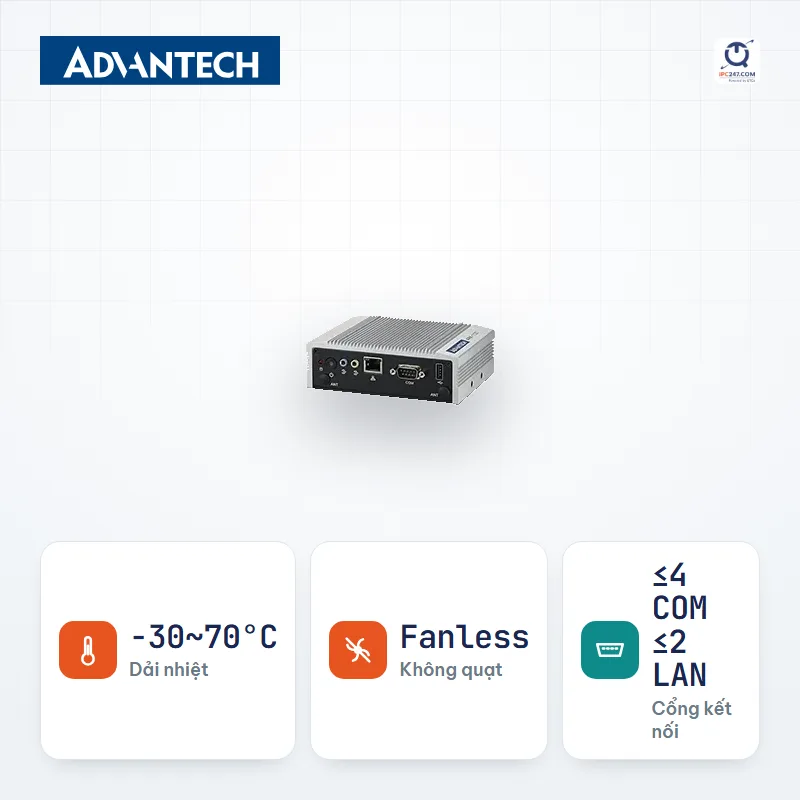
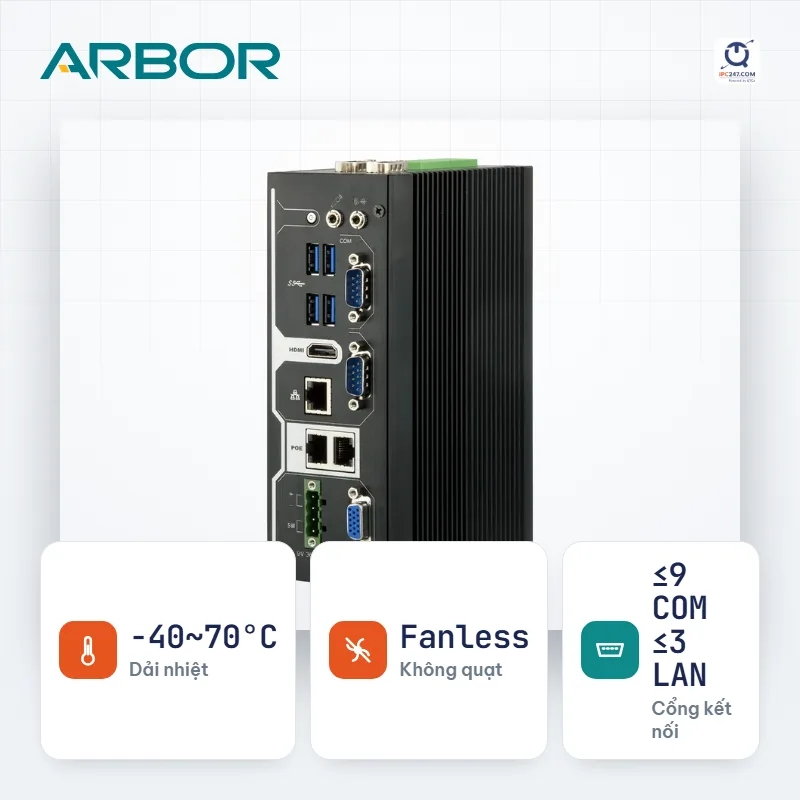
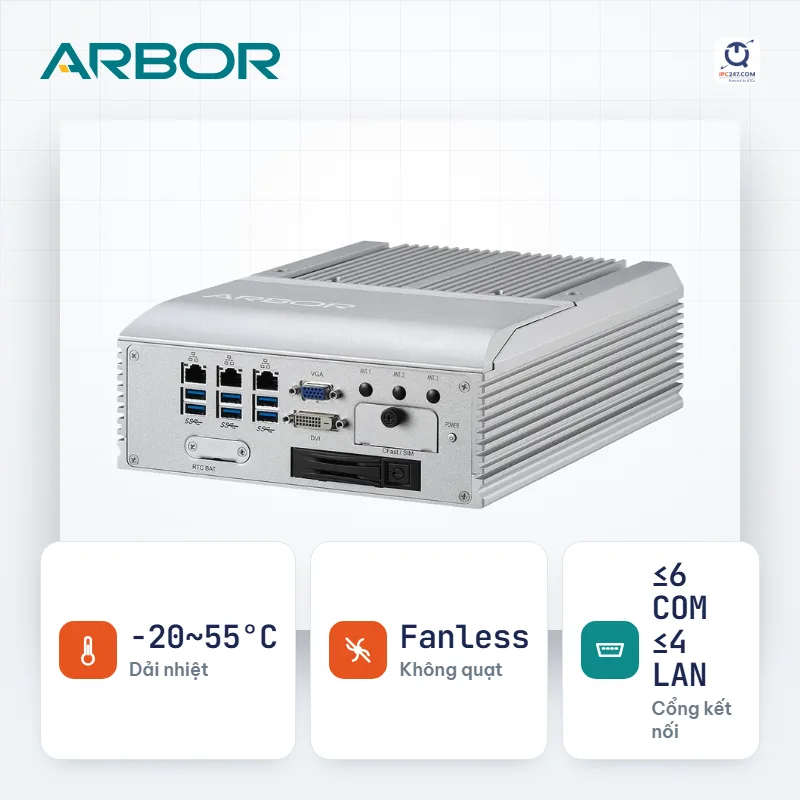
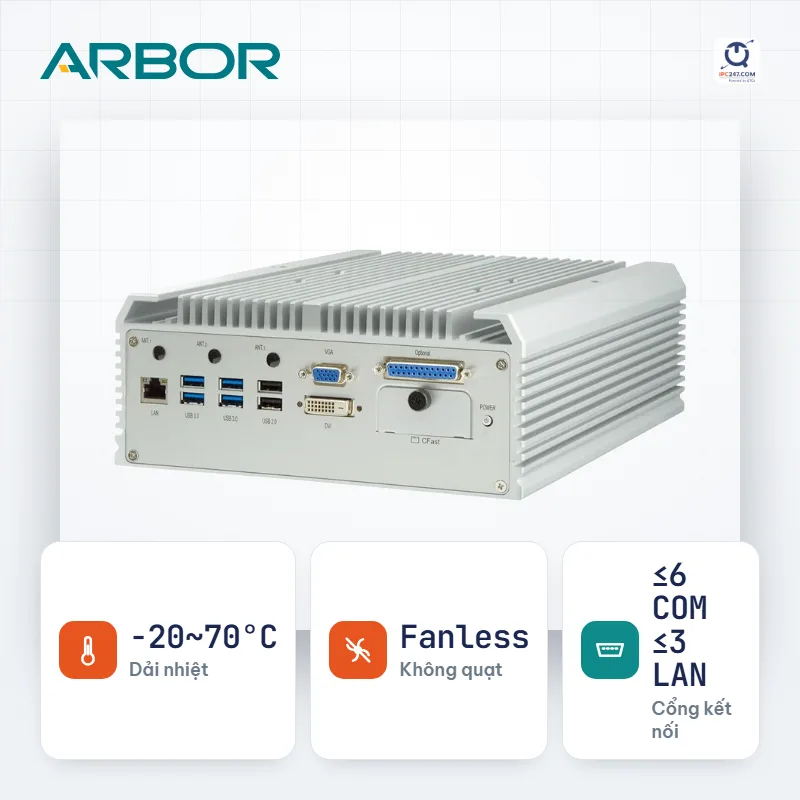
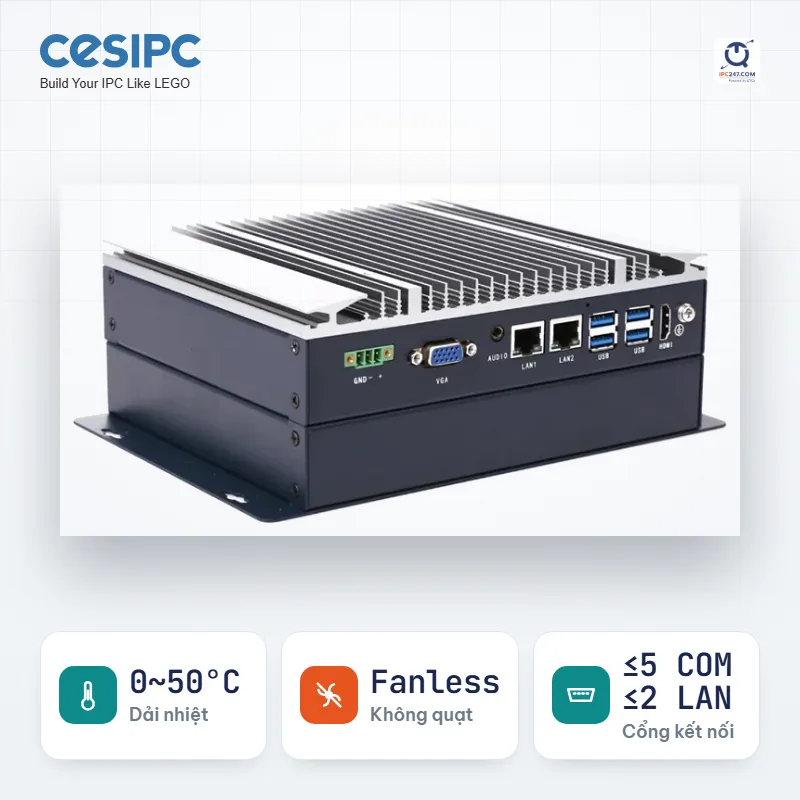
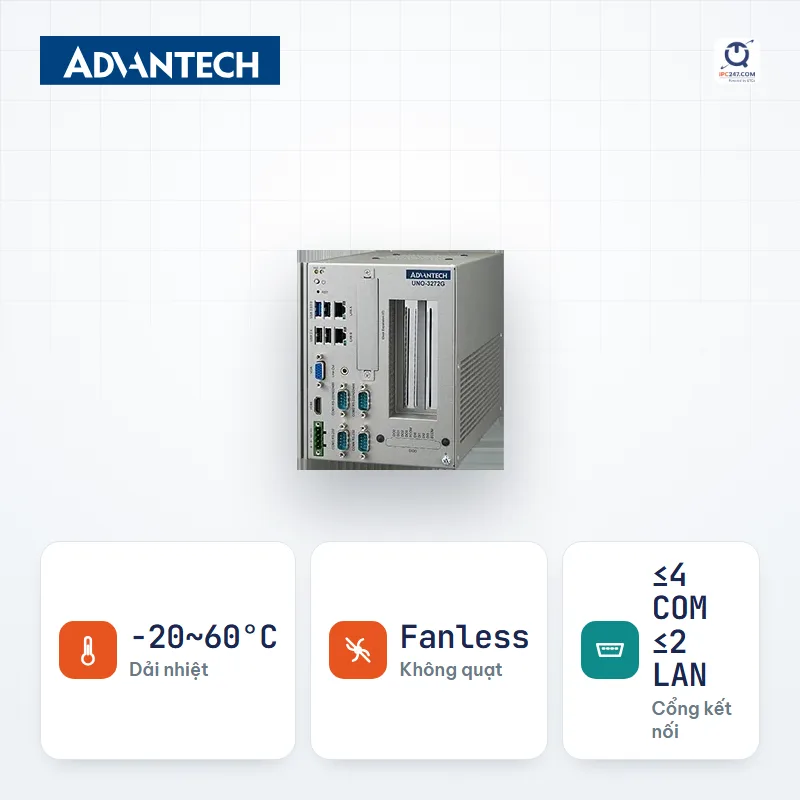
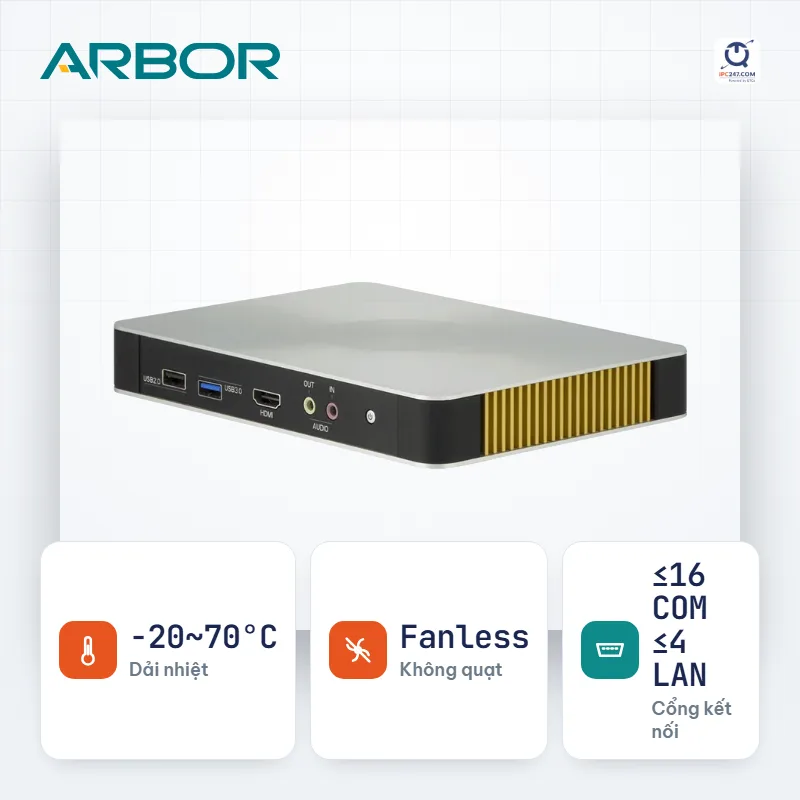
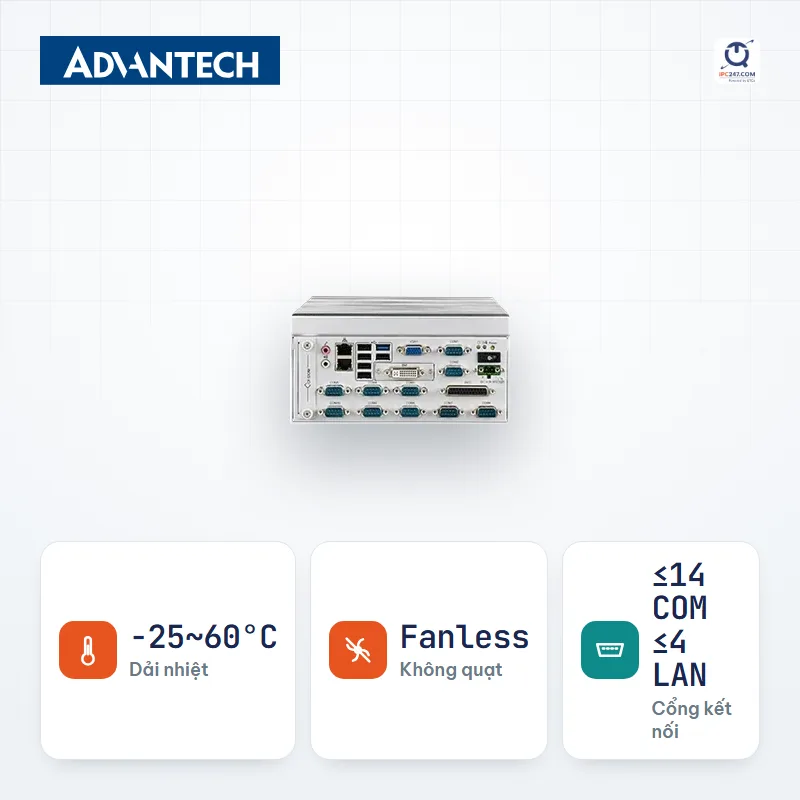
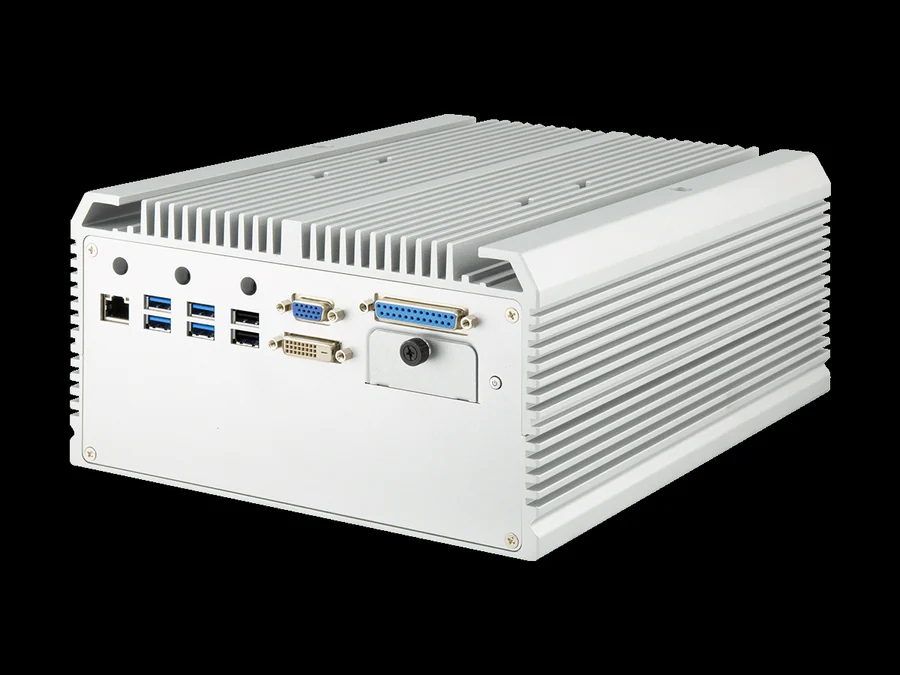
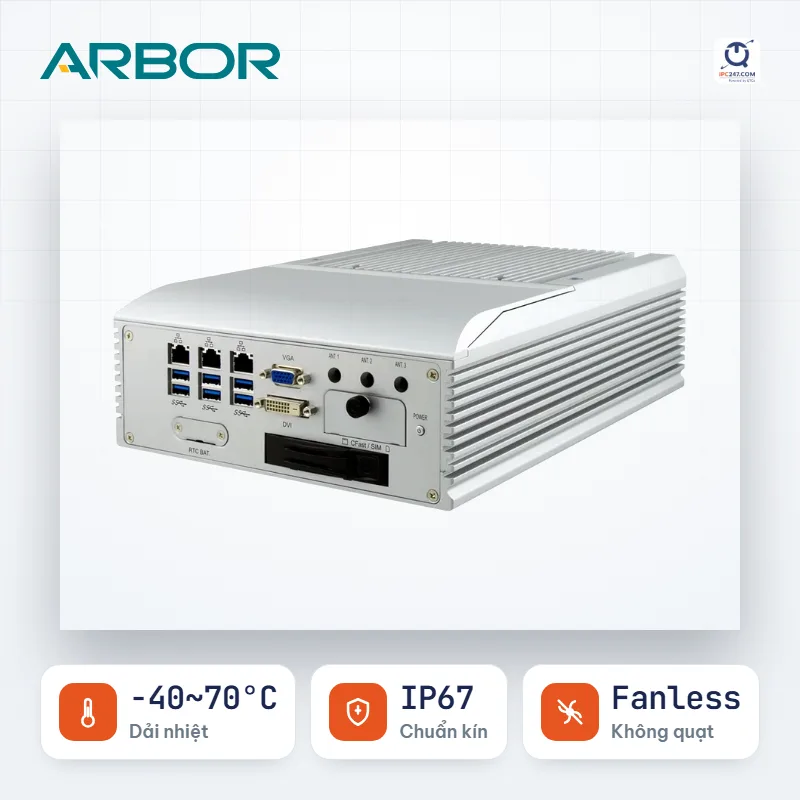
Showing the first 24 series. Use the machine picker to filter further by your own conditions.
Which machine on this list fits your installation best? Leave your number — an engineer will pick for you and quote the complete set.
We only use this number to answer your request.
Things the filter above does NOT catch. Read before you commit.
The machine picker comes pre-filled with the Industrial computer conditions for this situation — you only answer a few more questions about your specific site.
A station that both gathers data and serves as the local operator display: HMI and collector in one unit, mounted on the cabinet face. One machine fewer, but the COM-port requirement is exactly the same as the box PC’s.
That is 376 specific configurations. Open a series to pick screen size and CPU.
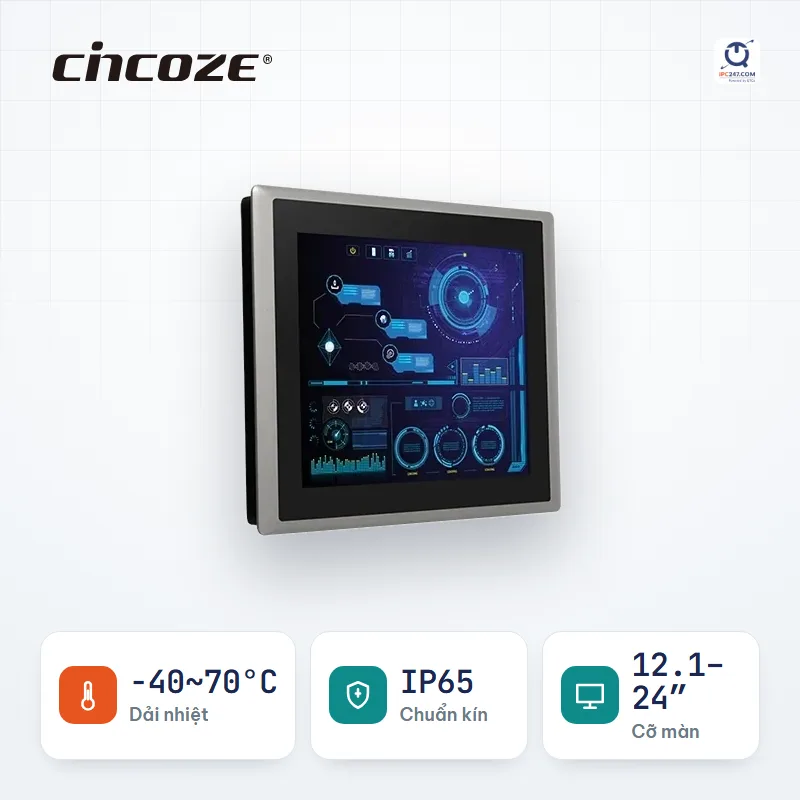
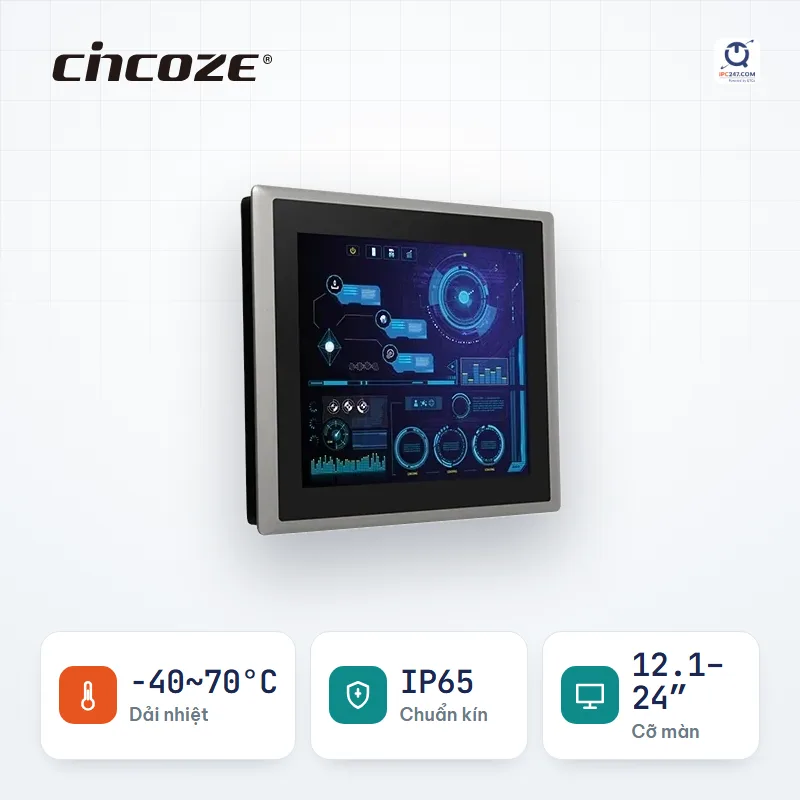
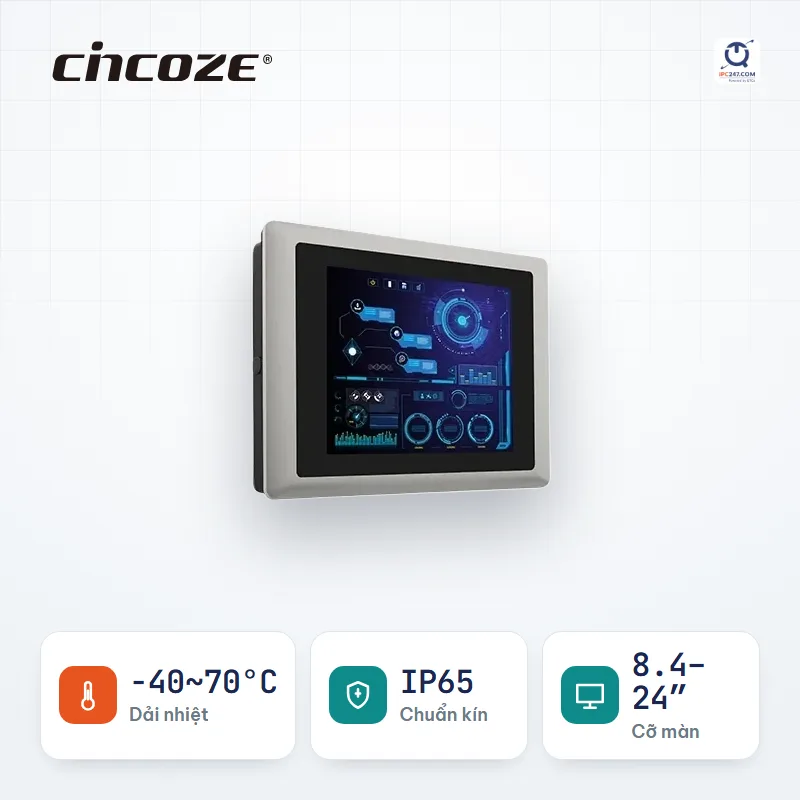
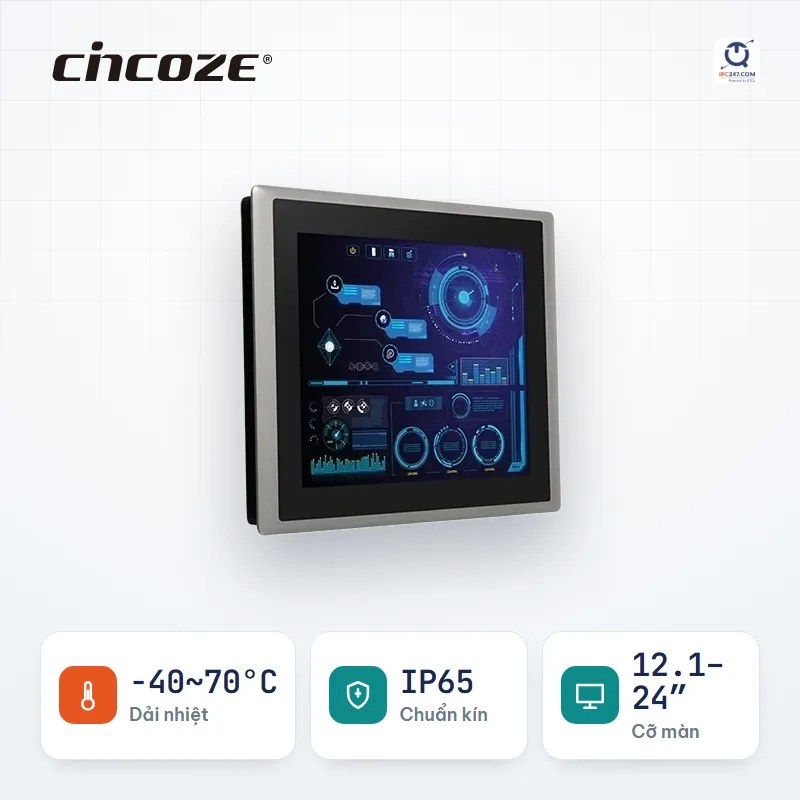
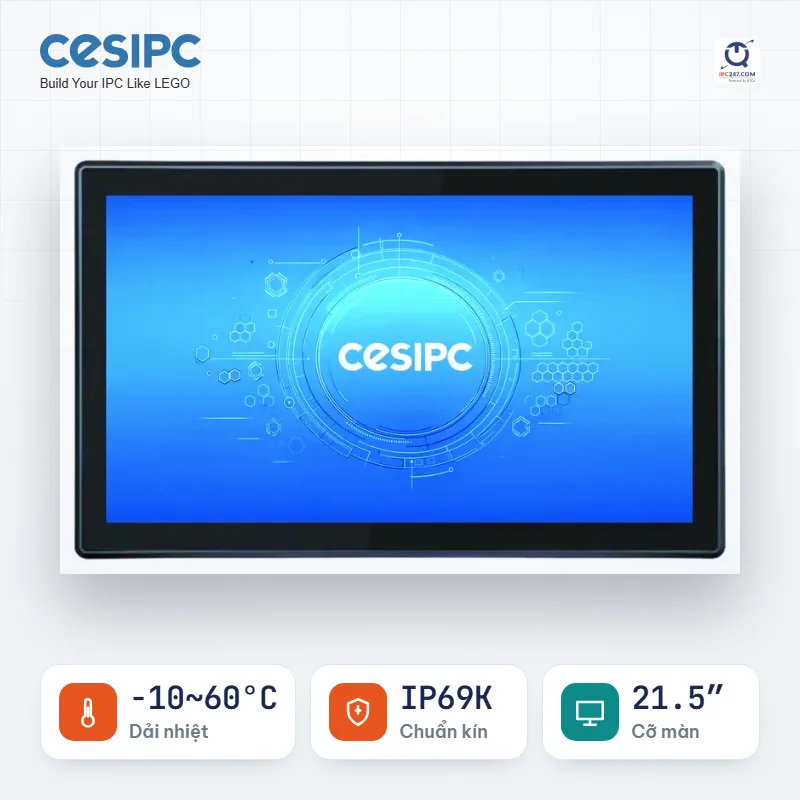
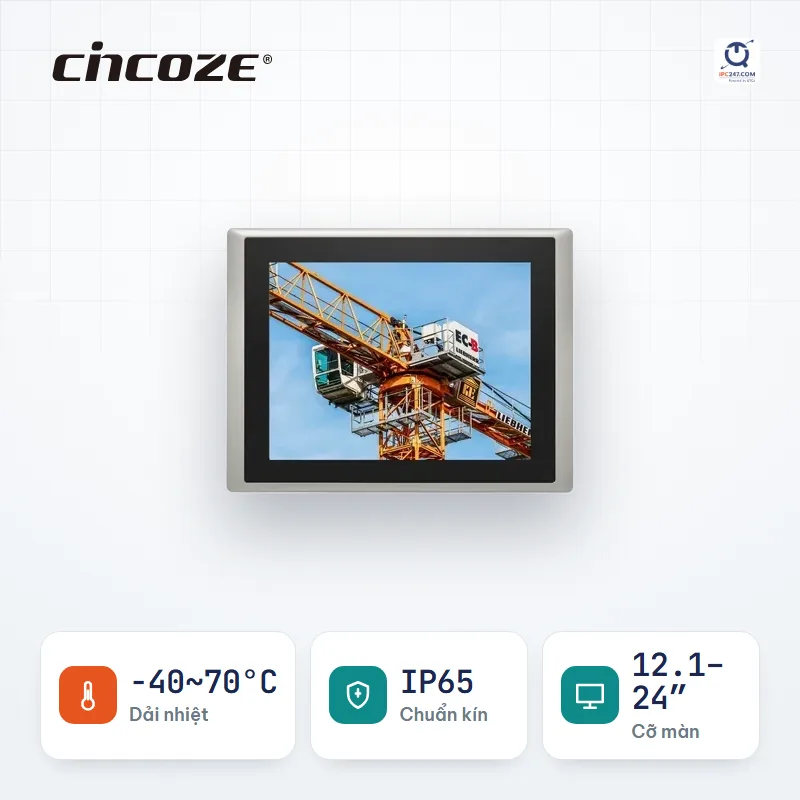
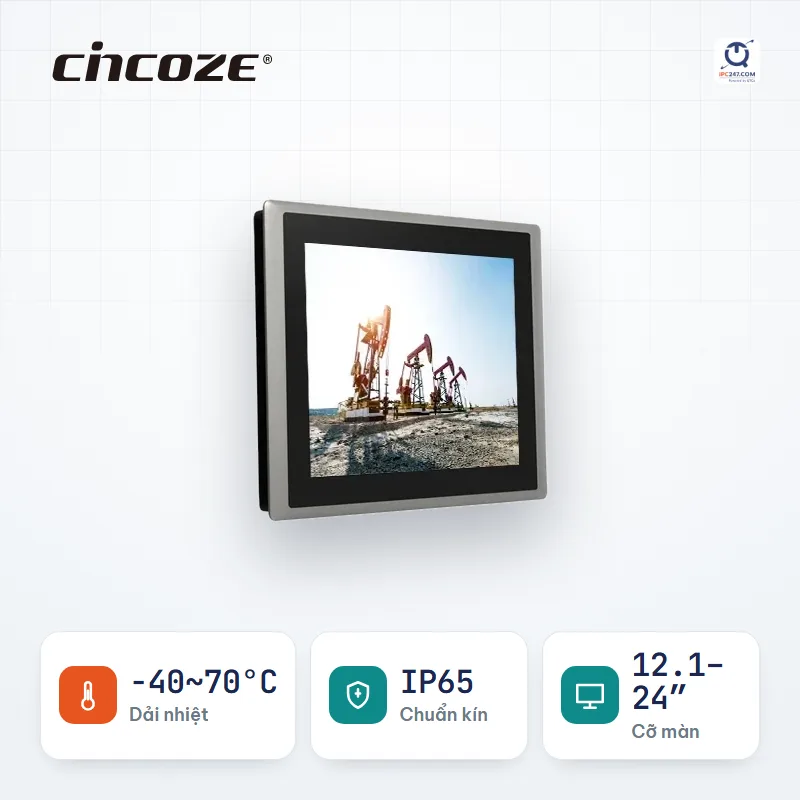
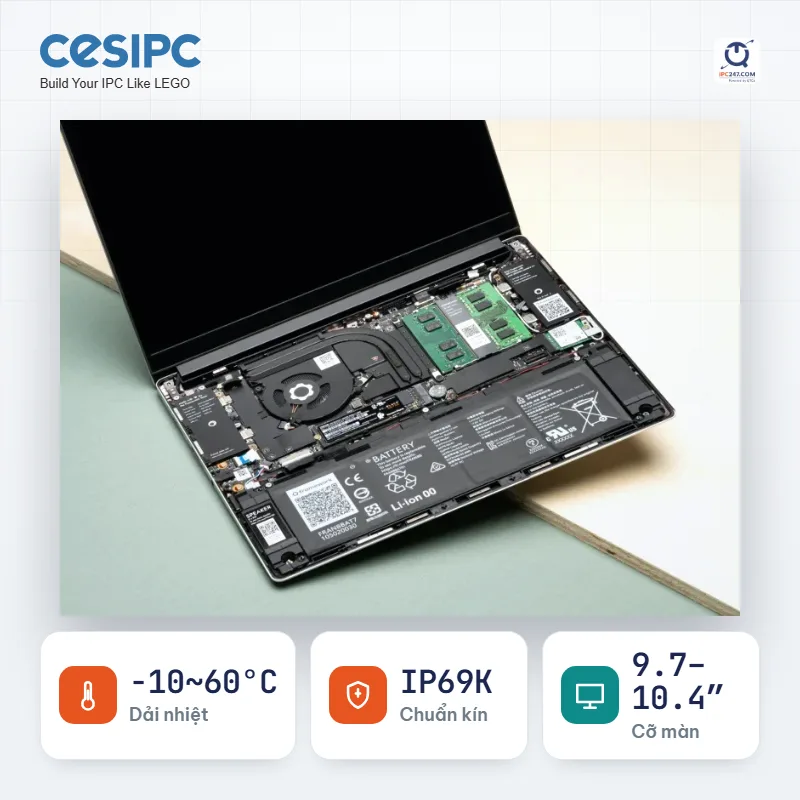
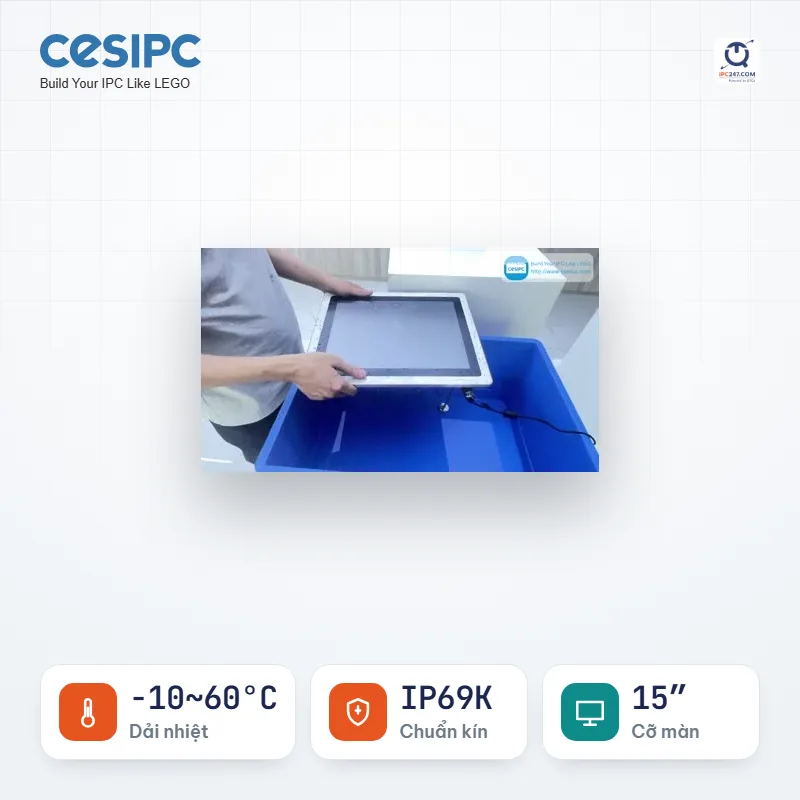
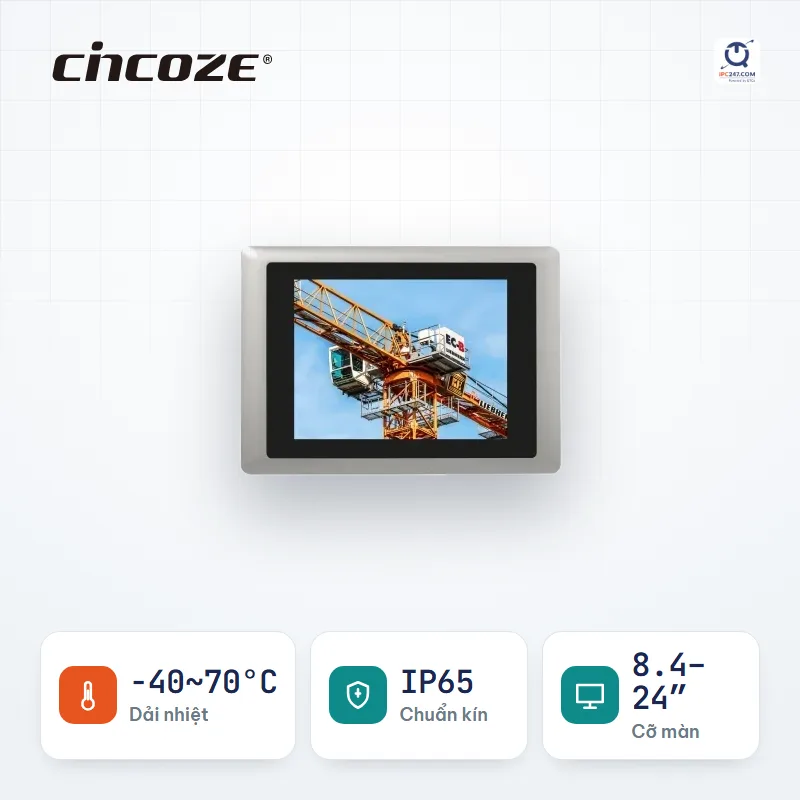
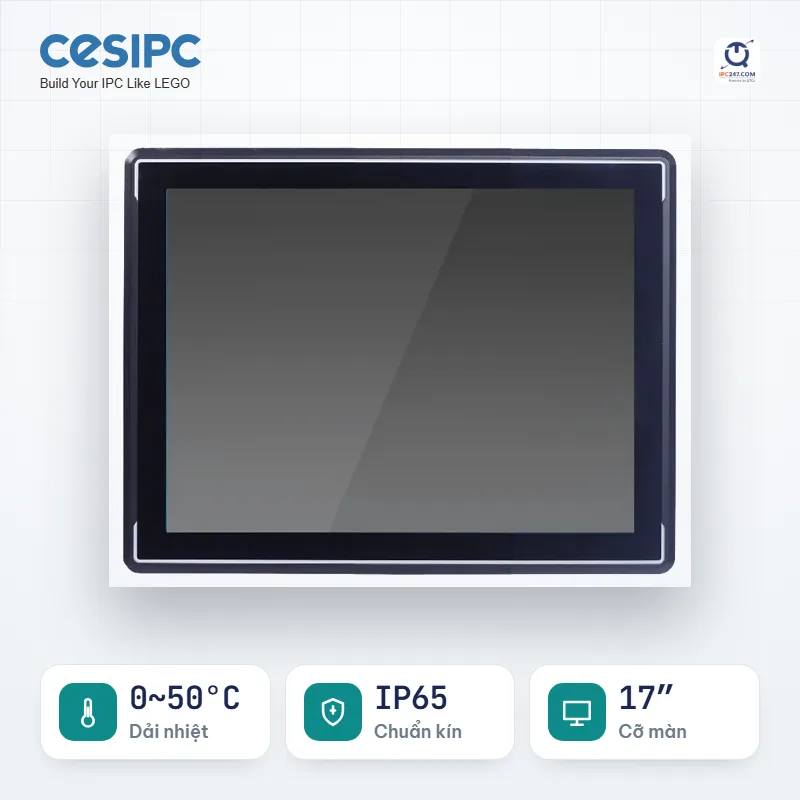
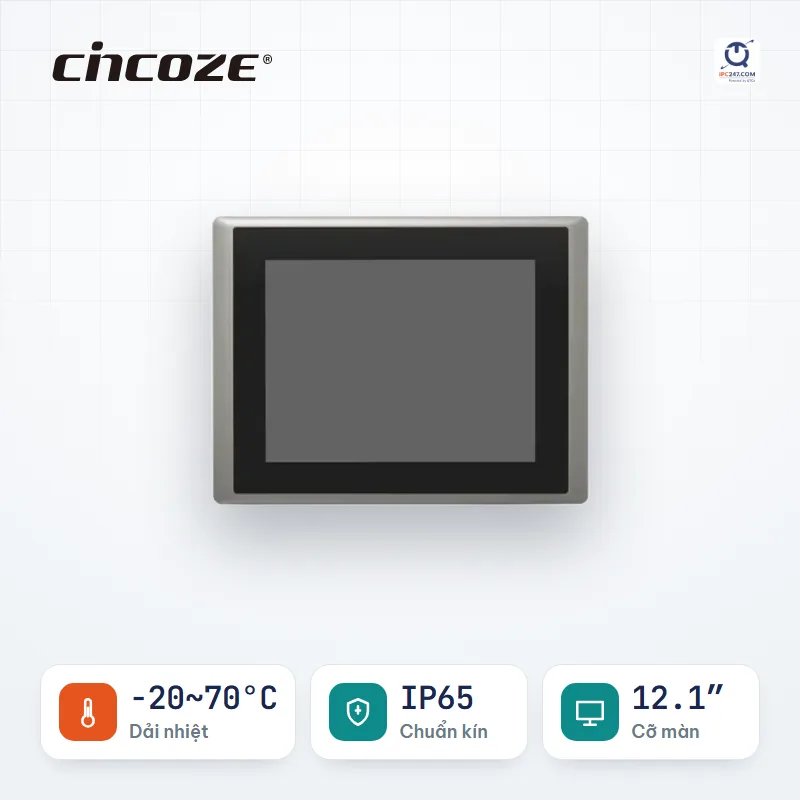
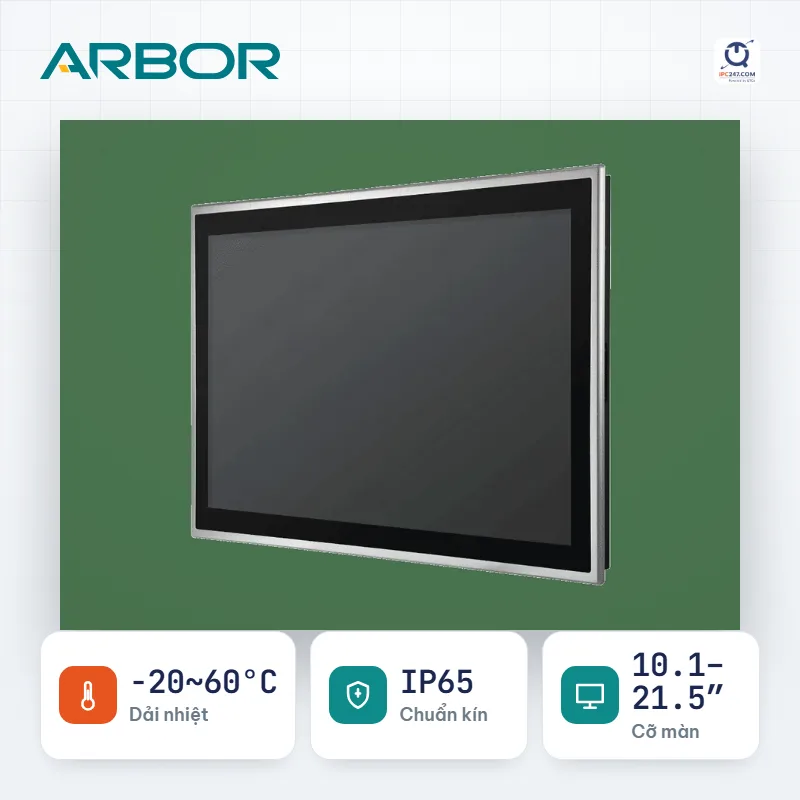
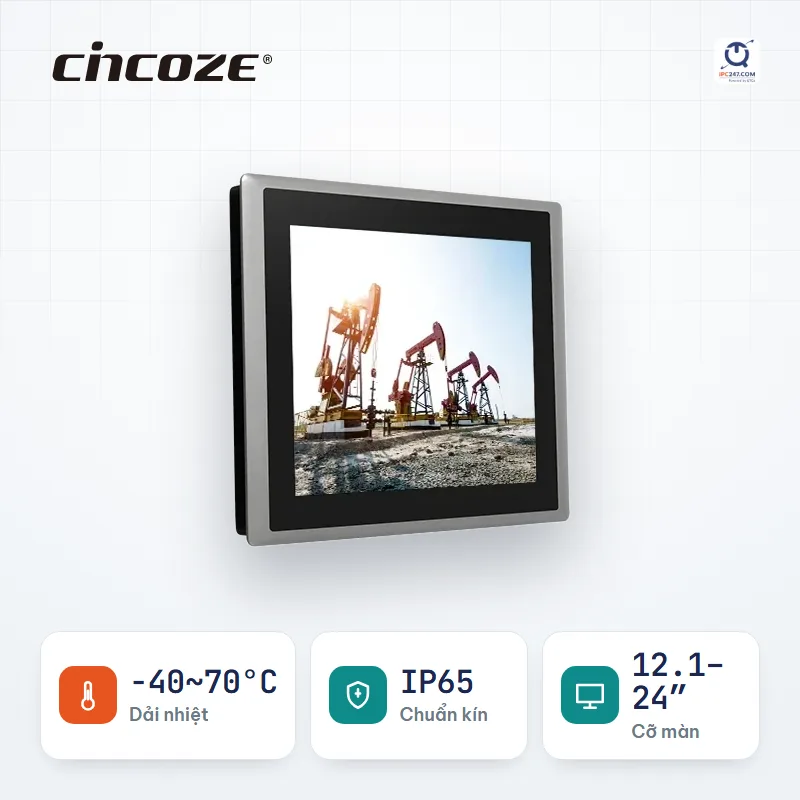
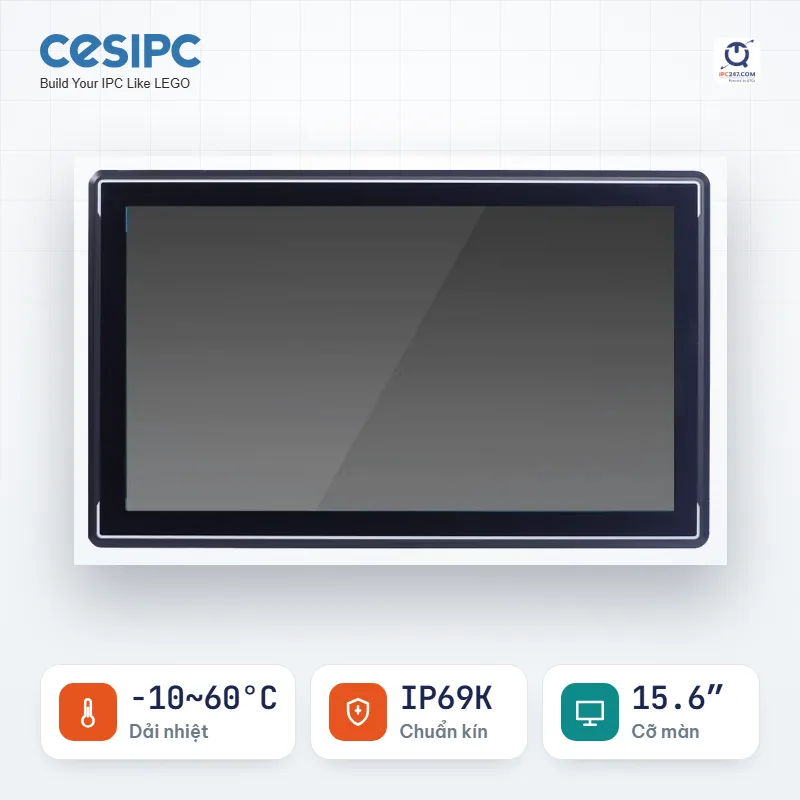
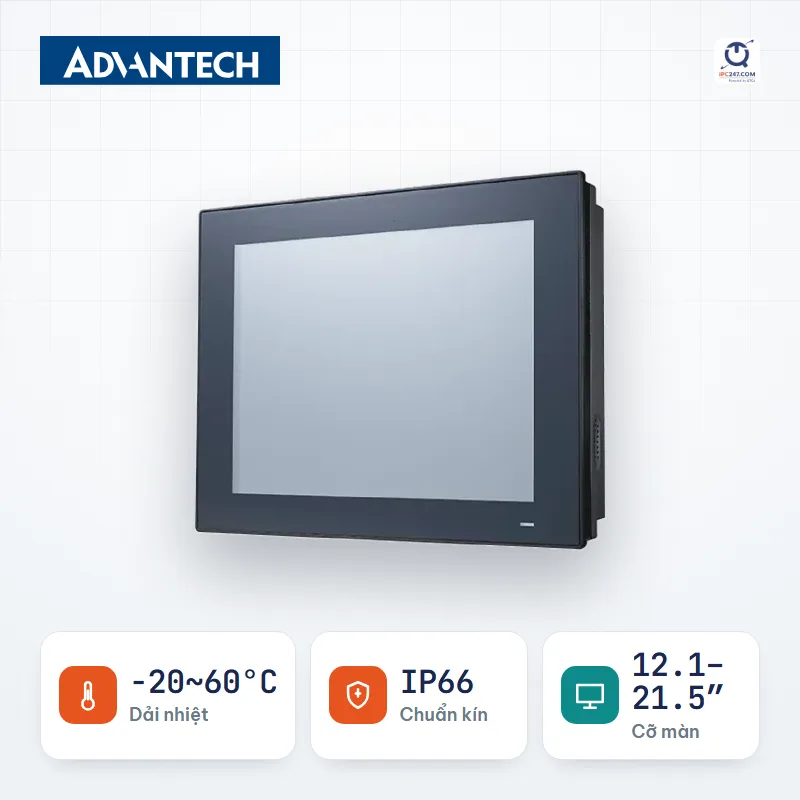
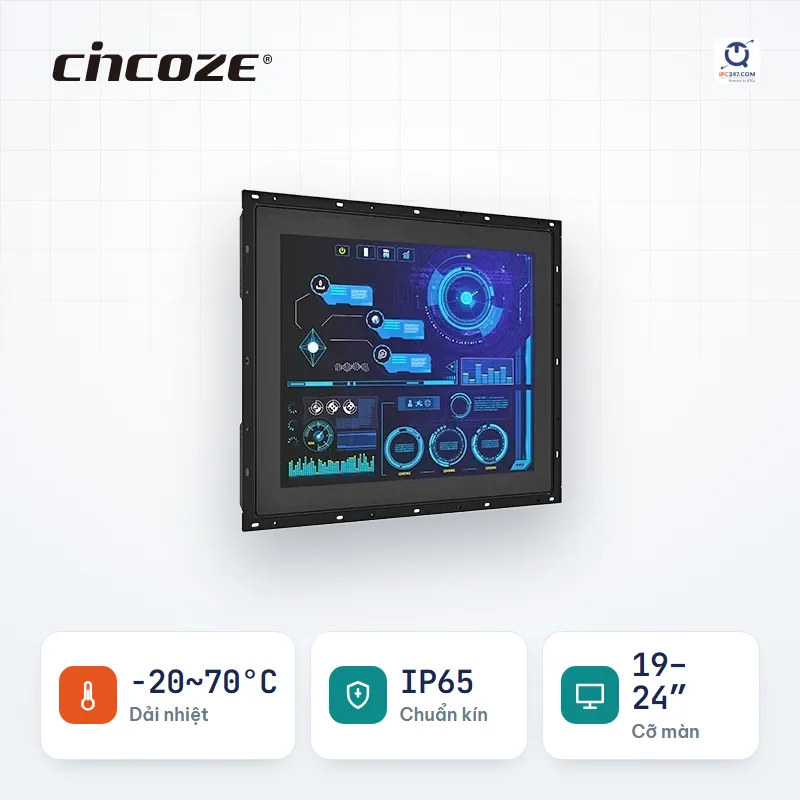
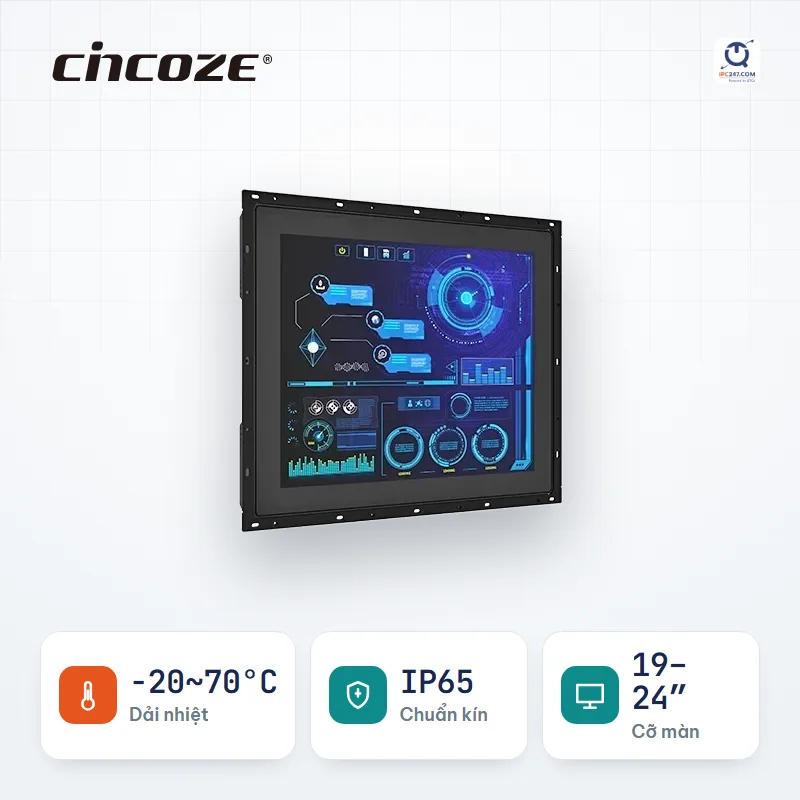
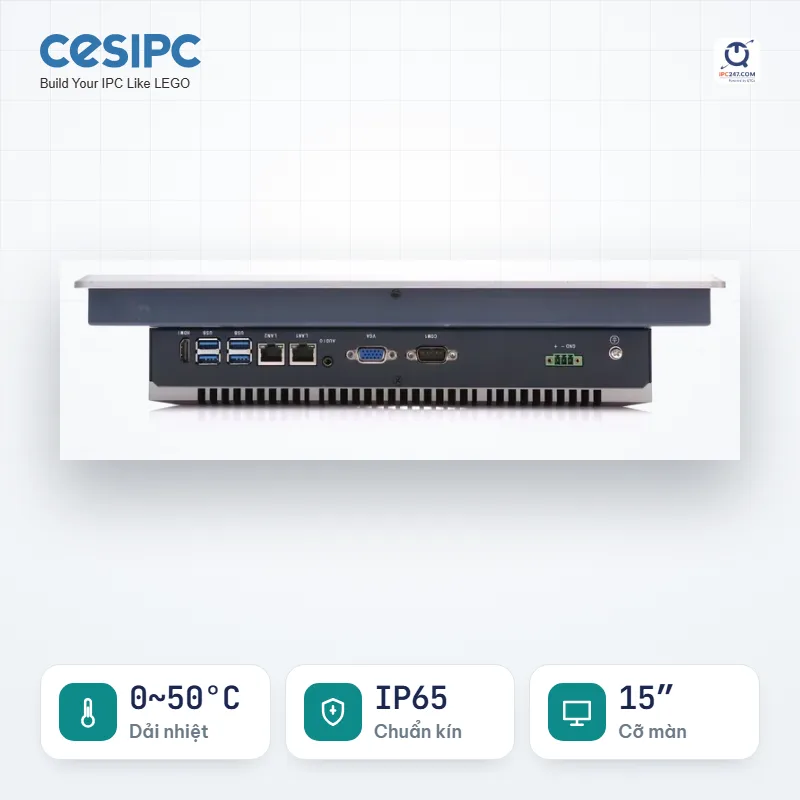
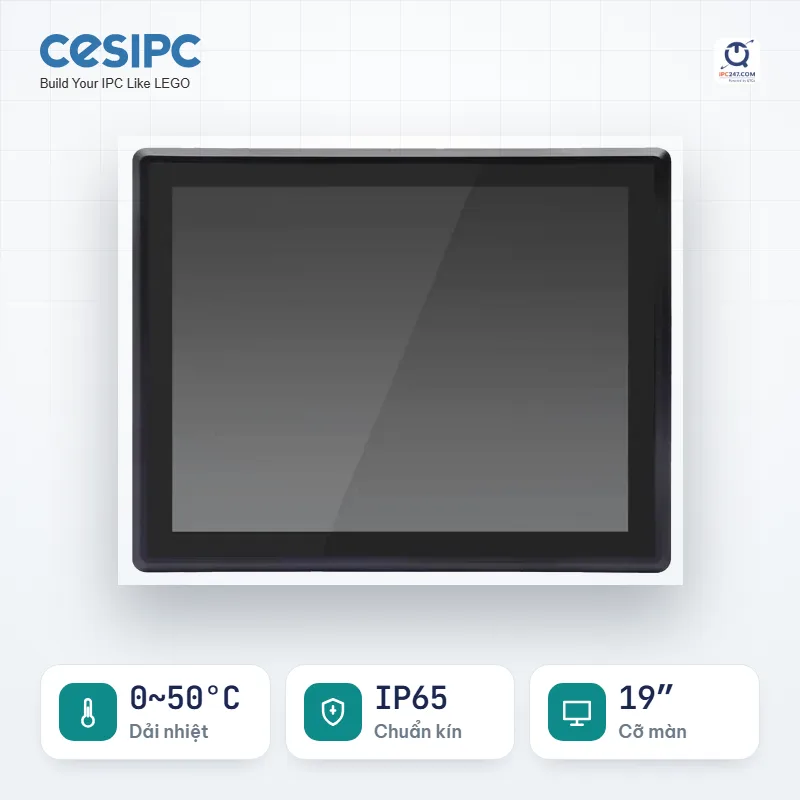
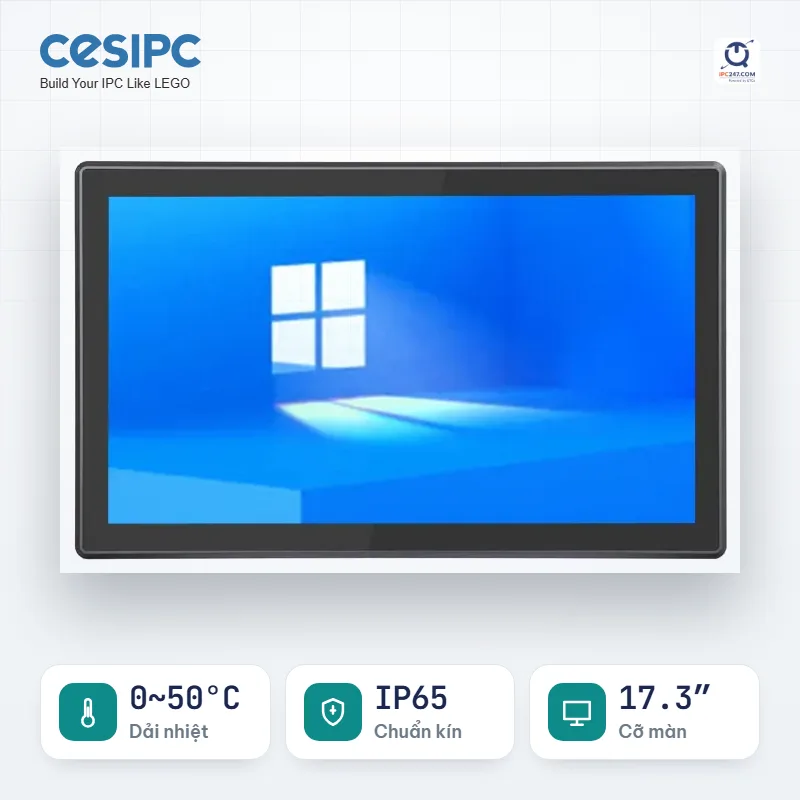
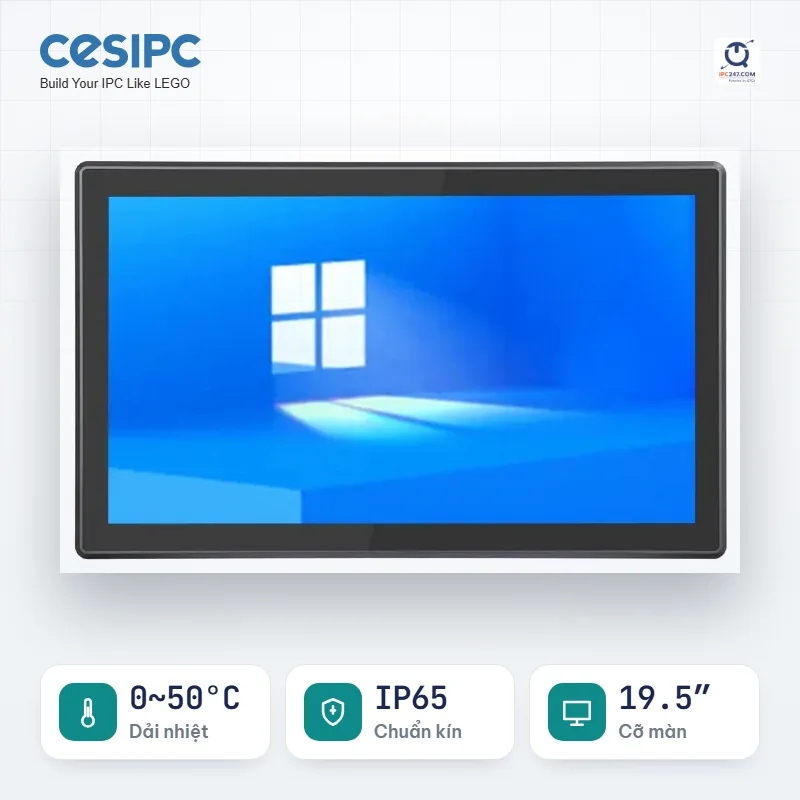
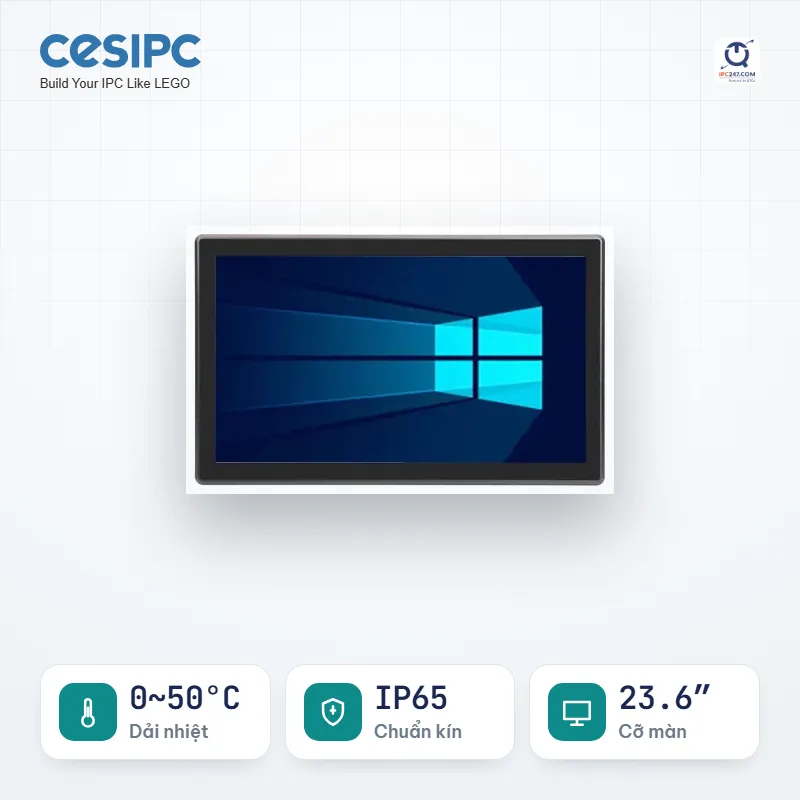
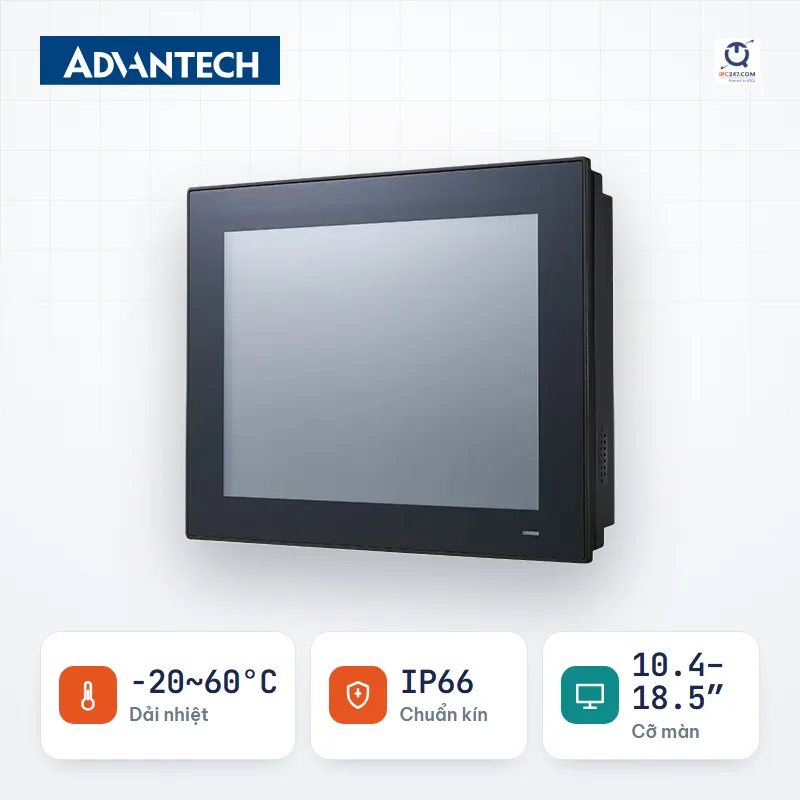
Showing the first 24 series. Use the machine picker to filter further by your own conditions.
Which machine on this list fits your installation best? Leave your number — an engineer will pick for you and quote the complete set.
We only use this number to answer your request.
Things the filter above does NOT catch. Read before you commit.
The machine picker comes pre-filled with the Panel PC conditions for this situation — you only answer a few more questions about your specific site.