 Maytinhcongnghiep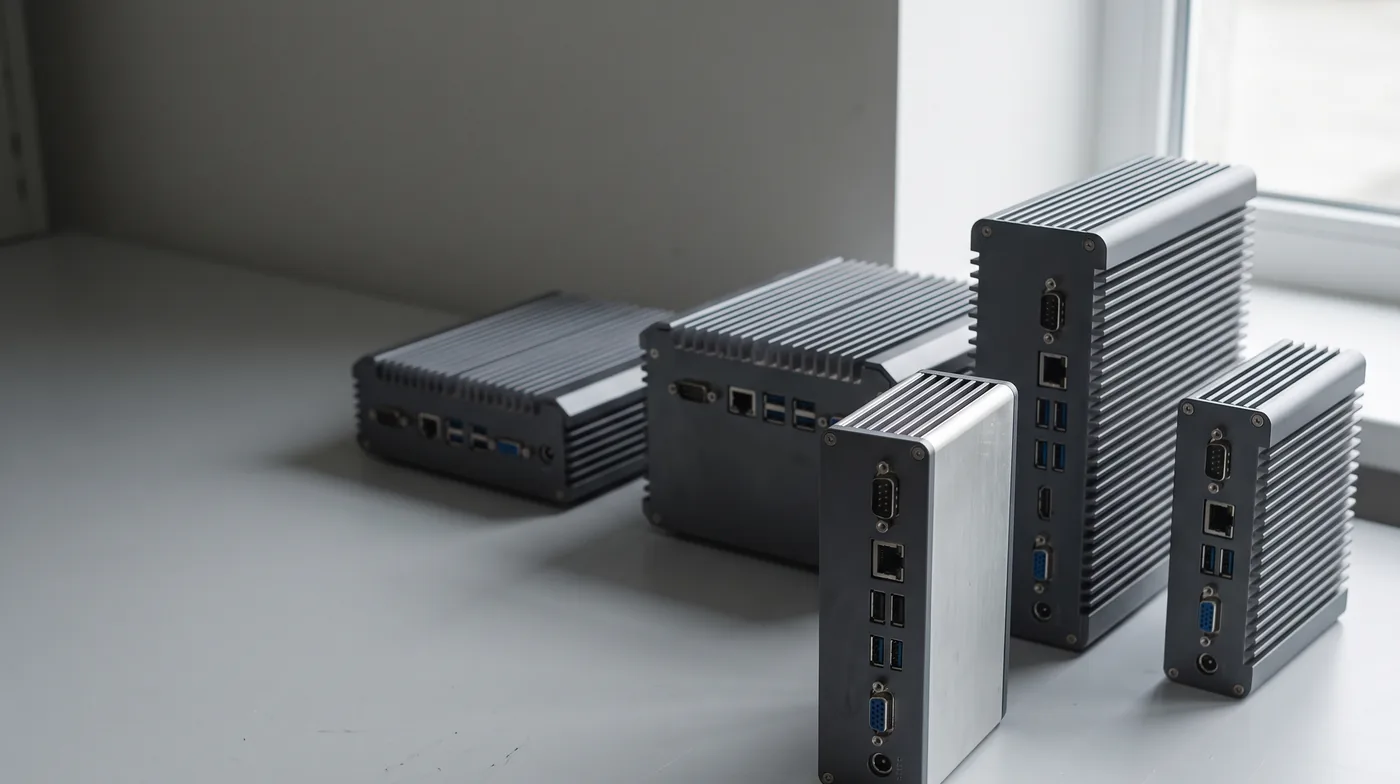

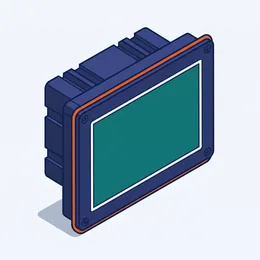
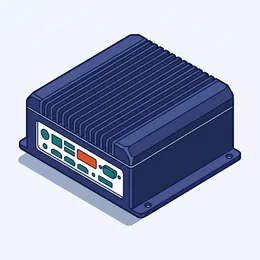

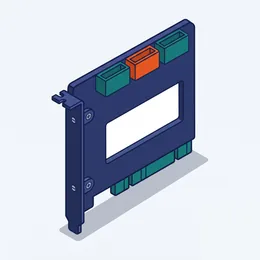

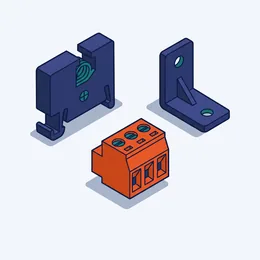
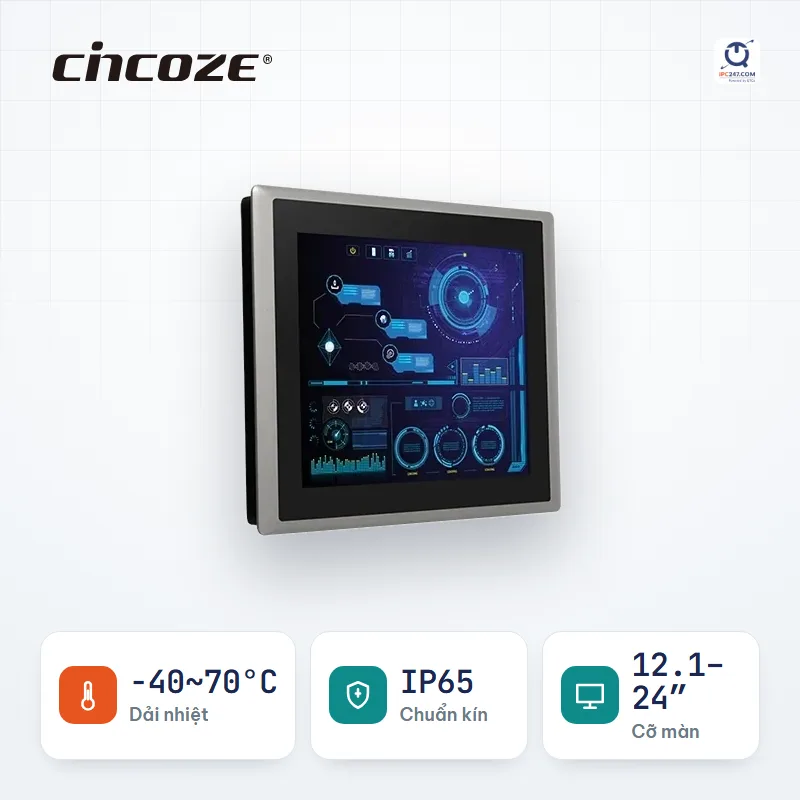

Panel PC
CV-100/P2102 88 configurations in this series
Core i5-8365UE · Core i3-8145UE
-40~70°C12.1″ – 24″up to 4 COMup to 2 LAN1 PCIeIP65
Industrial computers · Panel PC · industrial monitors
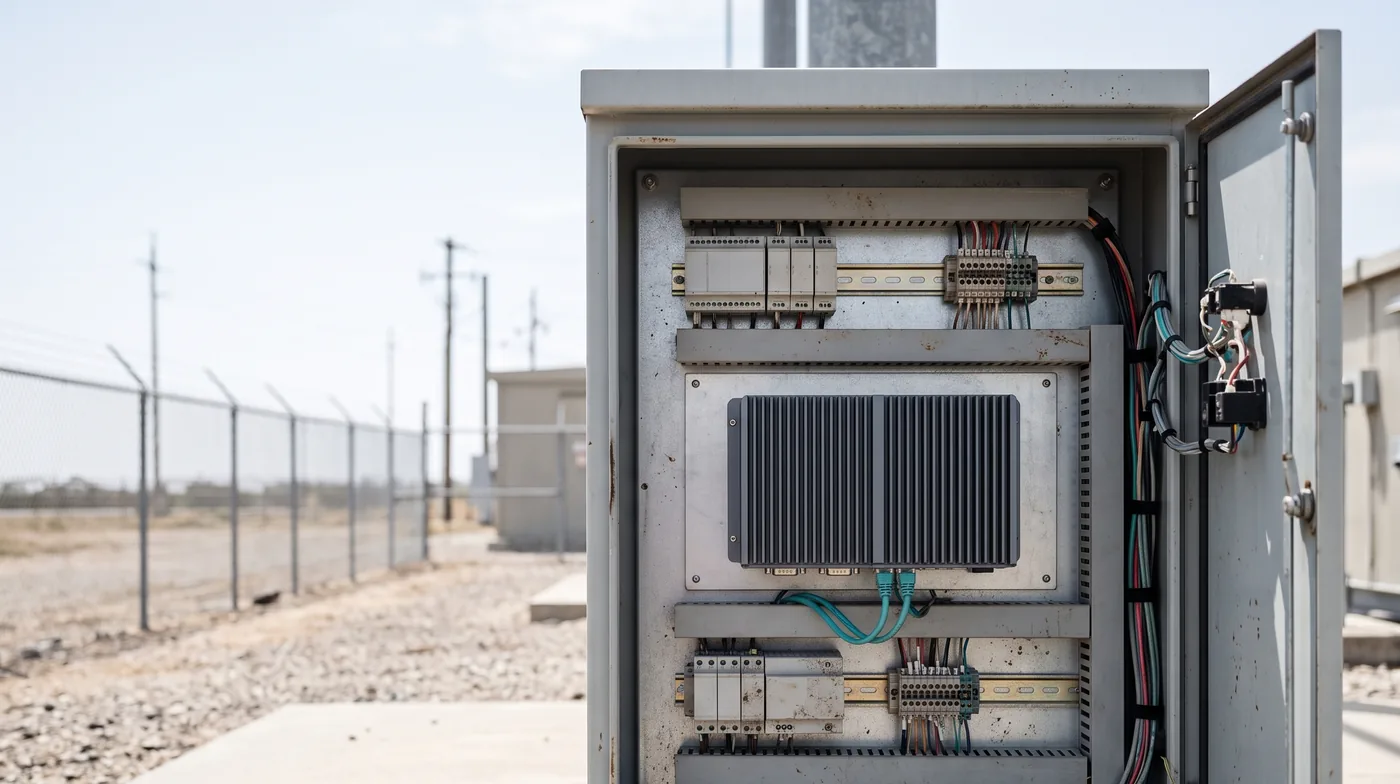
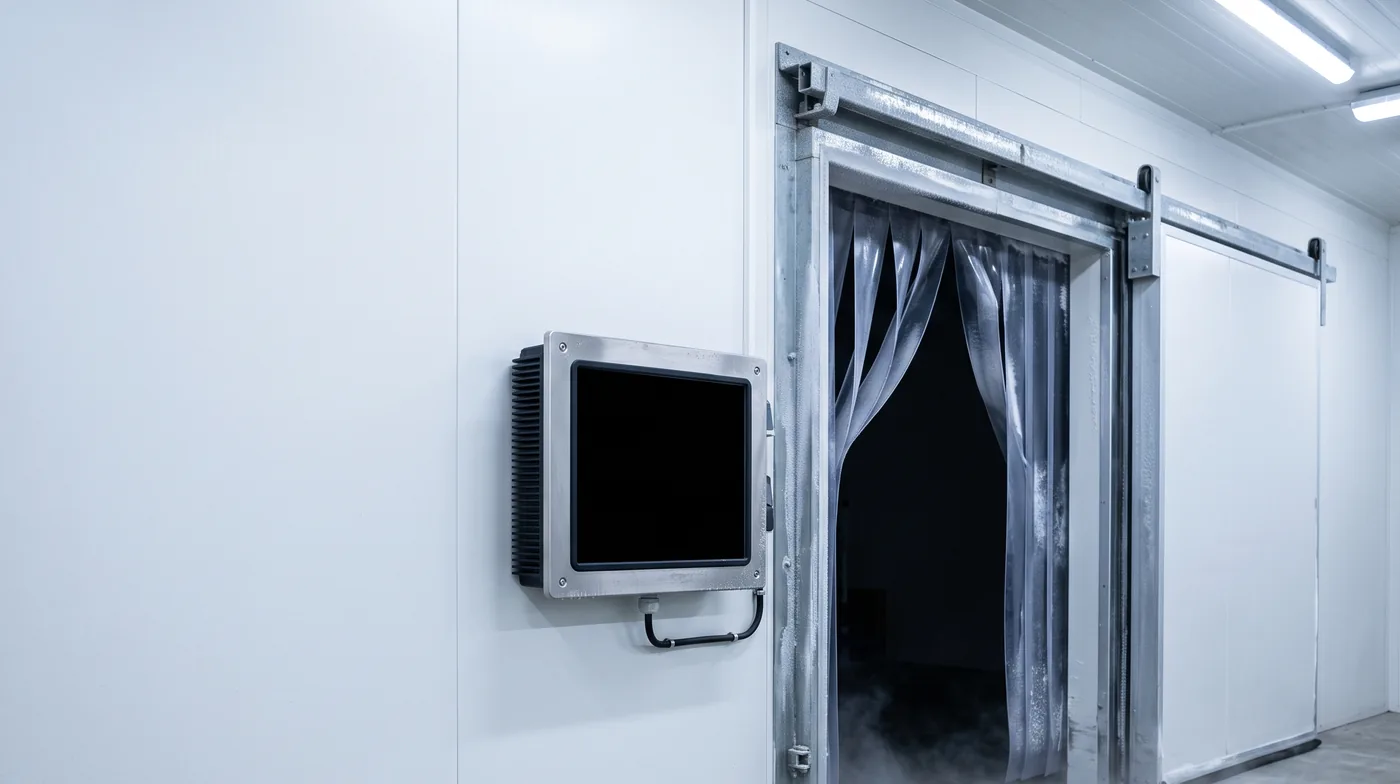
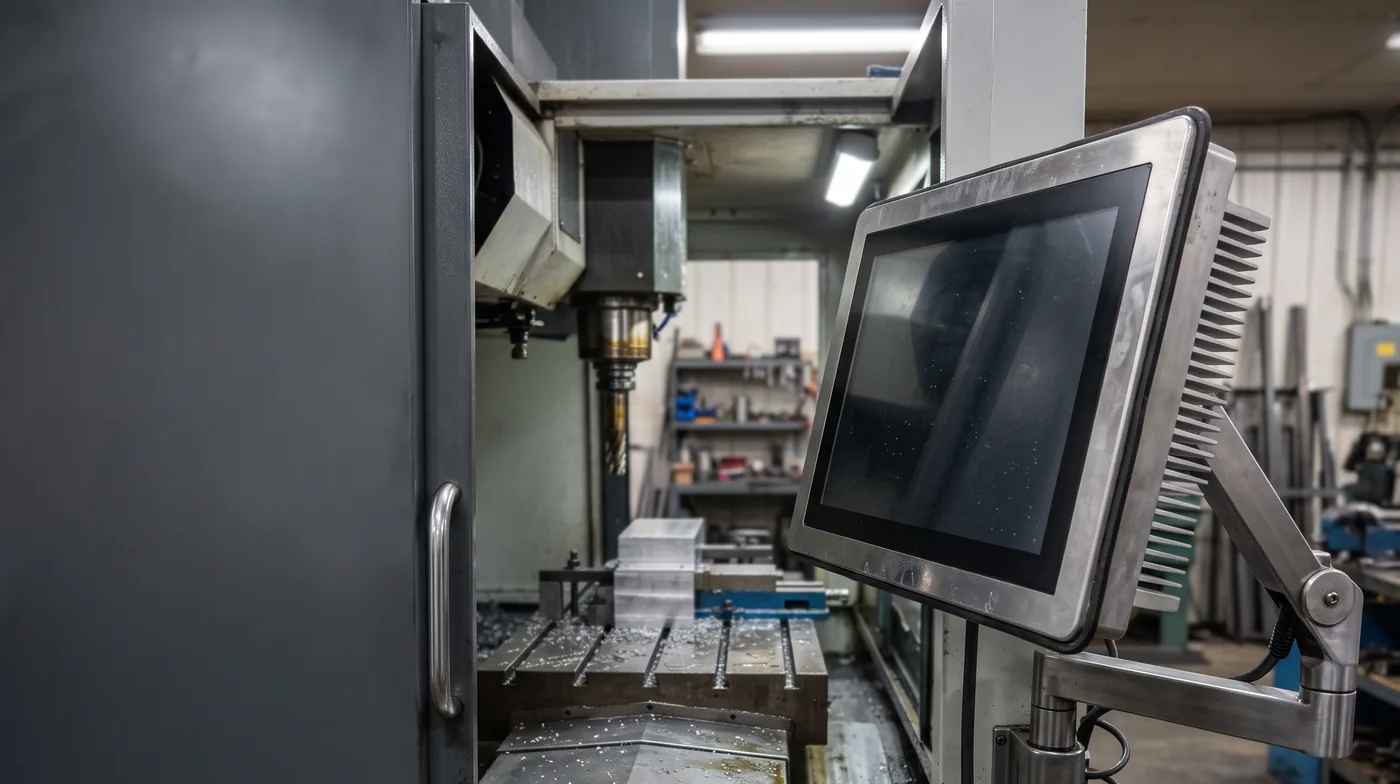
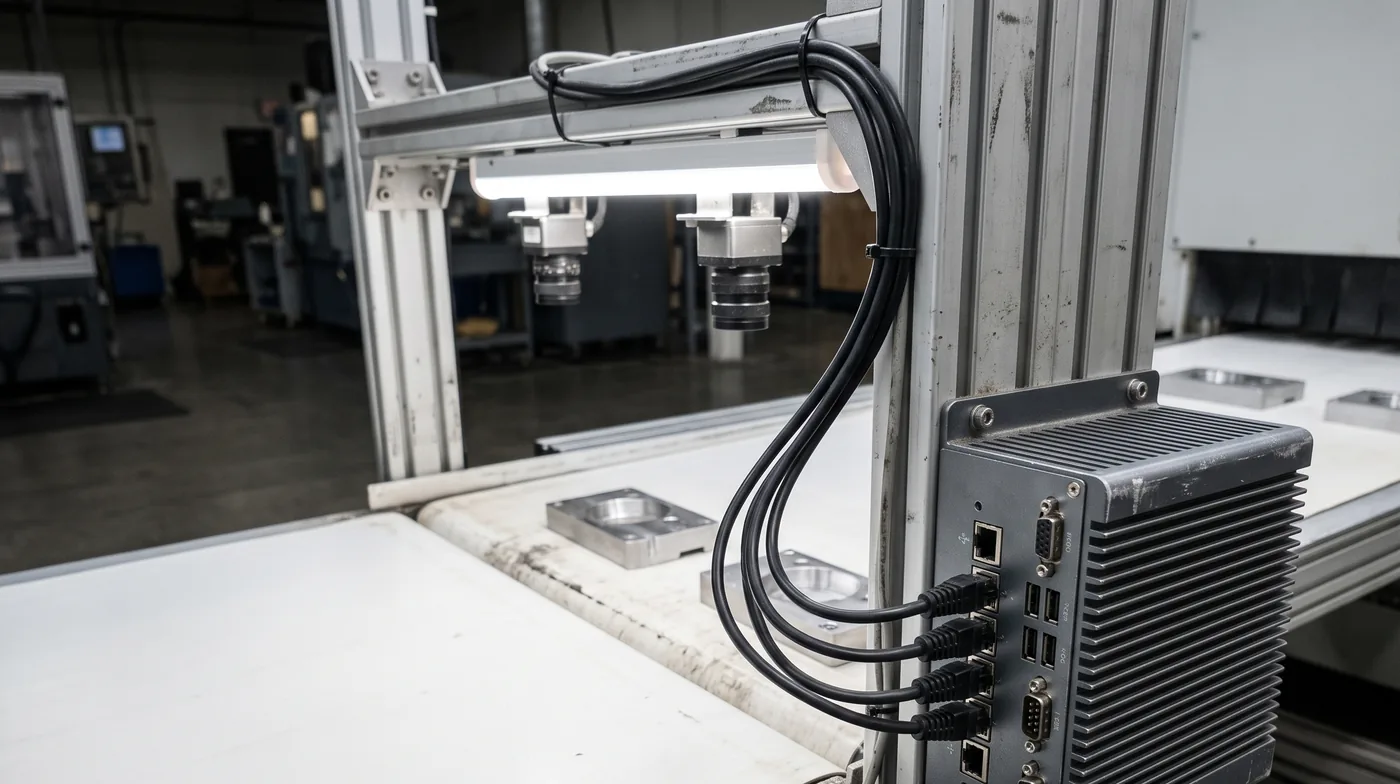
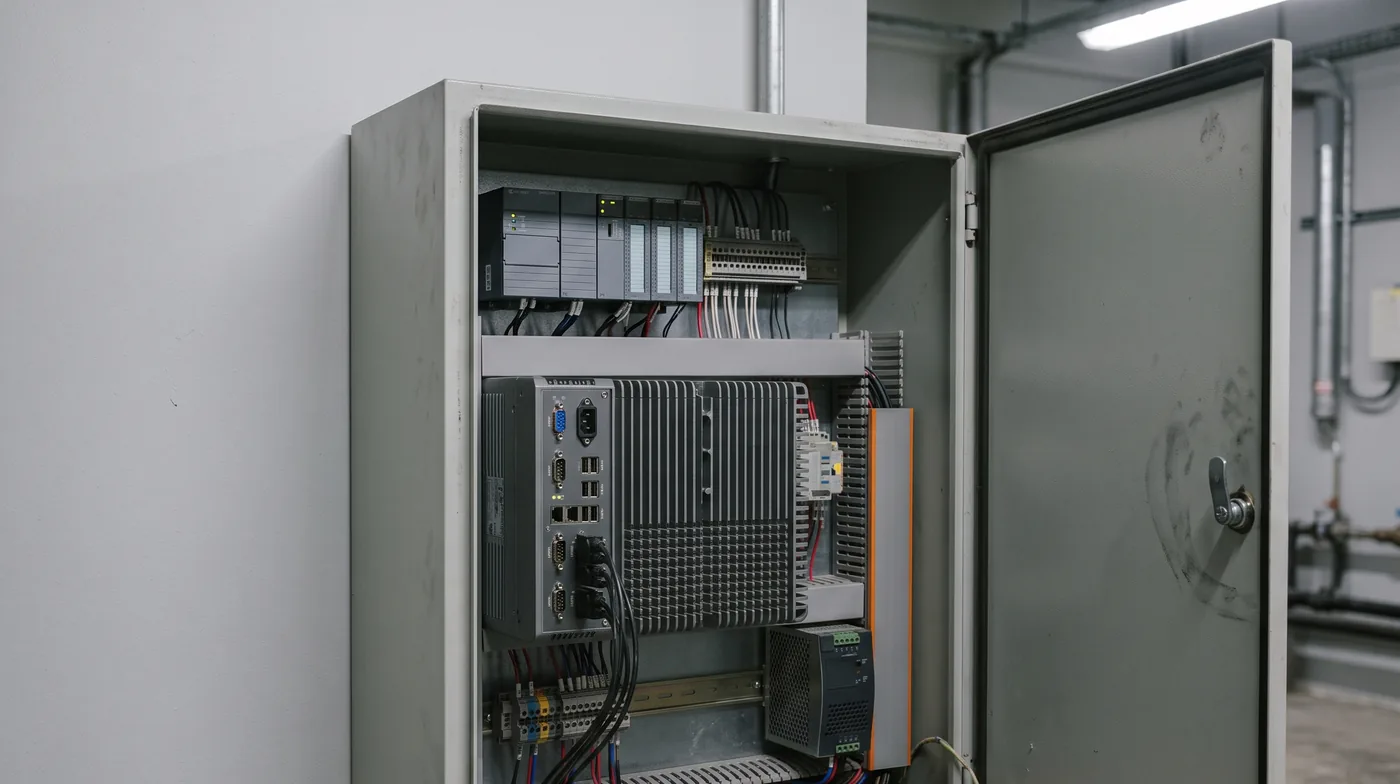
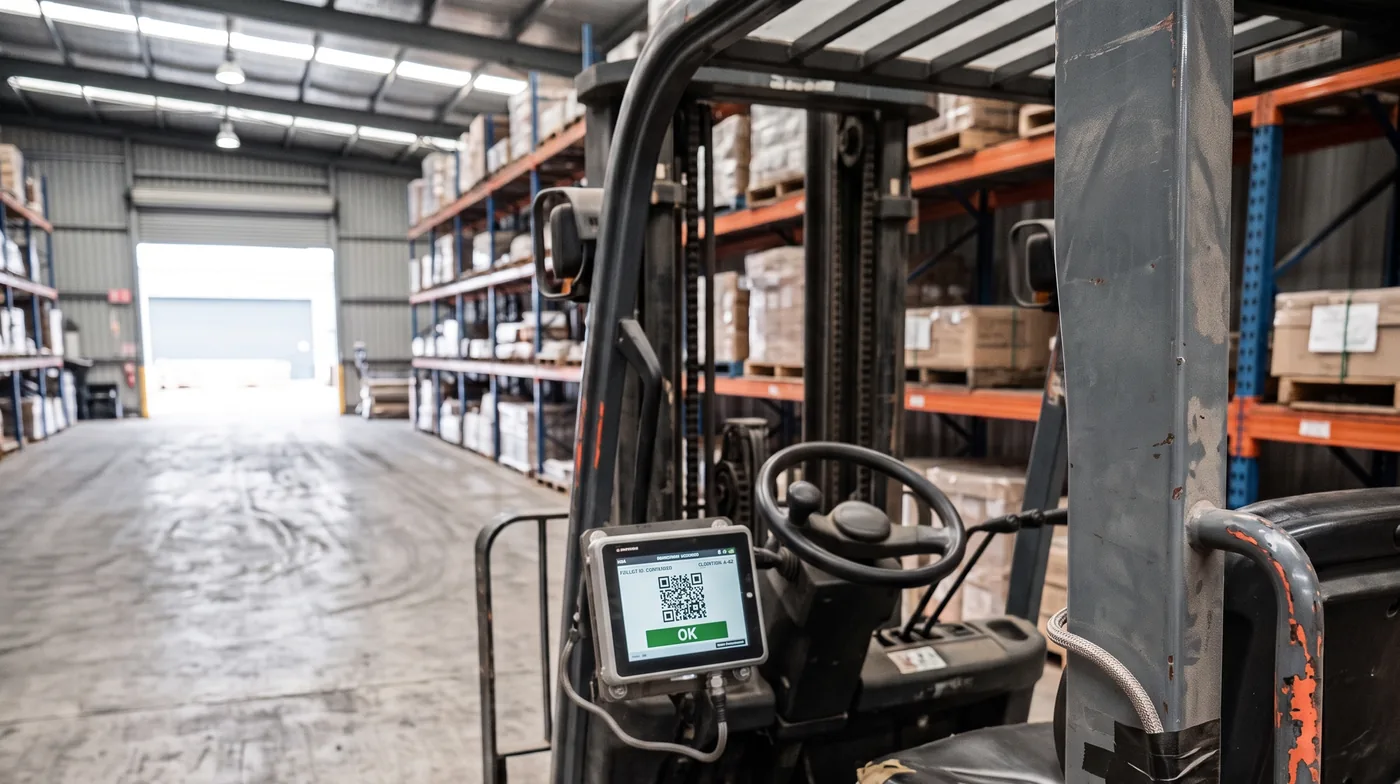
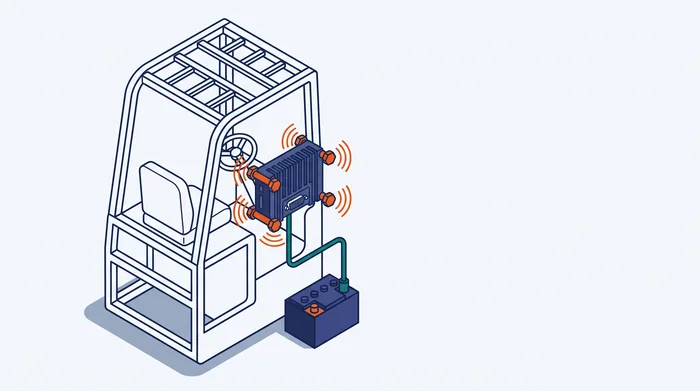
Most industrial PC failures do not come from performance, but from temperature, vibration, dust, power and mounting. Those are what decide which machine will work.
Answer 7 questions about the installation environment; the system filters down to suitable machines and shows how many options remain after each step.
Put 2–3 machines side by side; cells that differ are highlighted so you don’t scan line by line.
No power, lost COM ports, thermal hangs — follow the decision tree to narrow it down.
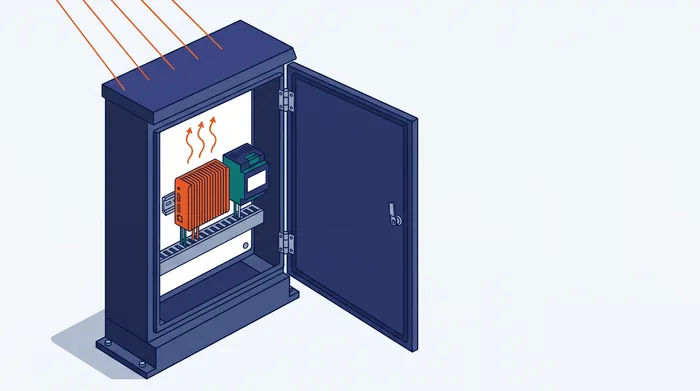
Estimate power draw, the supply size to choose, and the heat dumped into the cabinet.
Each card is one machine series, containing dozens of configurations of screen size and CPU. 3537 models in stock are grouped into 839 series for faster browsing.
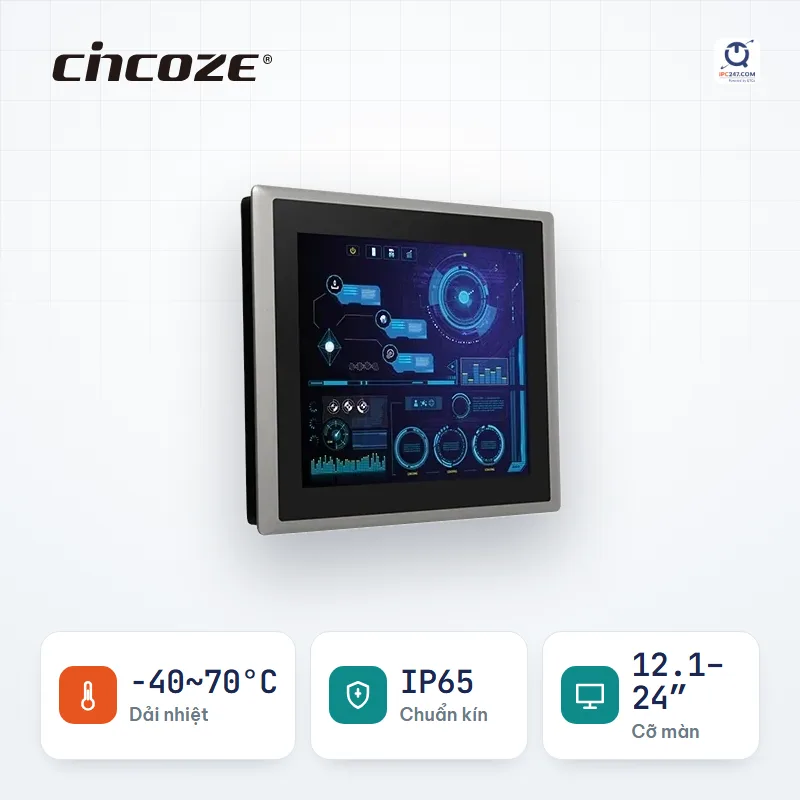
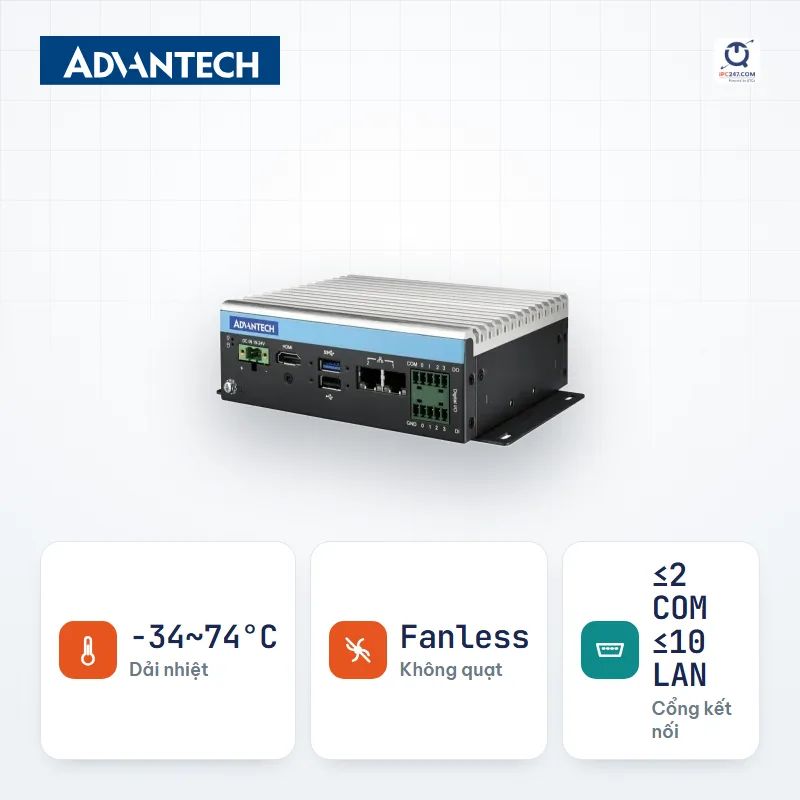

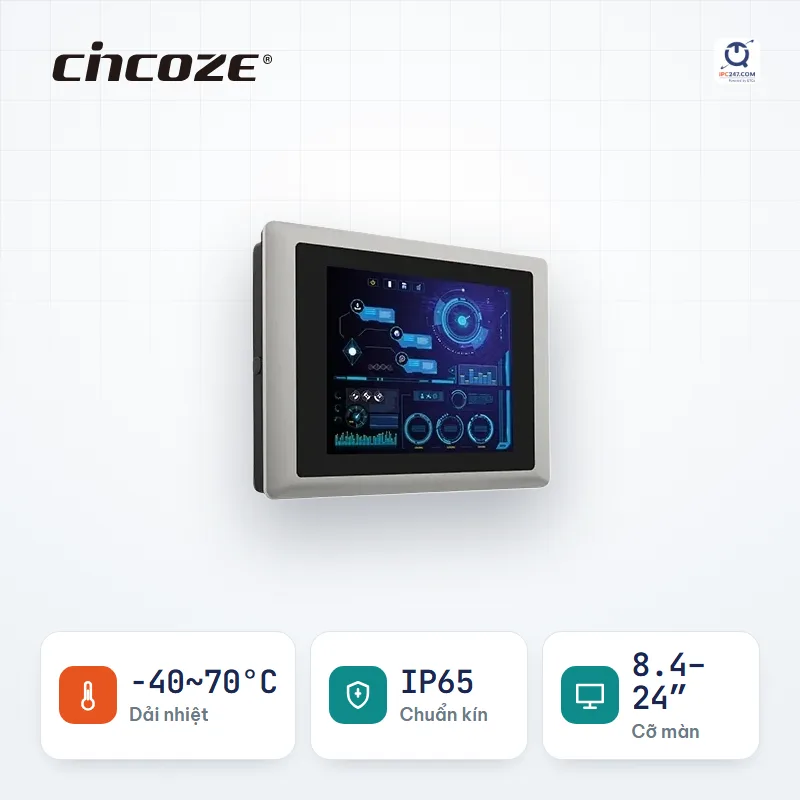
See industrial PC prices by form factor and configuration on ipc247.com (in Vietnamese).
Product reviews, bench tests and setup guides recorded by the IPC247 technical team at our office. Watch them directly here.
Stuck anywhere, just ask — no sign-up needed, an engineer replies within 24 working hours. Good questions are republished so the next person is spared the search.
Ask a questionTell us where the machine will be installed and what it has to do — our engineers check compatibility against the manufacturer documentation and then propose a complete configuration suited to the actual operating conditions.