 Maytinhcongnghiep
RS-232, RS-422 or RS-485 — choosing the right COM port
These three standards all use the same nine-pin DB9 connector and look identical. But plug in the wrong one and nothing runs — and worse, some cases run intermittently, which is far harder to track down than a link that is completely dead.
Where they differ
| RS-232 | RS-422 | RS-485 | |
| Devices | 1 ↔ 1 | 1 driver, 10 receivers | up to 32 devices on one line |
| Distance | ~15 m | ~1,200 m | ~1,200 m |
| Direction | full duplex | full duplex | half duplex |
| Noise immunity | poor | good | good |
| Signal wires | 2 + ground | 4 | 2 |
Choosing by situation
Use RS-232 when
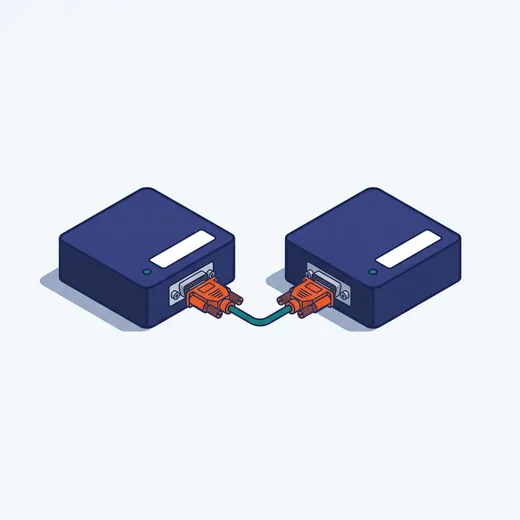
Connecting one device over a short distance, inside a cabinet or on the same bench. Examples: barcode readers, electronic scales, modems, older HMI screens. The simplest option — but do not run it beyond 10–15 metres and do not route it parallel to power cables.
Use RS-485 when
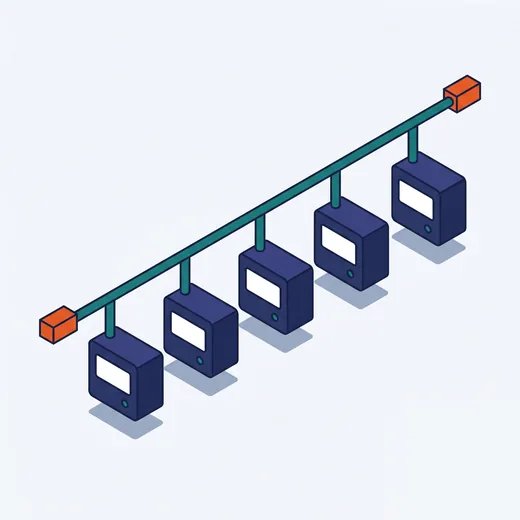
Connecting many devices on the same line, or going far. This is the most common standard in automation: VFDs, power meters, sensors, PLCs — most of them run Modbus RTU over RS-485. Devices are daisy-chained along one twisted pair, each with its own address.
Use RS-422 when
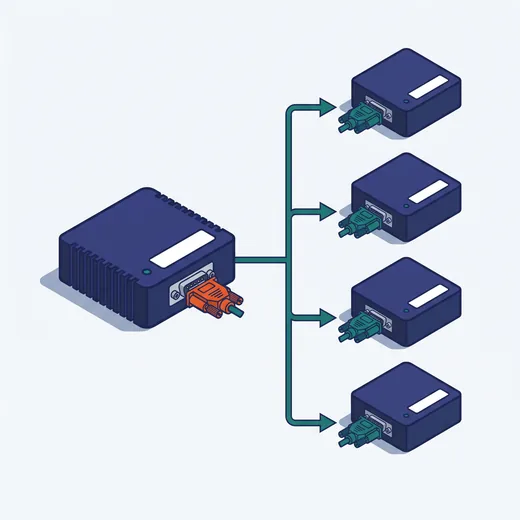
Less common. For one transmitter feeding several receivers simultaneously, with transmission in both directions at the same time. Some measurement instruments and older machine tools use this standard.
Three common RS-485 wiring mistakes
- Swapped A/B. Nothing burns, but no data arrives. Swap the two wires back and it works — always try this before suspecting a faulty device.
- Missing termination resistors. A long line needs 120Ω resistors at both ends of the trunk. Without them the signal reflects; the symptom is scattered errors at high baud rates or on long runs — the link works, but packets occasionally drop.
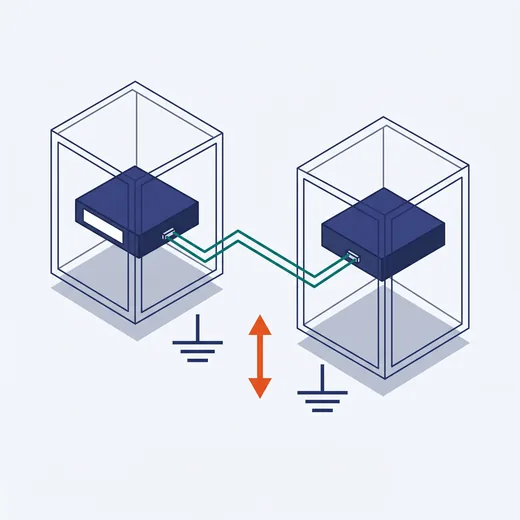
- No common reference ground. Two devices in two different cabinets can sit at different earth potentials. Without a shared ground wire, the receiver's levels shift and it reads wrong.

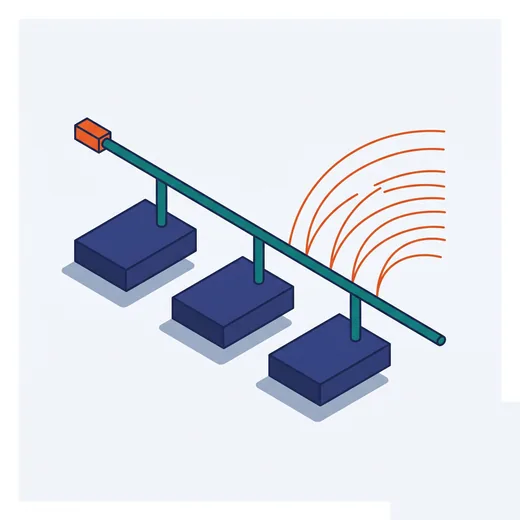
Optical isolation — when you need it
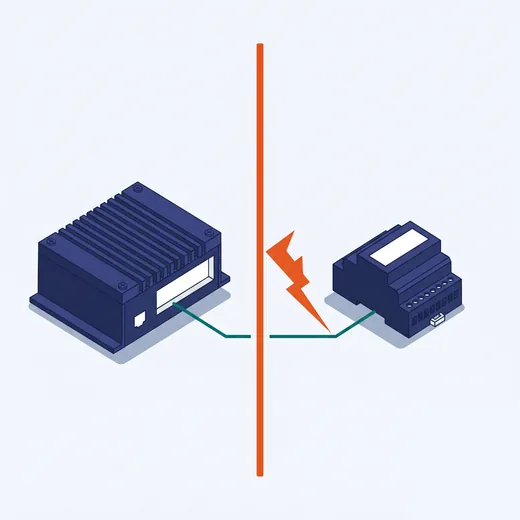
A COM port with optical isolation (isolated) completely separates the computer electrically from the external device. Worth having when:
- The cable runs between two cabinets, two buildings, or outdoors
- Near VFDs, welders, large motors — strong noise sources
- The system has a history of burnt COM ports
Isolation is usually specified with a withstand rating, e.g. 2,500 VDC. If the machine lacks it, a separate external isolator can be added — but having it built into the machine is neater and more durable.
Industrial machines let you select the mode
Most industrial computers list their COM ports as RS-232/422/485 — meaning one port runs all three, with the mode selected in BIOS or software. Convenient, but remember two things: each port runs only one mode at a time, and the mode must be set correctly before wiring.