 Maytinhcongnghiep
Why industrial factors decide the machine, not the CPU
Customers who come to us usually open with “give me an i5 or an i7”. Almost nobody opens with “my electrical cabinet hits 60 degrees in summer”. Yet the second sentence is the one that decides which machine can actually be used.
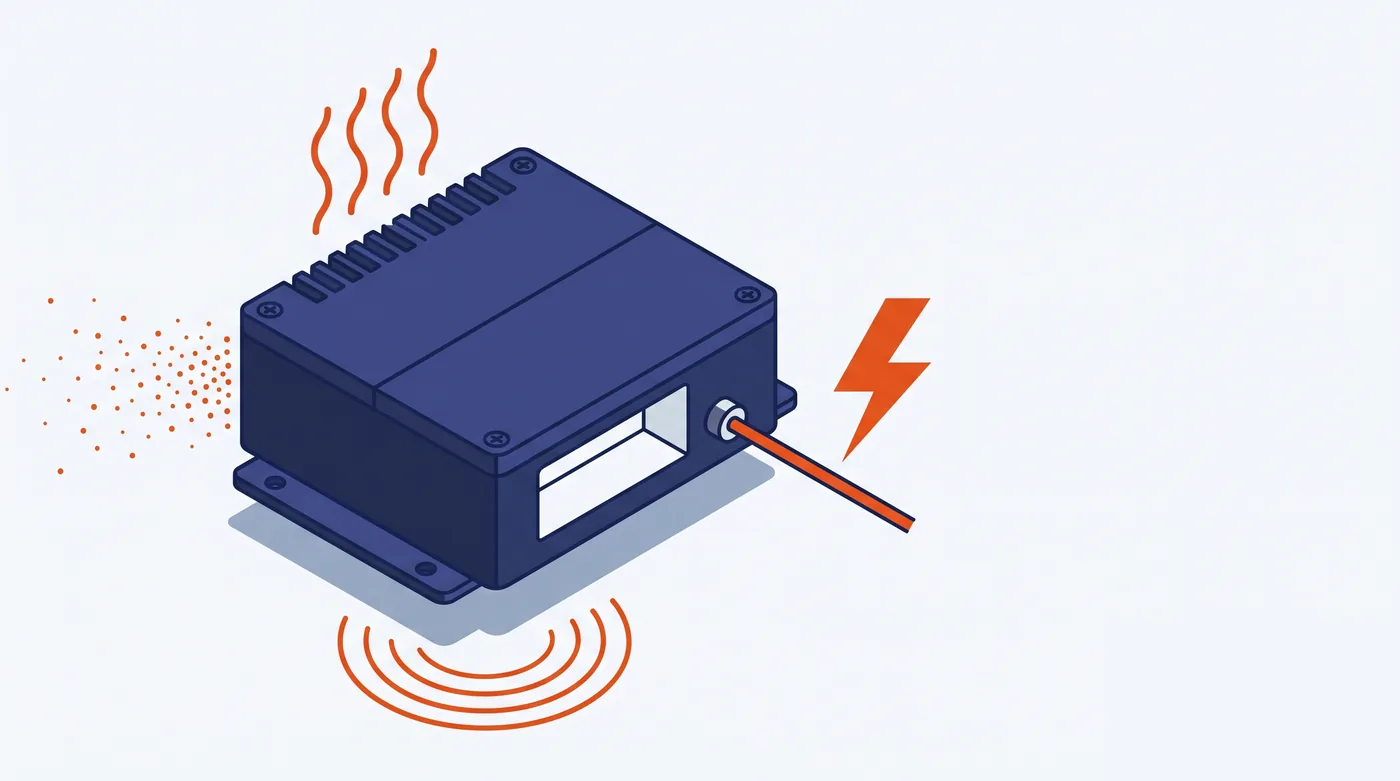
What actually kills a machine
An industrial computer rarely fails because it runs slowly. It fails from four things, ranked by how often we see them:
1. Heat
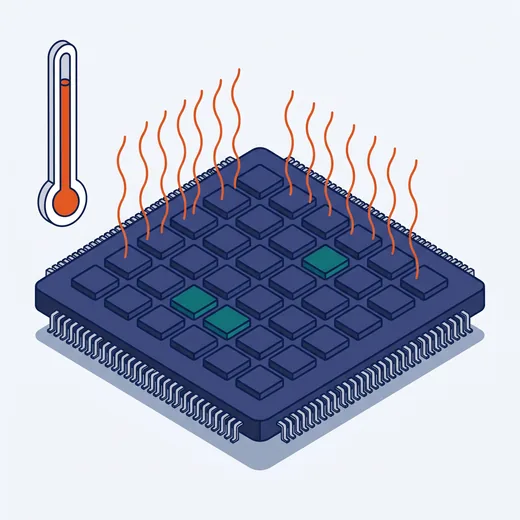
A CPU throttles itself when it overheats, then shuts down. Office machines are designed for a 25°C room; a sealed cabinet on the workshop floor reaching 50–60°C at midday is normal. The machine still boots fine in the morning and hangs by noon — the most maddening kind of fault, because it is not consistent; by the time the technician arrives, the machine runs fine again.
What many people miss: the range printed in the datasheet is the ambient temperature around the machine, not the temperature inside the cabinet. A sealed, unventilated cabinet always runs several degrees hotter than outside, and the machine itself keeps radiating heat into the cabinet.
2. Vibration
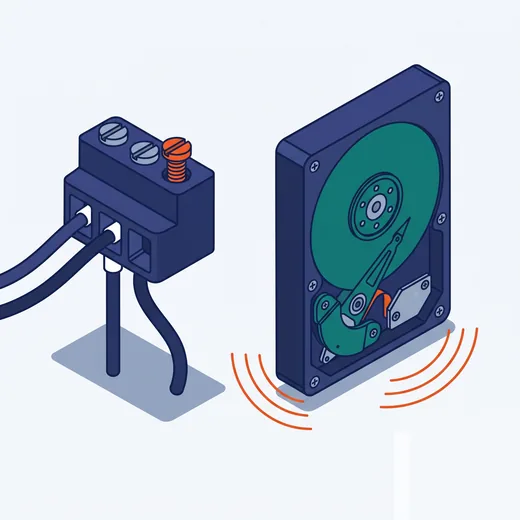
Mount the machine on a CNC machine, a forklift, or a cabinet fixed next to a motor and the vibration is continuous, not a one-off shock. Two things die first: mechanical hard drives and loose connectors. The drive can be swapped for an SSD; the connectors must be screw-locked or terminal-block types — an ordinary barrel jack simply falls out after a few months.
3. Dust and oil

A machine with a fan pulls dust inside, quite literally. In a machining shop, metal dust mixed with oil sticks to the board and forms a thin conductive layer, causing intermittent faults and then permanent failure. This is why a fanless machine is not just about quietness — it is a sealed machine.
4. Power
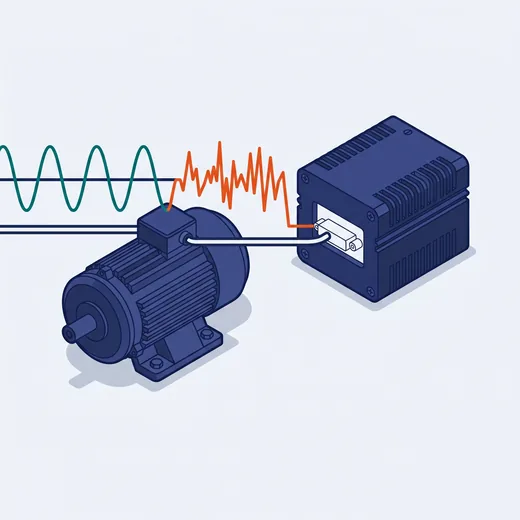
Factory power is not as clean as household power. Voltage sags when motors start, noise spikes from VFDs, sudden outages. Industrial machines accept a wide 9–48VDC input with overvoltage and reverse-polarity protection — they can be wired straight to cabinet power or a battery. With an ordinary adapter, every voltage sag is another reboot.
So the CPU does not matter?
It does — but it is the easiest constraint to satisfy. Most industrial workloads — HMI, SCADA, data acquisition, control — run fine on a modest CPU. Meanwhile there is no way to “upgrade” a machine into surviving 70°C if it was not designed for it.
Put another way: pick the wrong CPU and the machine runs slowly; pick wrong against the environment and the machine does not run.
The order to ask in
- Where will the machine sit, and roughly what is the highest temperature there
- Is there vibration, is there dust or oil
- How will it be mounted, what power supply is available
- Which devices must plug in, how many ports of each kind
- And only then: what software will run, what CPU it needs
Our machine selector asks in exactly this order — it takes about a minute and shows how many suitable machines remain after each choice.
A real example
A customer needed a machine inside an outdoor electrical cabinet in Binh Duong, running simple monitoring software. Chosen on performance alone, a cheap i5 mini PC would be more than enough. But an outdoor cabinet passes 60°C at midday, and that machine was rated 0–40°C.
The right machine here was a wide-temperature fanless unit rated −40~70°C, running a far weaker Atom CPU — but it survives. Plus ventilation planned for the cabinet, because even a machine rated for 70°C should not run at its limit all day.