 Maytinhcongnghiep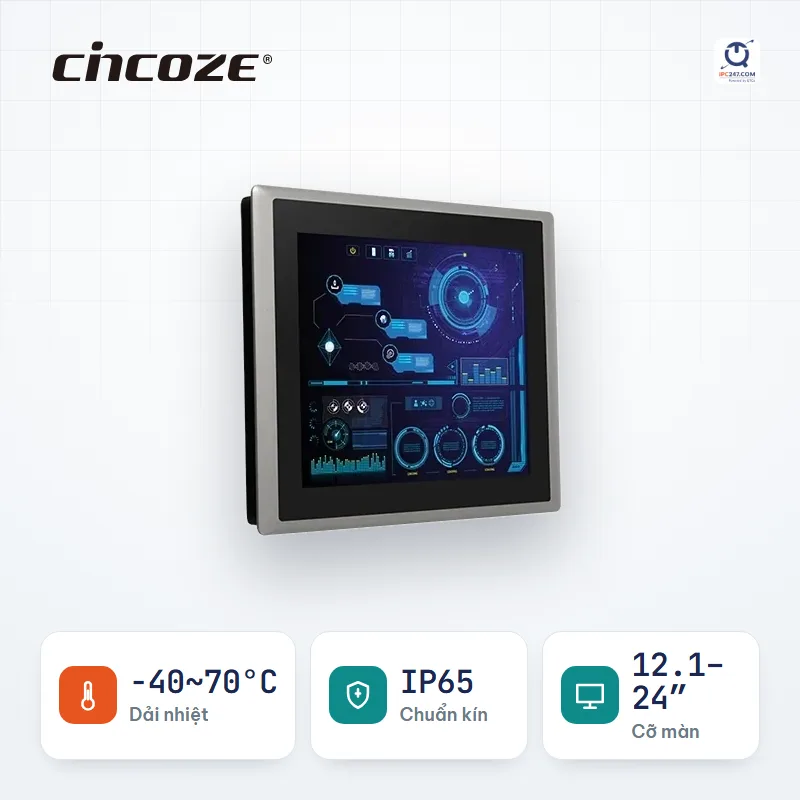

Panel PC
CV-100/P2102 88 configurations in this series
Core i5-8365UE · Core i3-8145UE
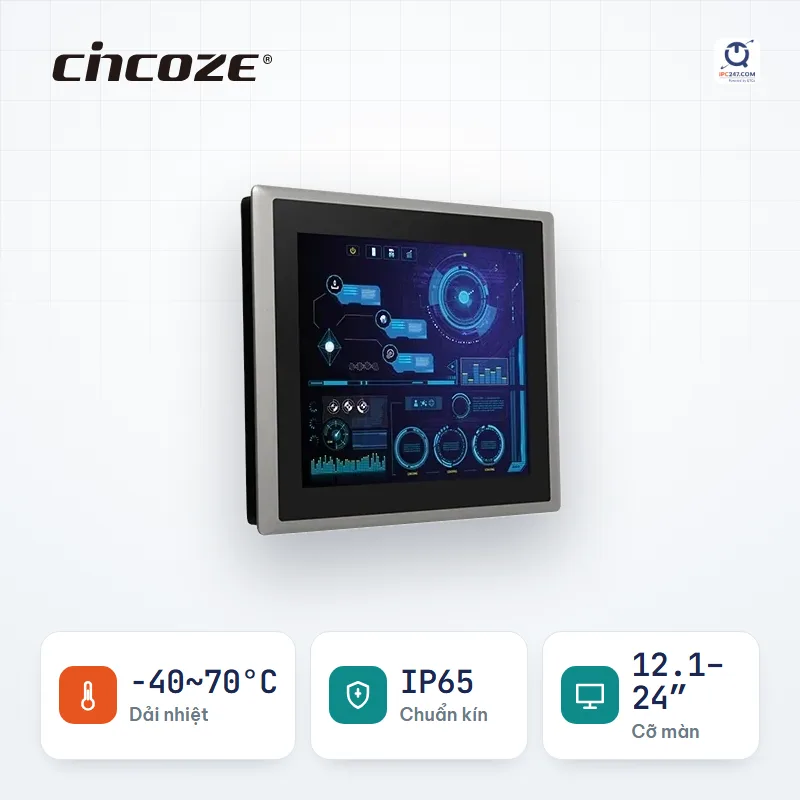
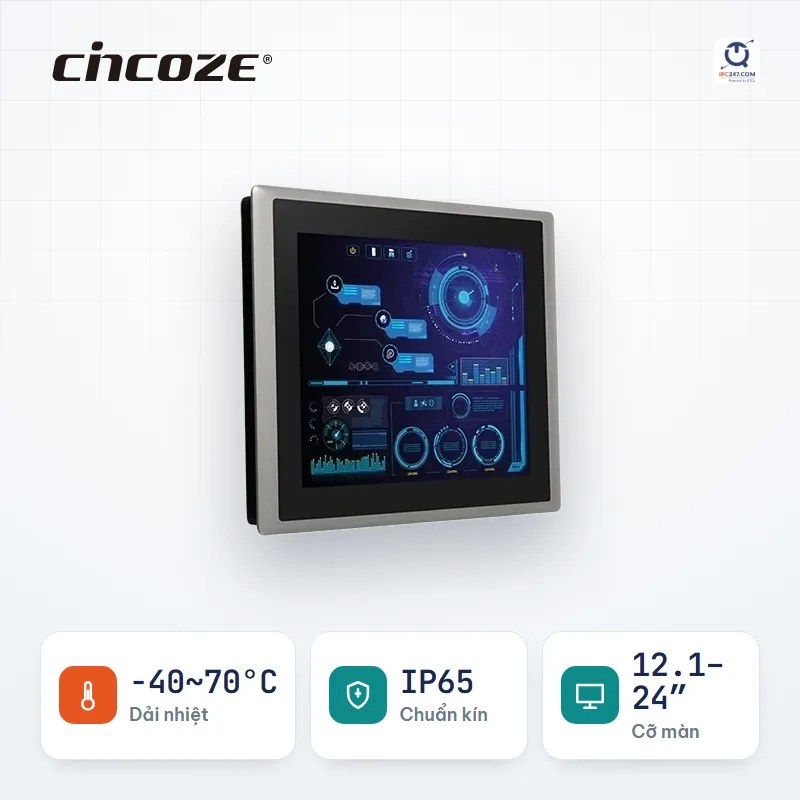
-40~70°C12.1″ – 24″up to 4 COMup to 2 LAN1 PCIeIP65
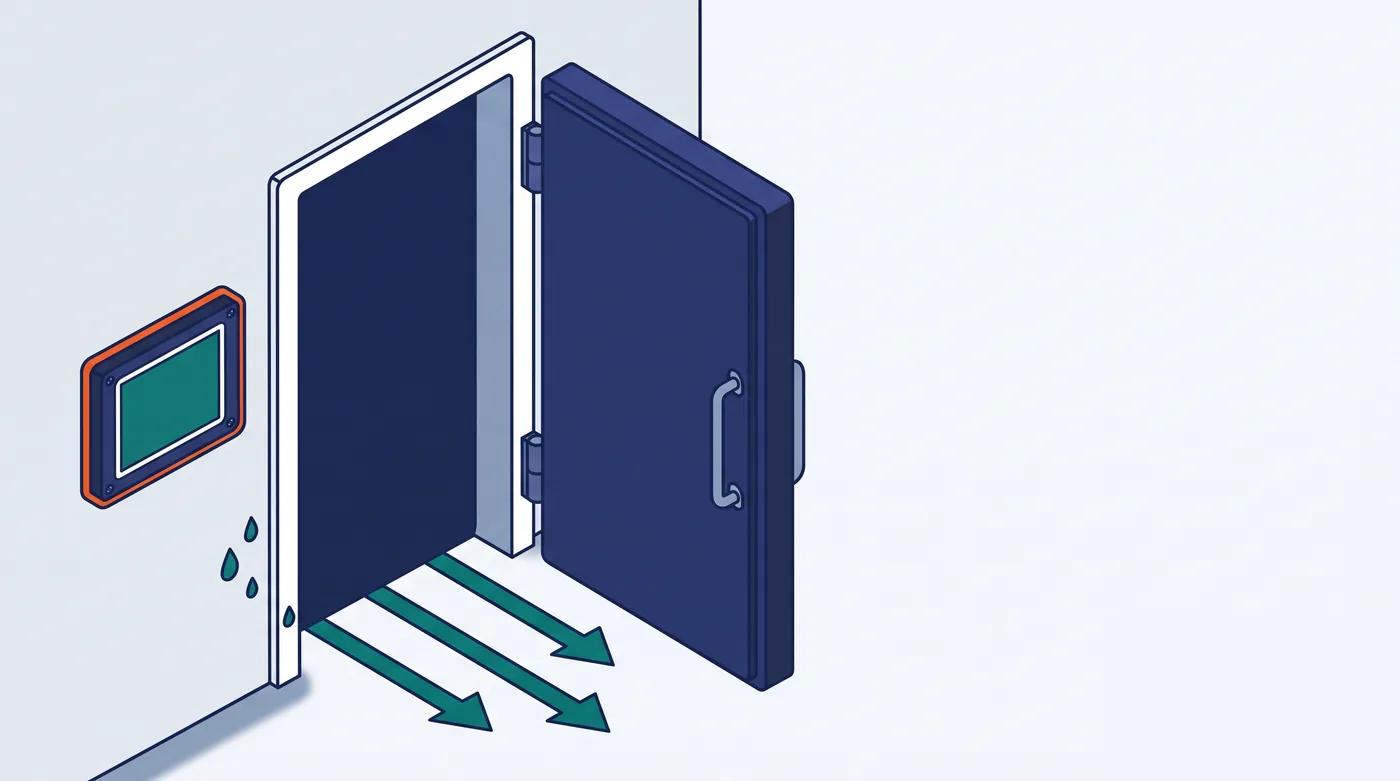
Cold rooms at −18 to −25°C, or food-prep rooms at 2–8°C. Operators wear thick gloves and work with wet hands. Every time the cold-room door opens, humid outside air rushes in and condenses into water on every cold surface — including inside the machine.
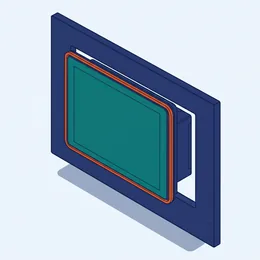 Panel PC Usable with gloves on · 18 series · 157 models
 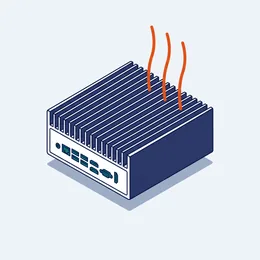 Industrial computer Runs the warehouse, no screen · 66 series · 434 models
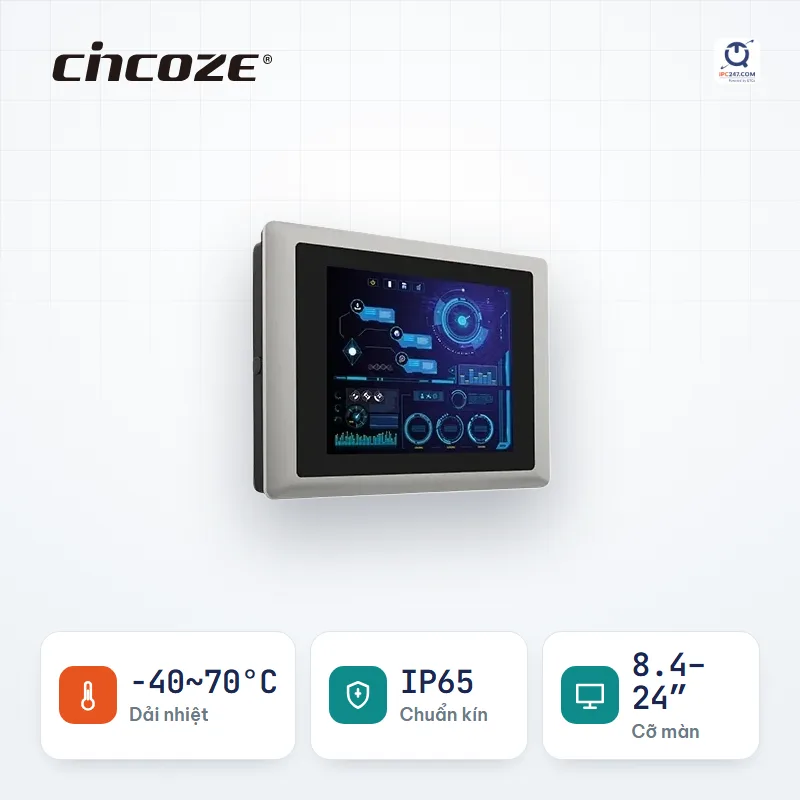
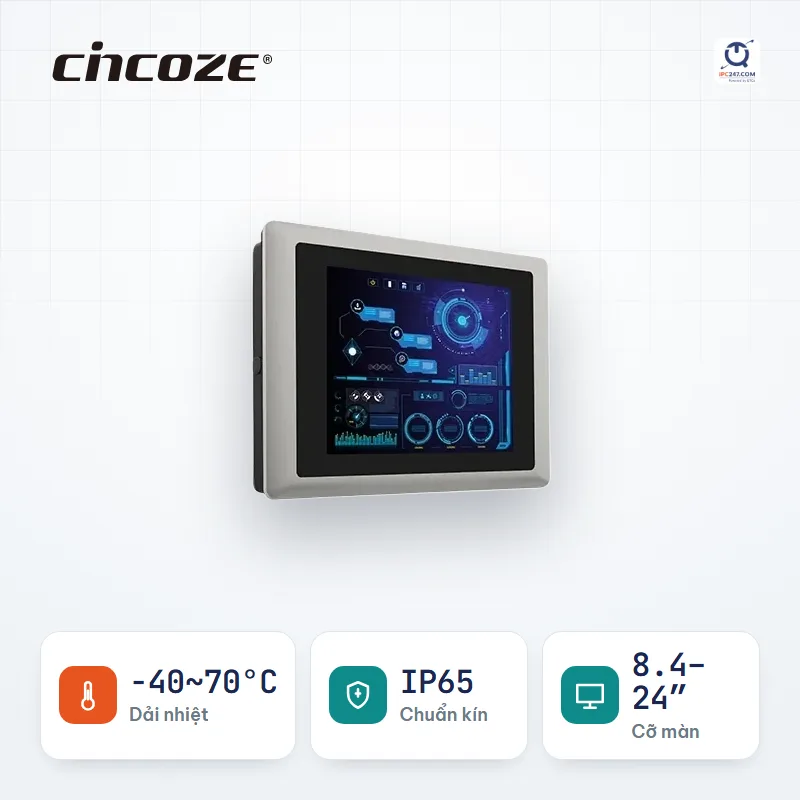
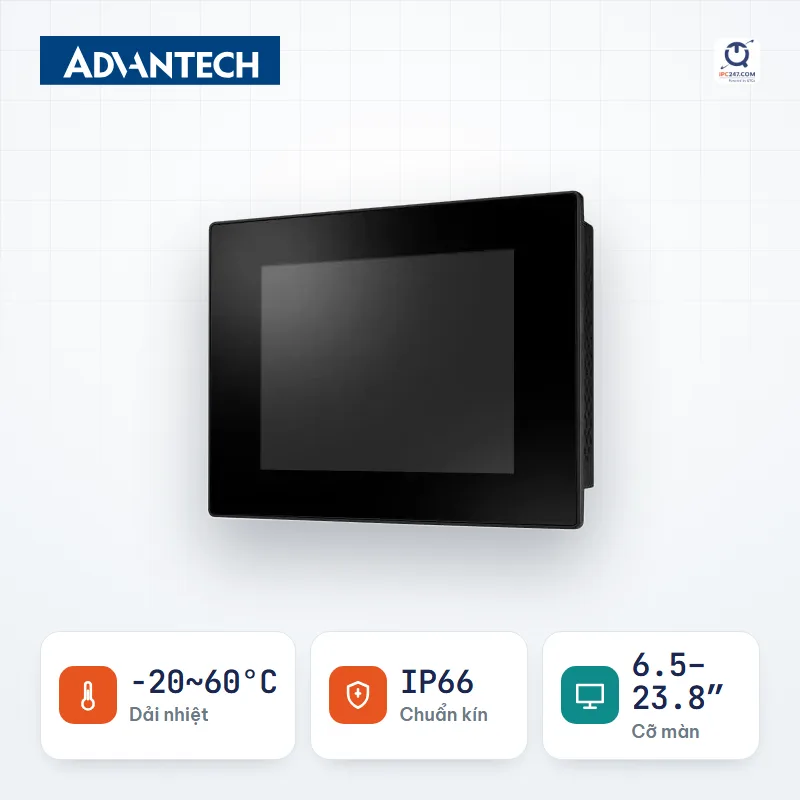
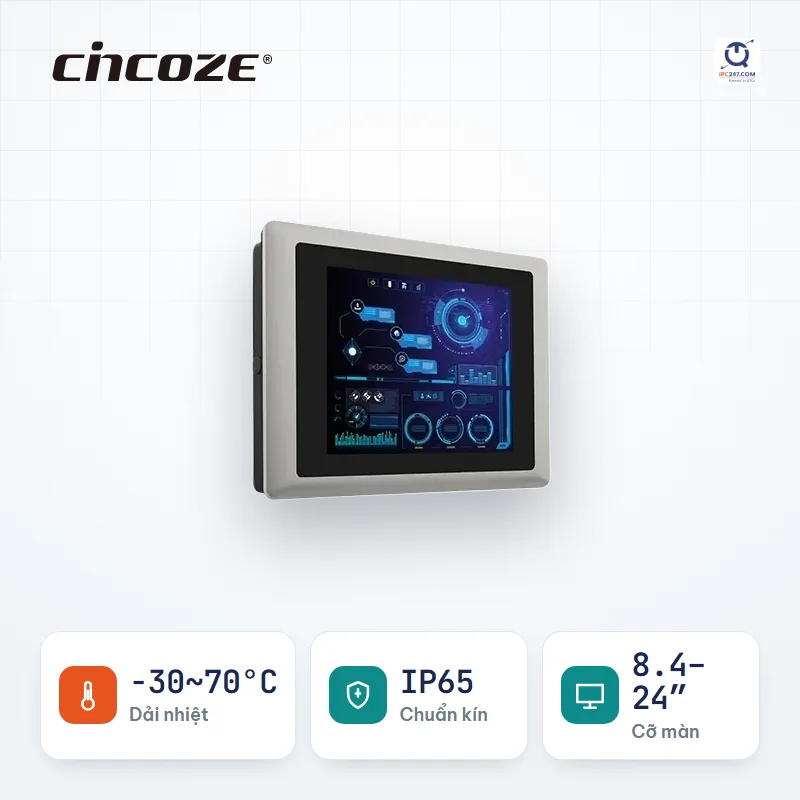
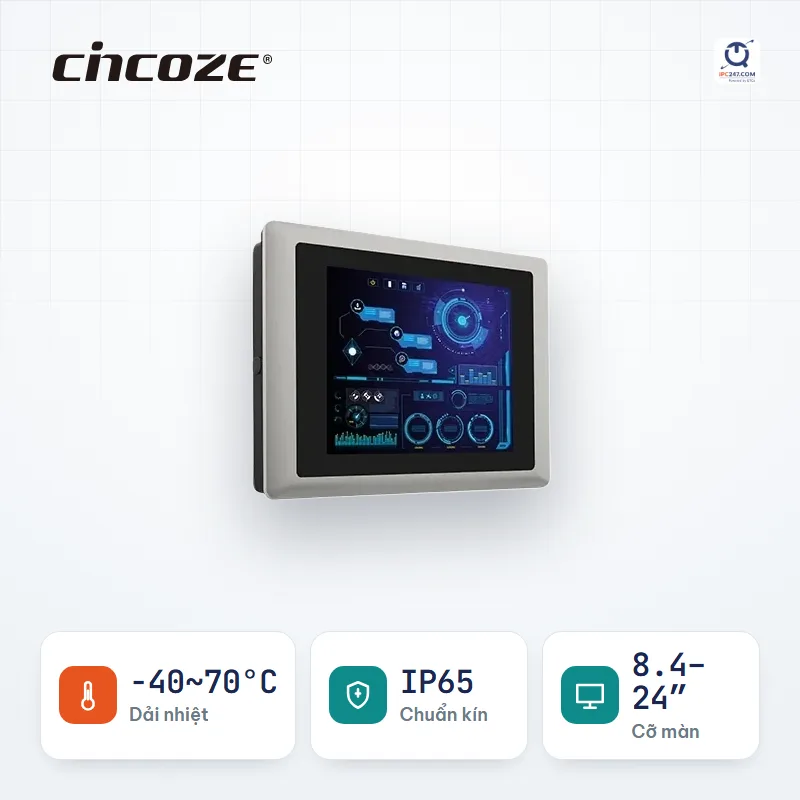
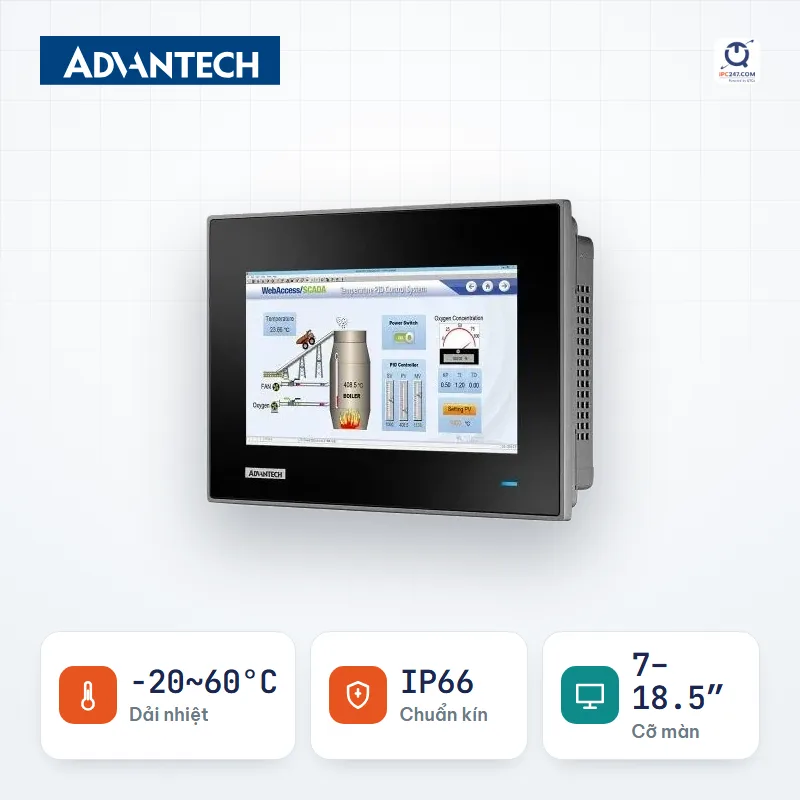
 A touchscreen right in the cold room or prep room: operators in thick gloves work directly on the screen, and the machine’s surface gets washed down constantly. The touch technology is the deciding criterion — pick the wrong one and the machine becomes a display you can only look at.
That is 157 specific configurations. Open a series to pick screen size and CPU.

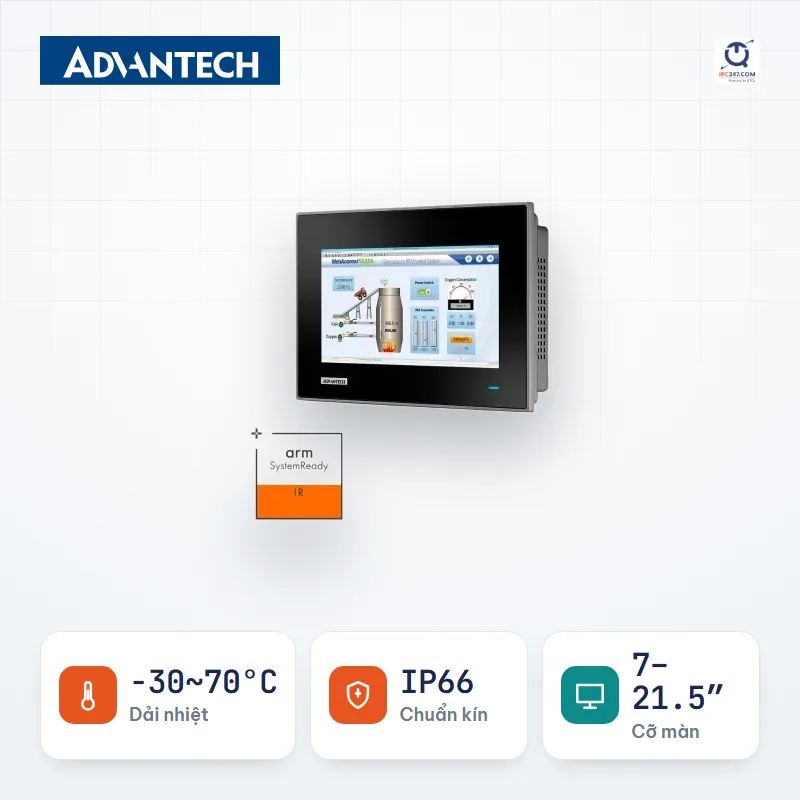
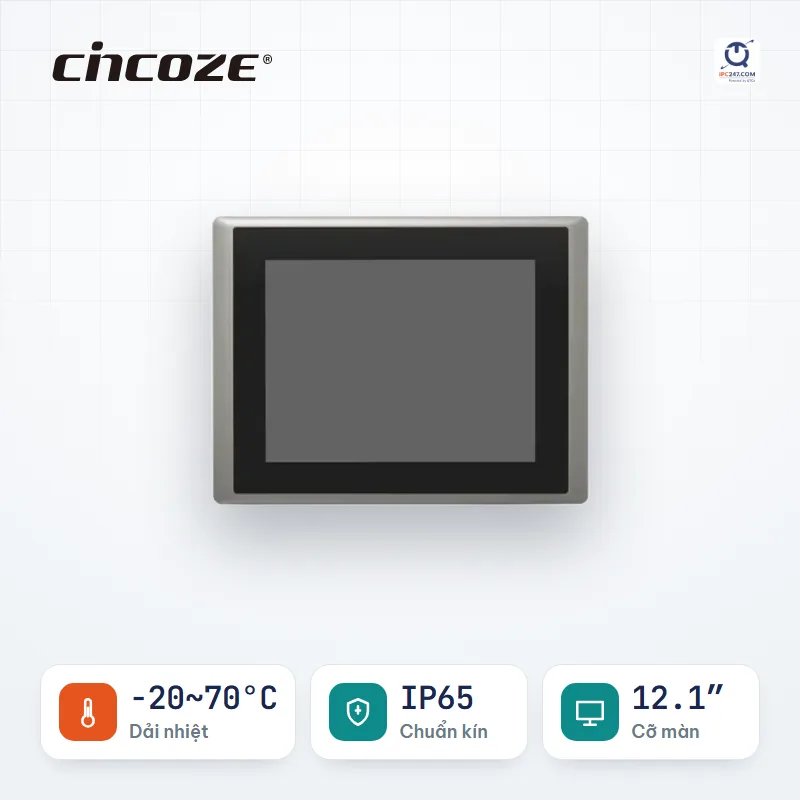
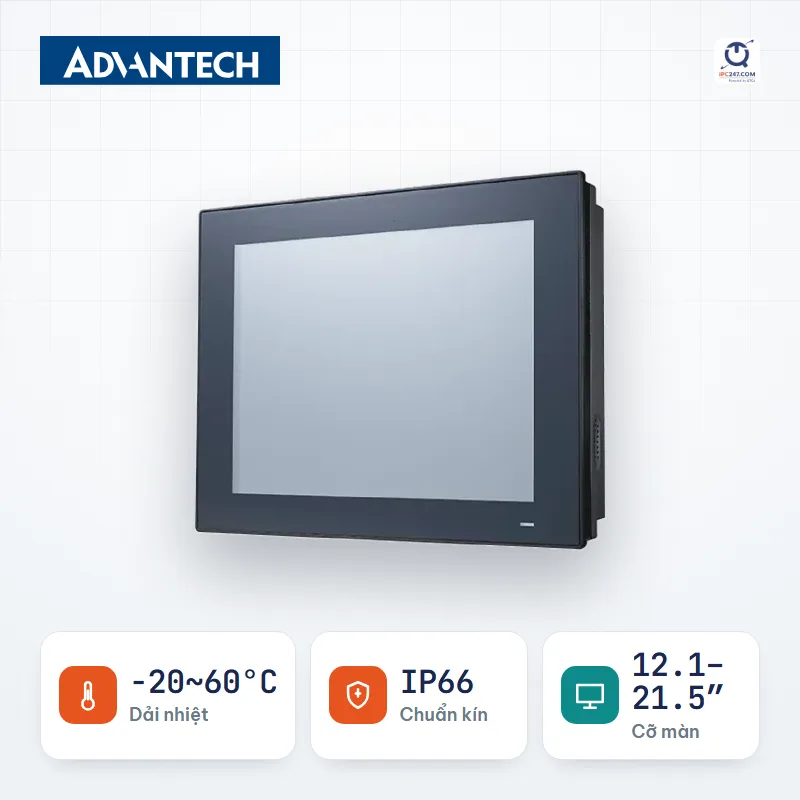
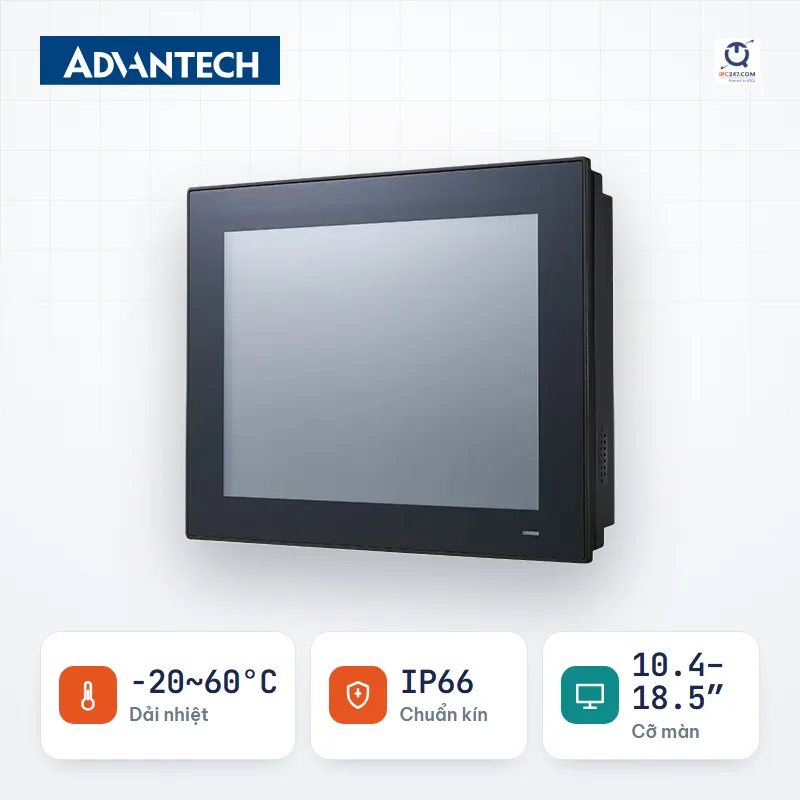
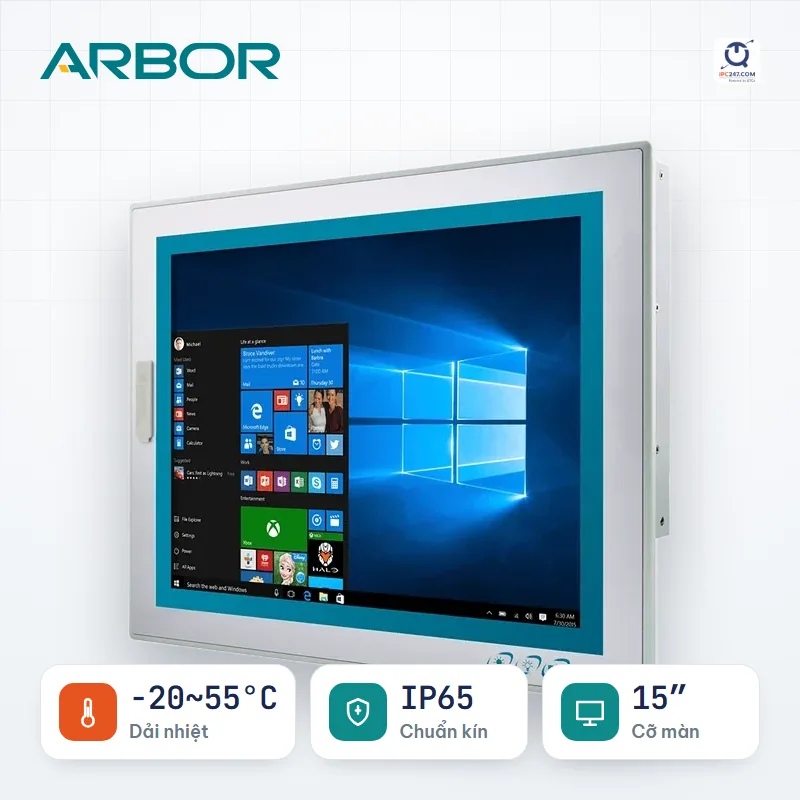

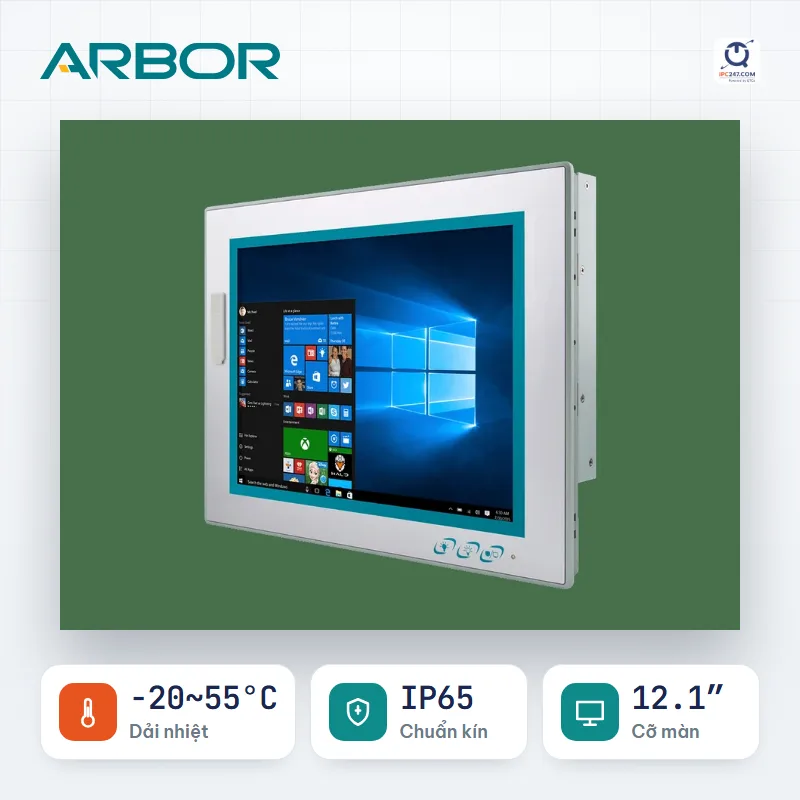
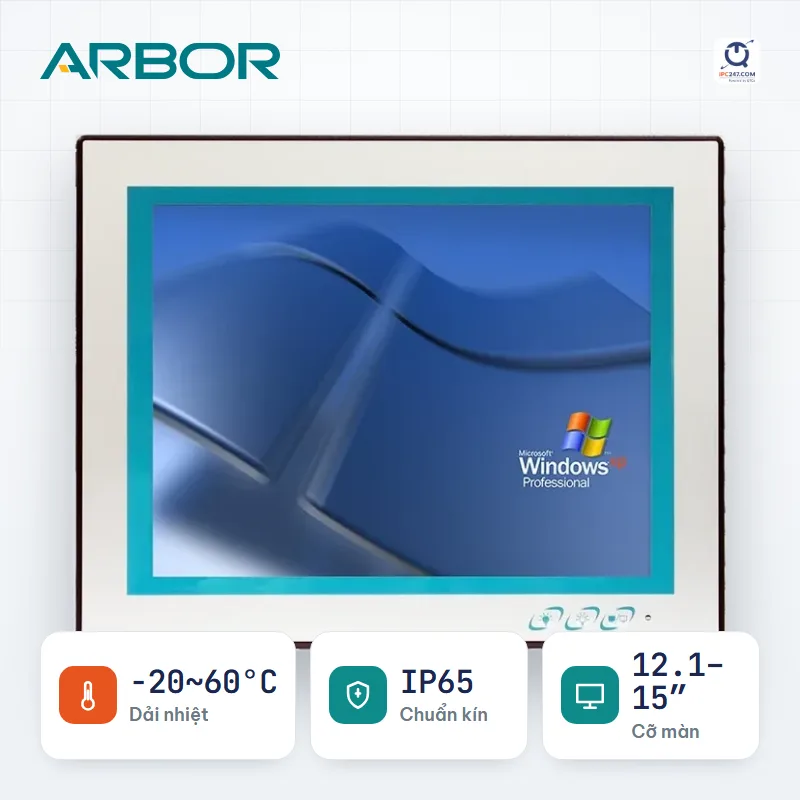
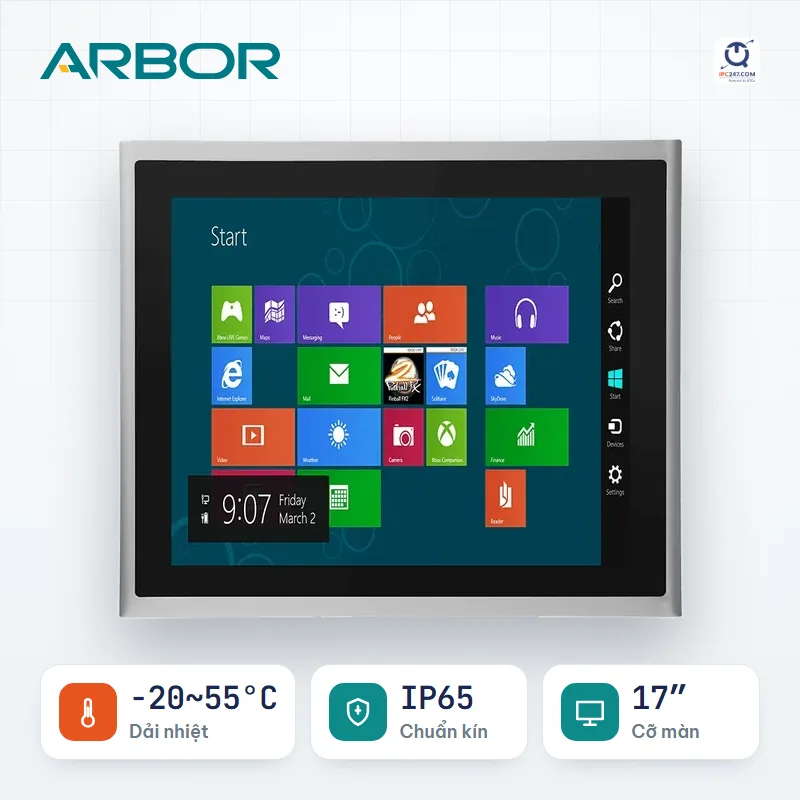
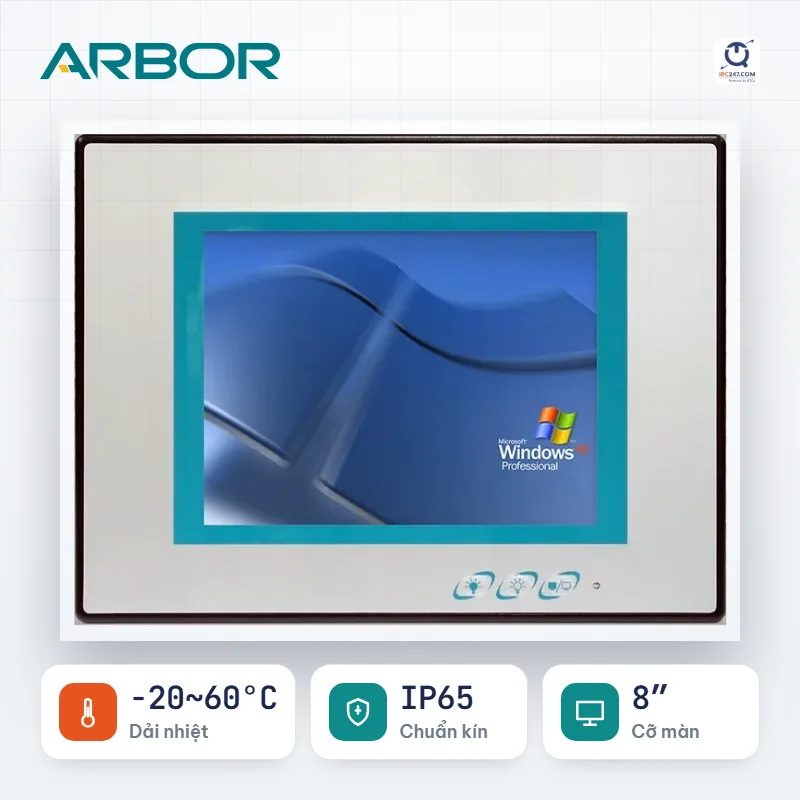
Which machine on this list fits your installation best? Leave your number — an engineer will pick for you and quote the complete set.
We only use this number to answer your request.
Things the filter above does NOT catch. Read before you commit.
The machine picker comes pre-filled with the Panel PC conditions for this situation — you only answer a few more questions about your specific site.
A box PC running the warehouse — automated racking, scales, inbound/outbound management — placed in the cold room or in a technical room right beside it. No screen, so gloves are not an issue; what it has to withstand is sub-zero temperatures and condensing humid air.
That is 434 specific configurations. Open a series to pick screen size and CPU.
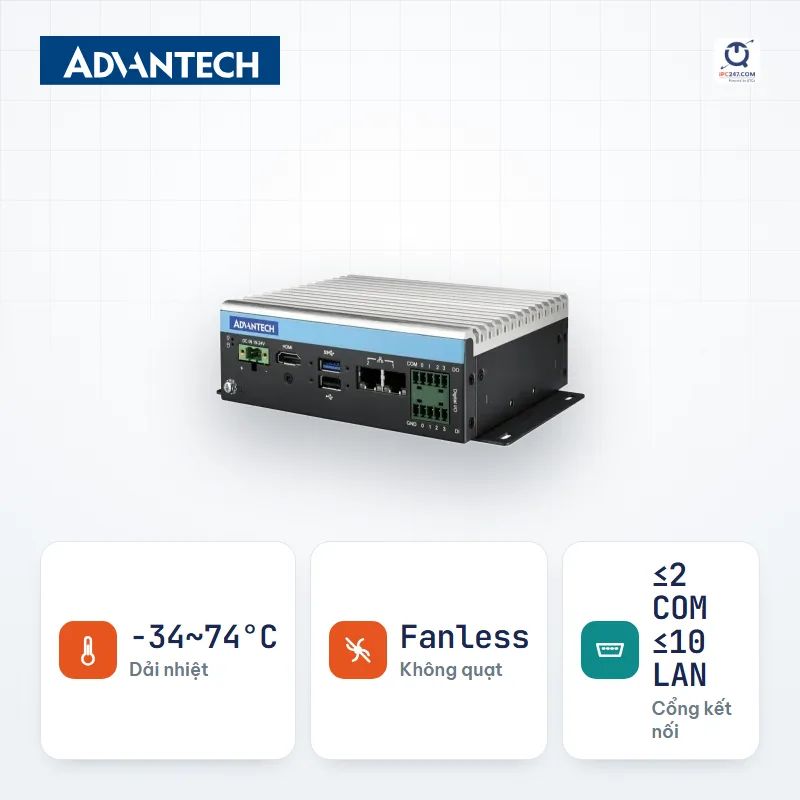
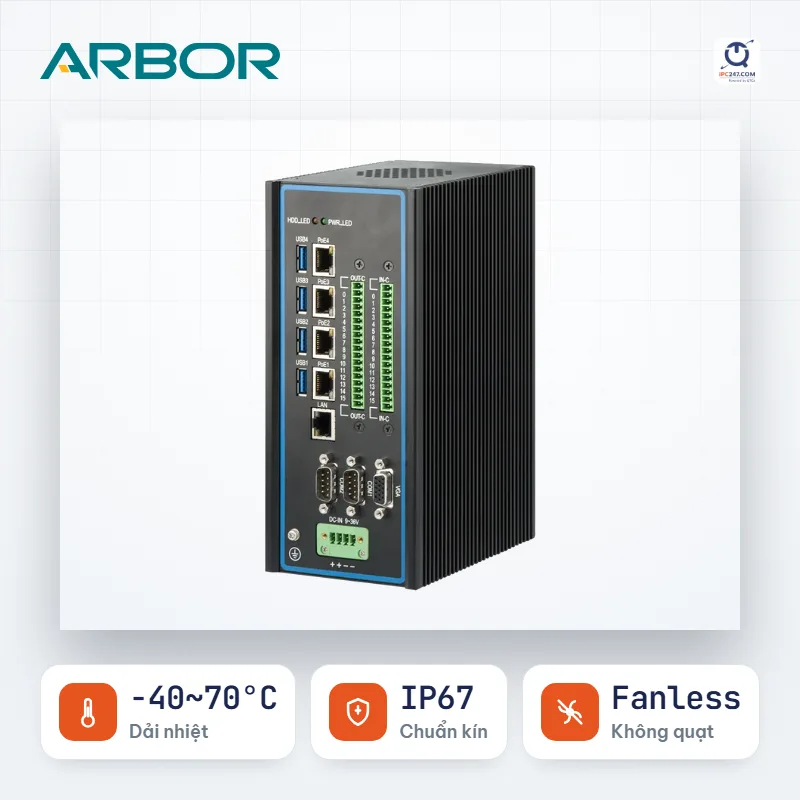
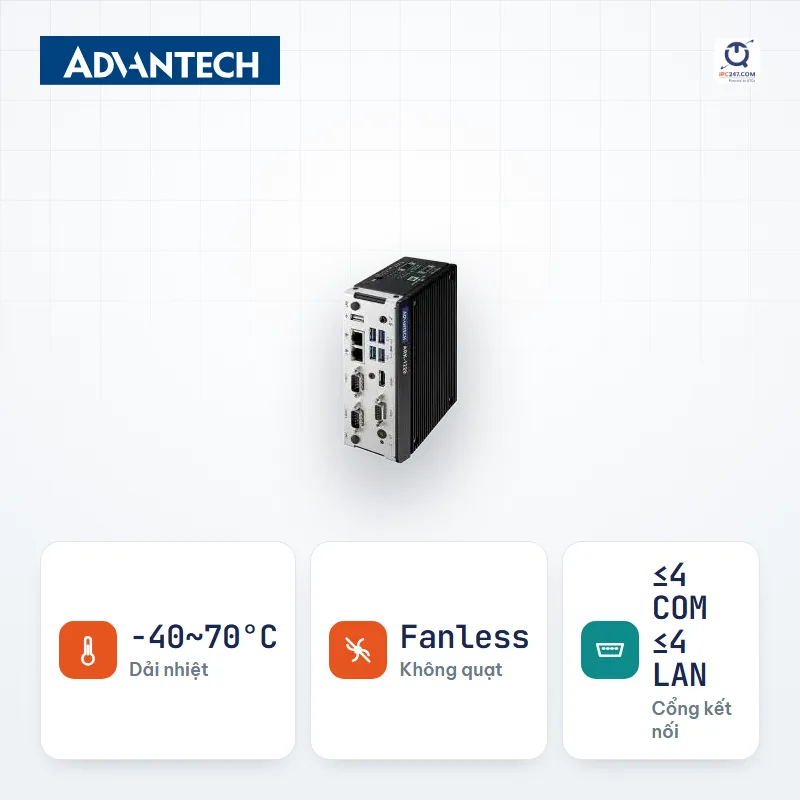
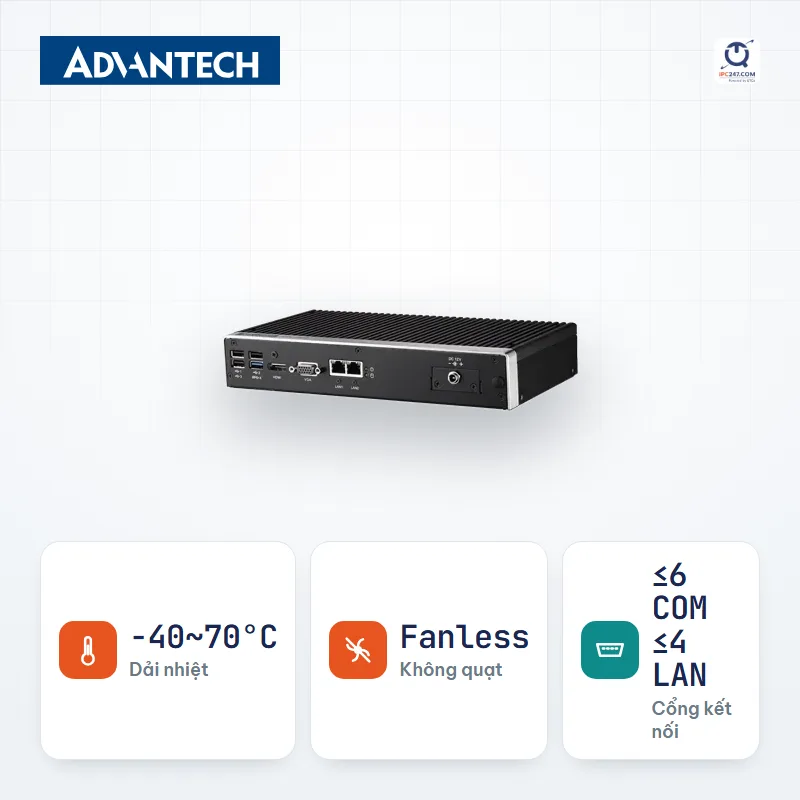
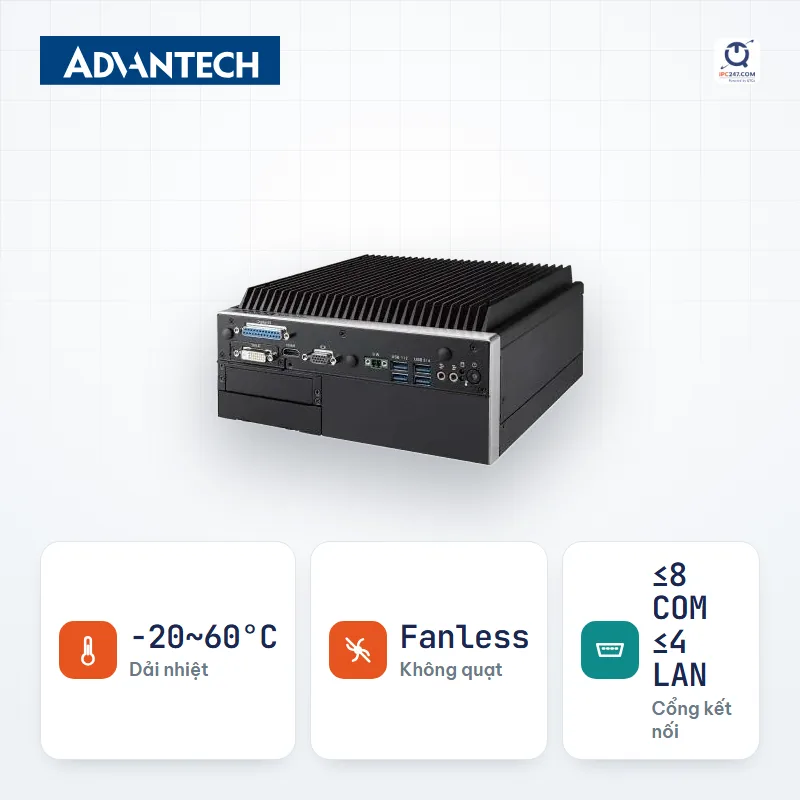
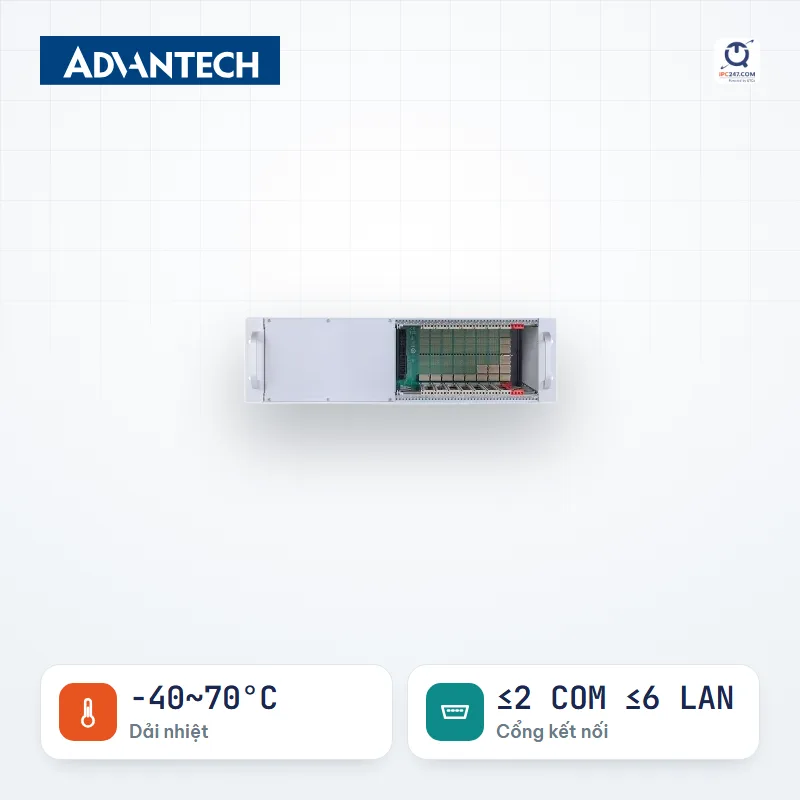
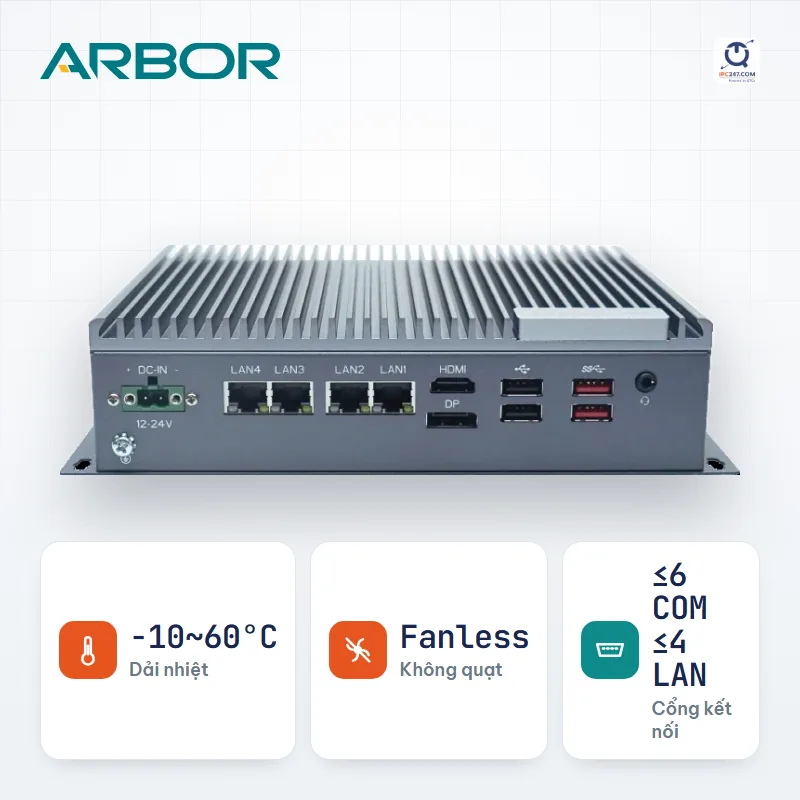
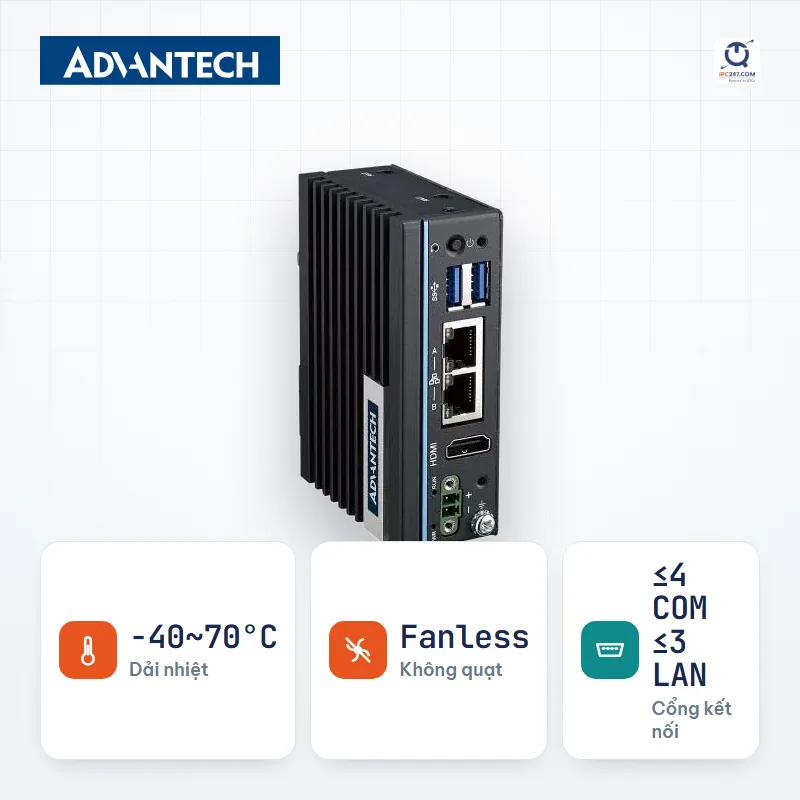
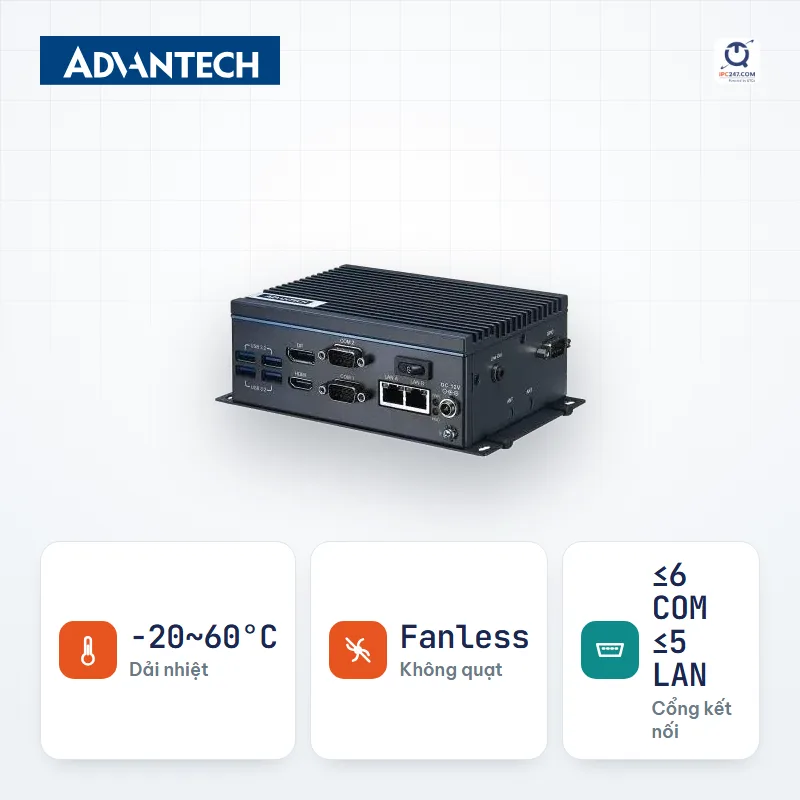
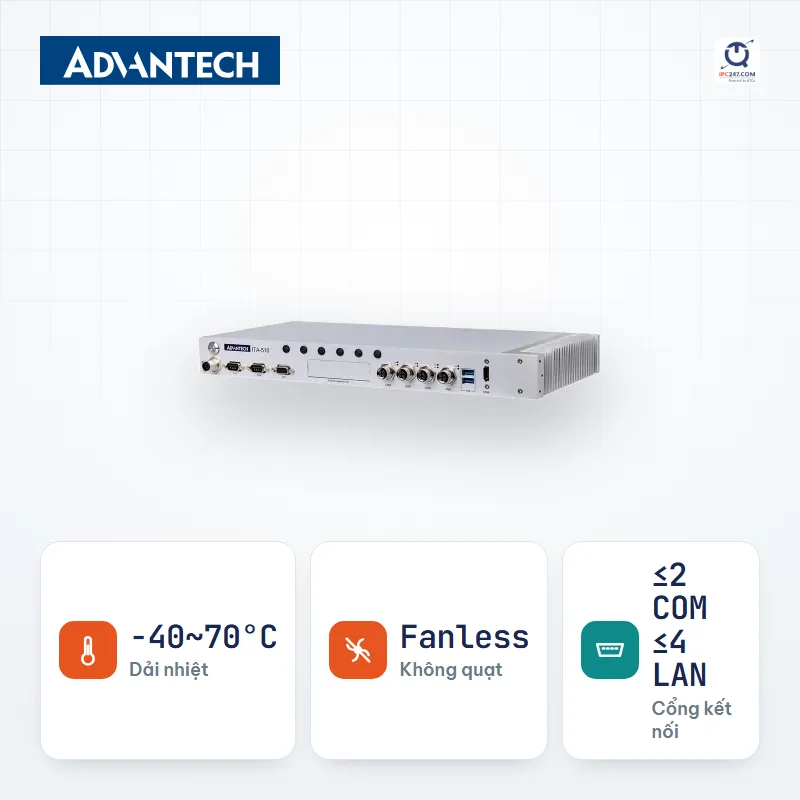
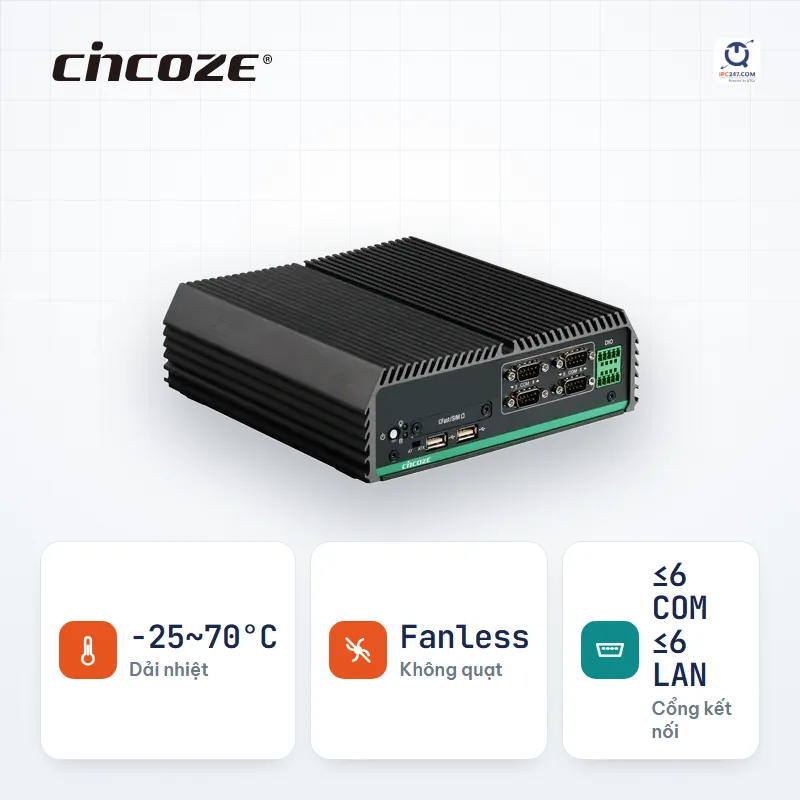
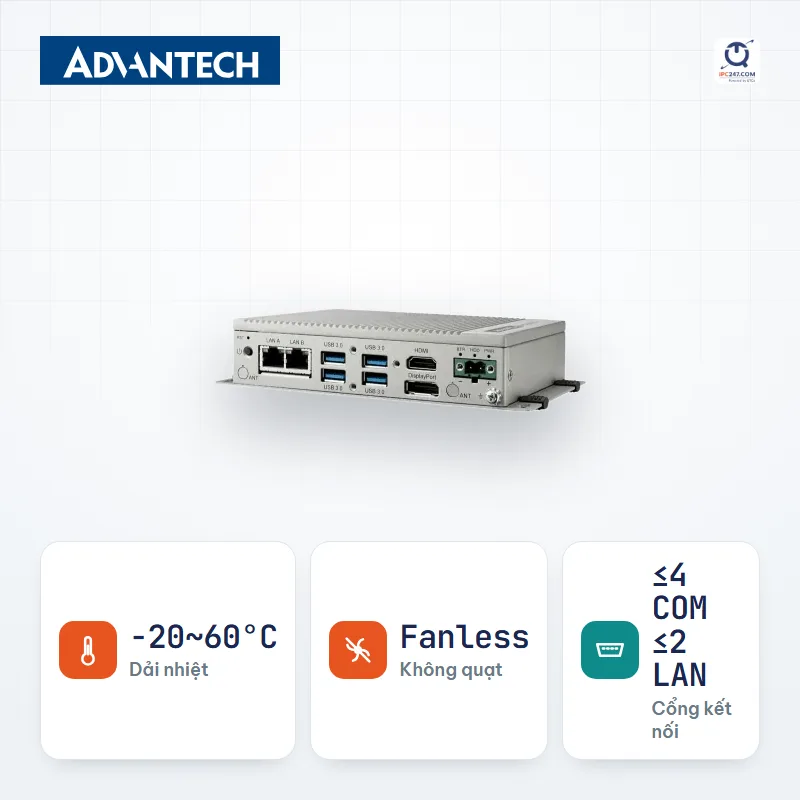
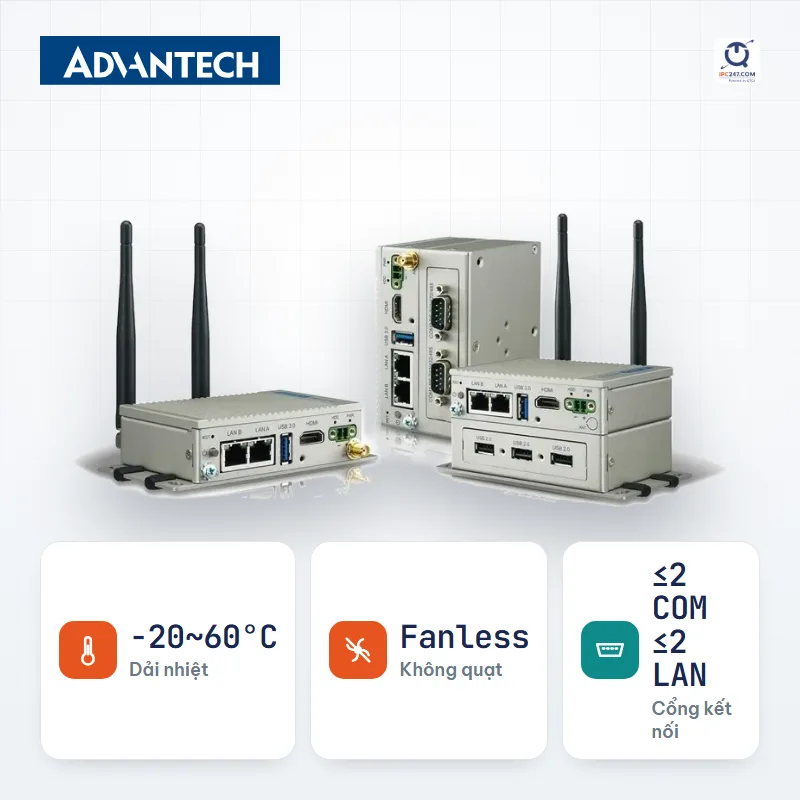
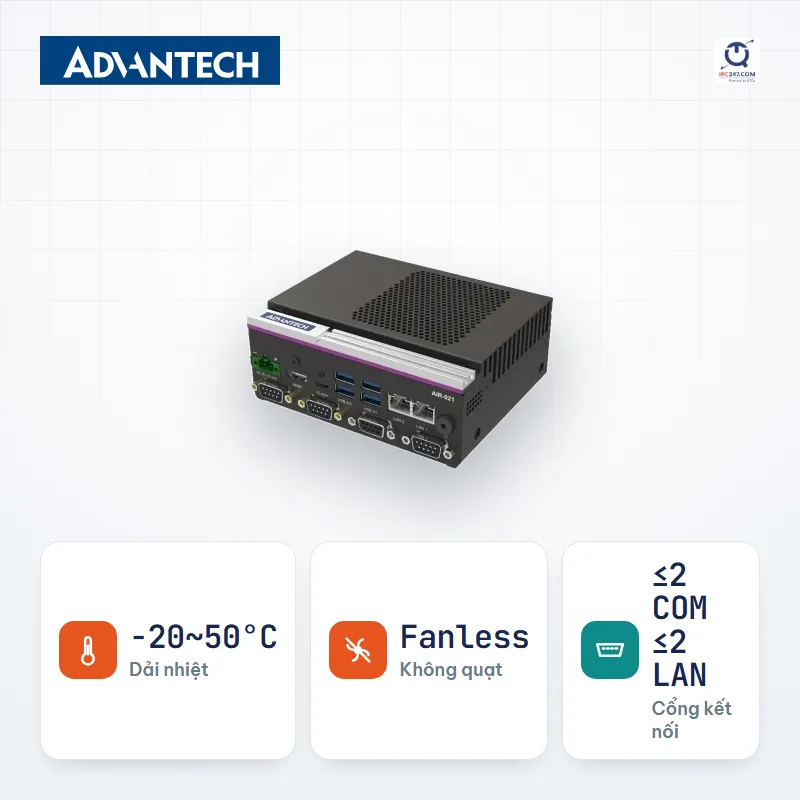
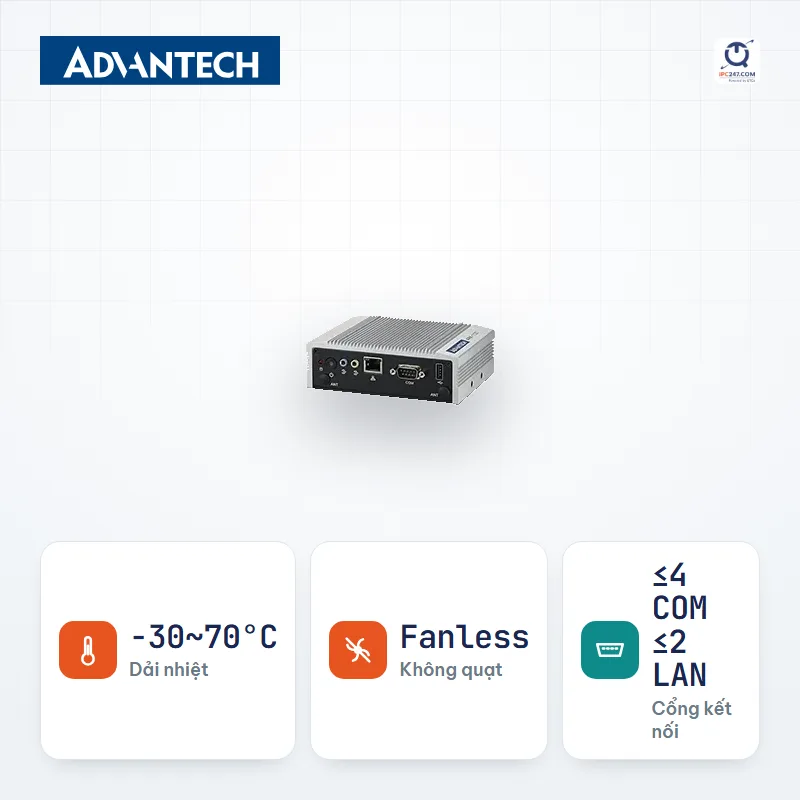
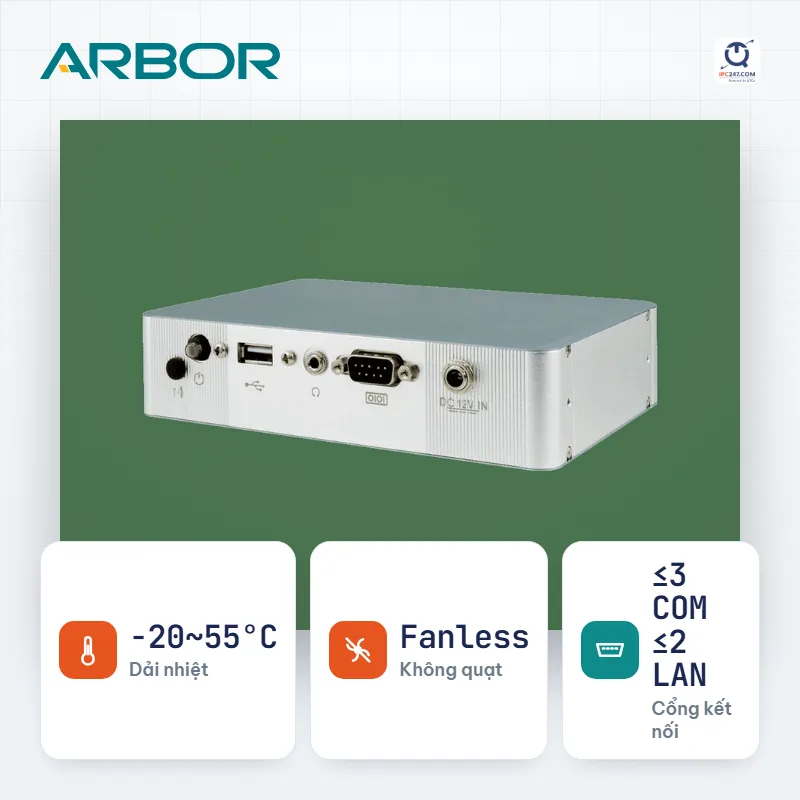
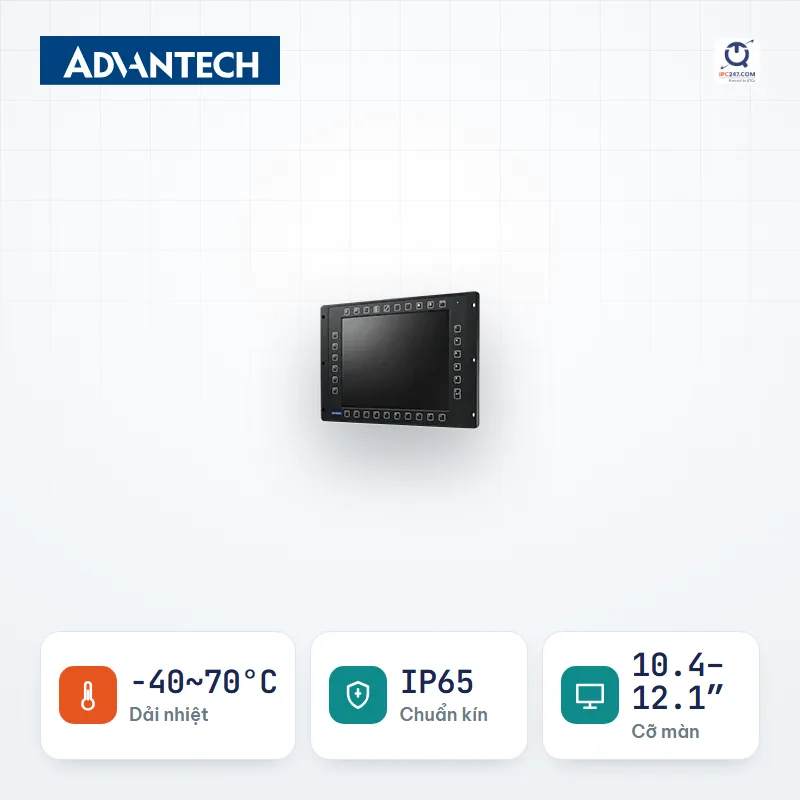
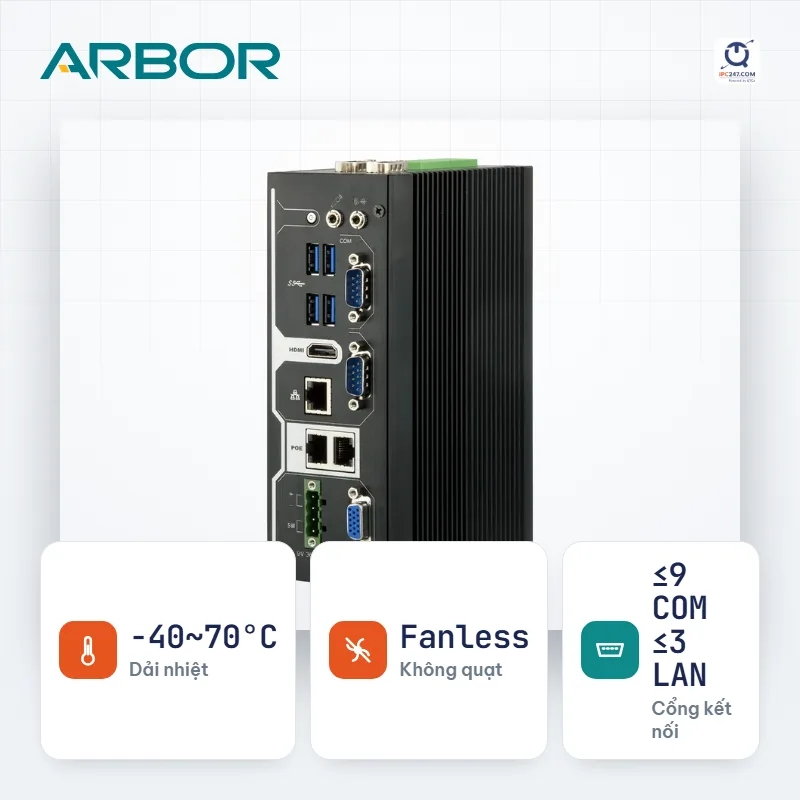
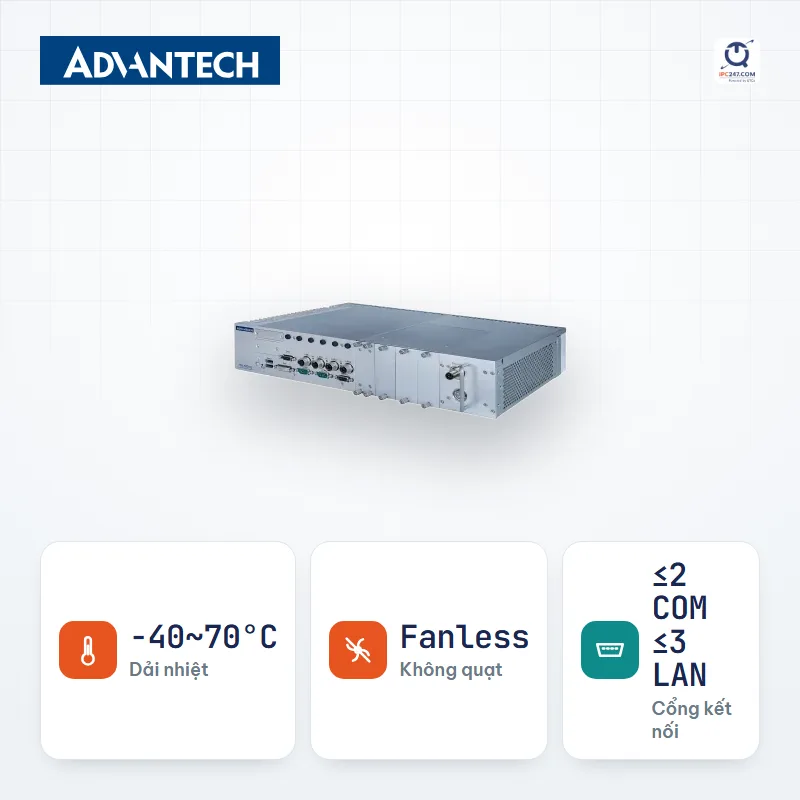
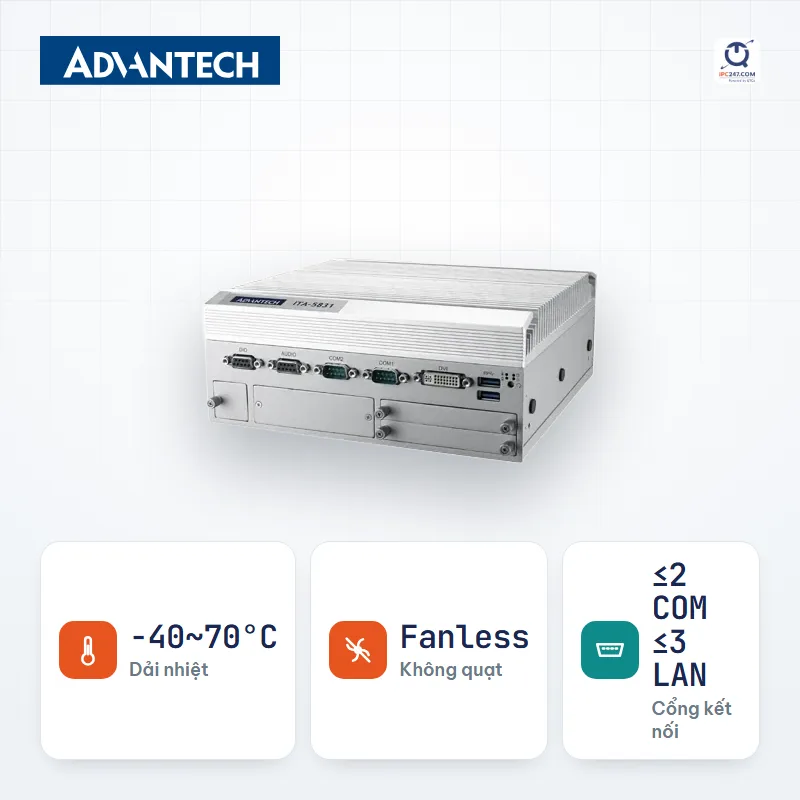
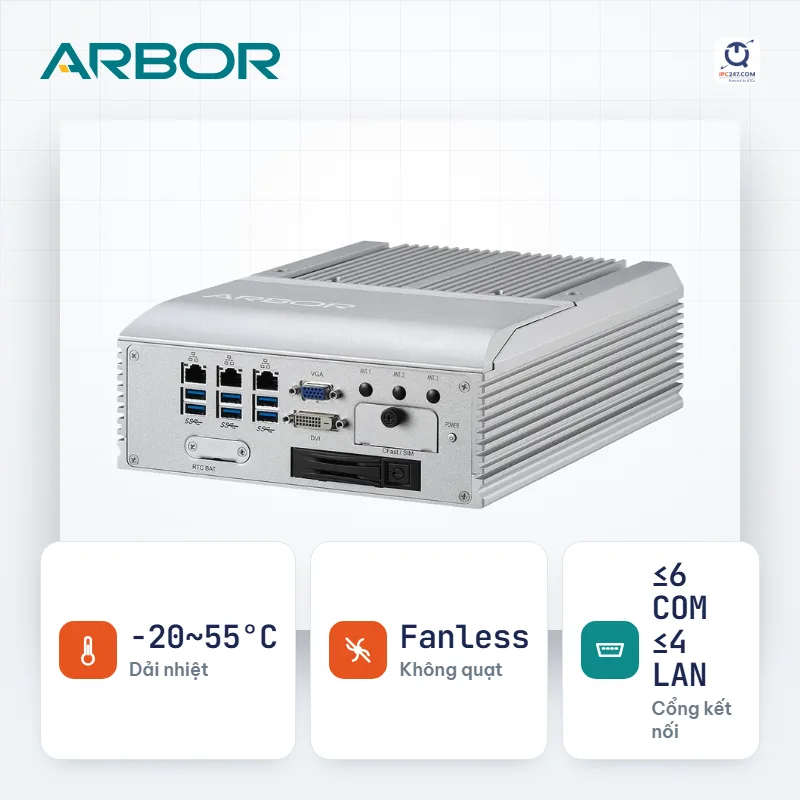
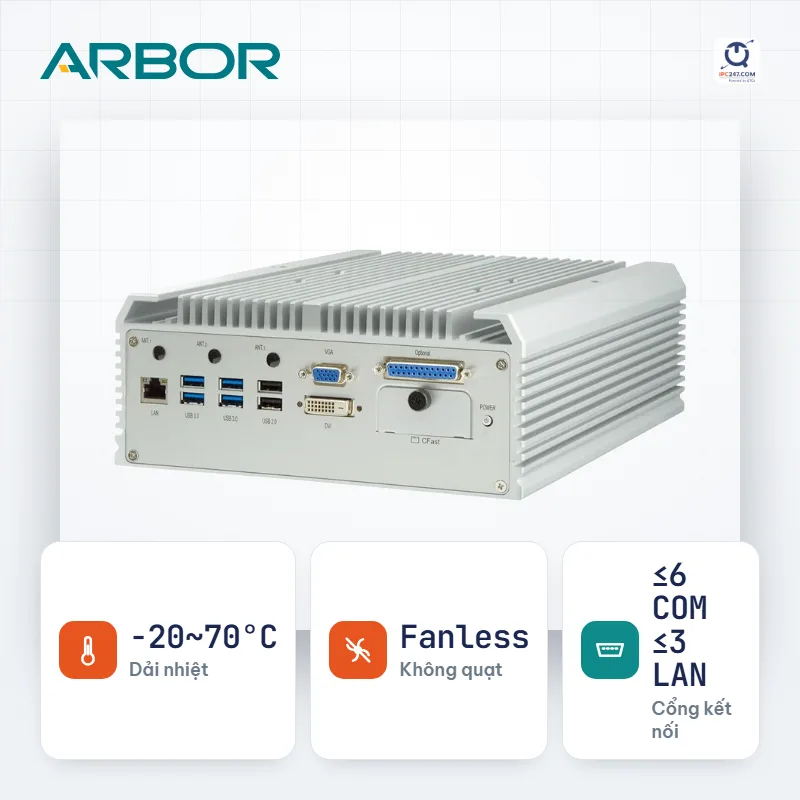
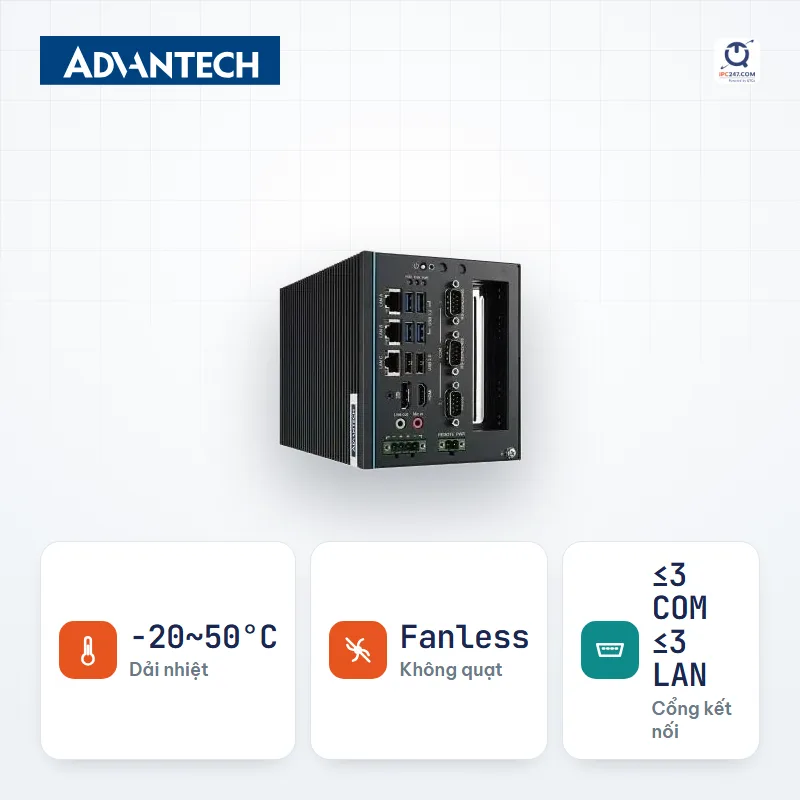
Showing the first 24 series. Use the machine picker to filter further by your own conditions.
Which machine on this list fits your installation best? Leave your number — an engineer will pick for you and quote the complete set.
We only use this number to answer your request.
Things the filter above does NOT catch. Read before you commit.
The machine picker comes pre-filled with the Industrial computer conditions for this situation — you only answer a few more questions about your specific site.