 Maytinhcongnghiep
Reading the temperature range in a datasheet correctly
The temperature range is the most misread specification on a datasheet. Not because vendors write it vaguely, but because readers only look at the big number and skip the small line of conditions underneath.
Three traps
1. It is the ambient temperature, not the room temperature
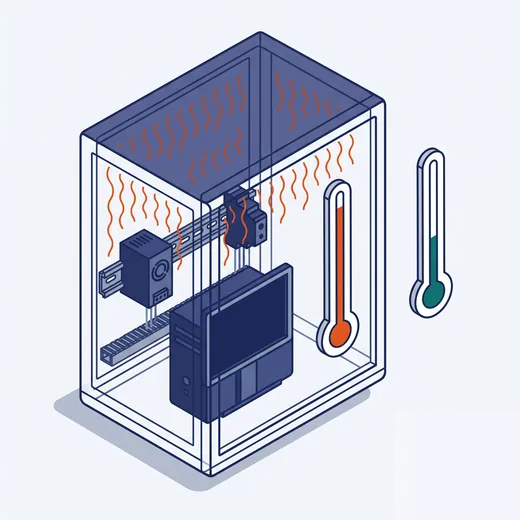
When a datasheet says operating temperature, it means the temperature of the air surrounding the machine. If the machine sits in a sealed electrical cabinet, the temperature inside the cabinet is the number to compare against — and it is always higher than the room, because the machine itself and the other equipment keep radiating heat into it.
Field experience: a sealed, unventilated cabinet can run 10–15°C hotter than the outside. A 40°C workshop already means 50–55°C inside the cabinet.
2. The best number usually belongs to the weakest CPU

A machine series that supports several CPUs will have a different range per CPU. A real example from a popular datasheet:
−40 ~ 70°C with a 35W CPU
−40 ~ 60°C with a 45W CPU, external fan kit required
−40 ~ 50°C with a 65W CPU, external fan kit required
The product page prints only −40~70°C. A customer picks the most powerful CPU assuming they still have 70°C — in reality only 50°C remains, plus a fan kit to buy on top.
3. Conditions on storage drives and airflow
Many series add footnotes such as “with wide-temperature SSD” or “with air circulation”. Meaning the published figure is only achieved with an industrial SSD fitted — commercial SSDs are typically rated 0–70°C only, and become the weakest link.
Storage temperature is not operating temperature
Storage temperature is always wider, typically −40~85°C. That is what the machine tolerates while switched off. Do not use this number to judge operating capability — a common mistake when comparing two machines quickly.
How much margin to leave
Do not pick a machine whose limit exactly equals the highest temperature you measured. Three reasons:
- The temperature you measured today may not be the hottest day of the year
- A machine running continuously at its limit ages its capacitors and drives very fast
- More equipment will be added to the cabinet, making it hotter
A practical rule: choose a machine whose upper limit is at least 10°C above the expected cabinet temperature.
How to measure properly
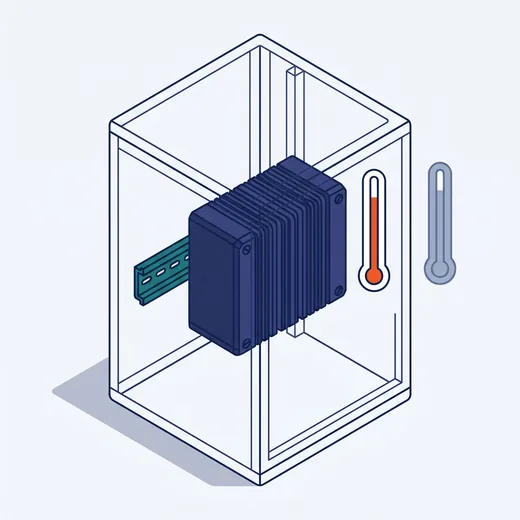
- Place the thermometer inside the cabinet, level with where the machine will be mounted — do not measure outside
- Measure at the hottest hour, usually 13:00–15:00 on a sunny day
- Measure while the other equipment in the cabinet is running
- If the cabinet stands outdoors, also measure with direct sun on the cabinet shell
And the cold end

The lower limit matters in cold storage and in the northern mountains in winter. The problem is not just the cold but condensation when the machine is switched off and back on, or when the cold-room door opens. Industrial machines are usually rated non-condensing — they tolerate humidity but not condensed water. In cold storage, keep the machine running continuously; do not shut it down overnight.