 Maytinhcongnghiep
EPC-W24
One series, 4 configurations. The configurations differ in 4 CPU options — everything else is identical.
Display and computer in one unit, mounted straight onto the cabinet face.

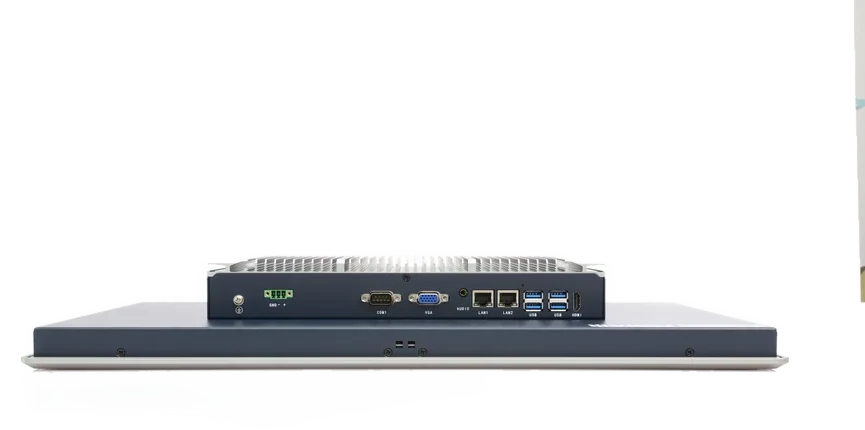

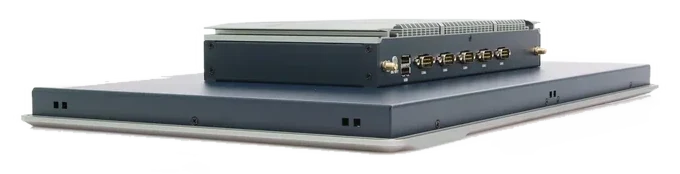
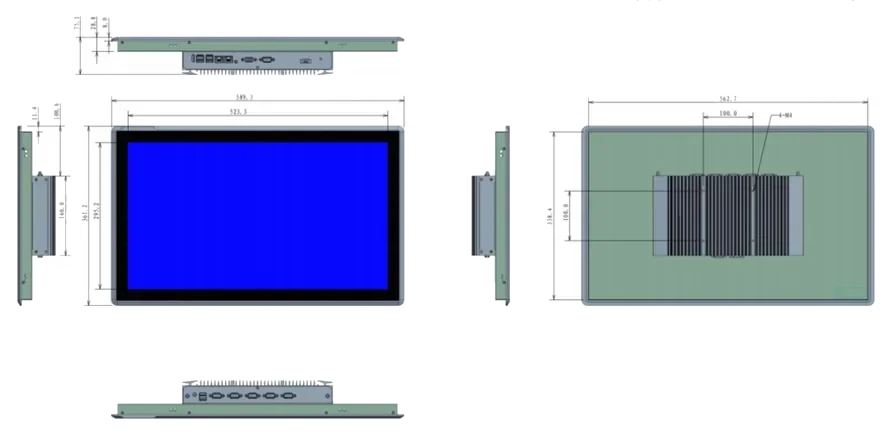


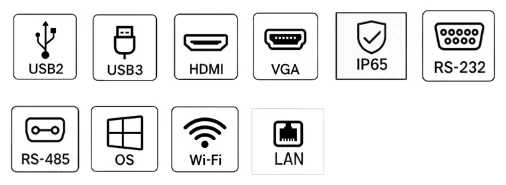



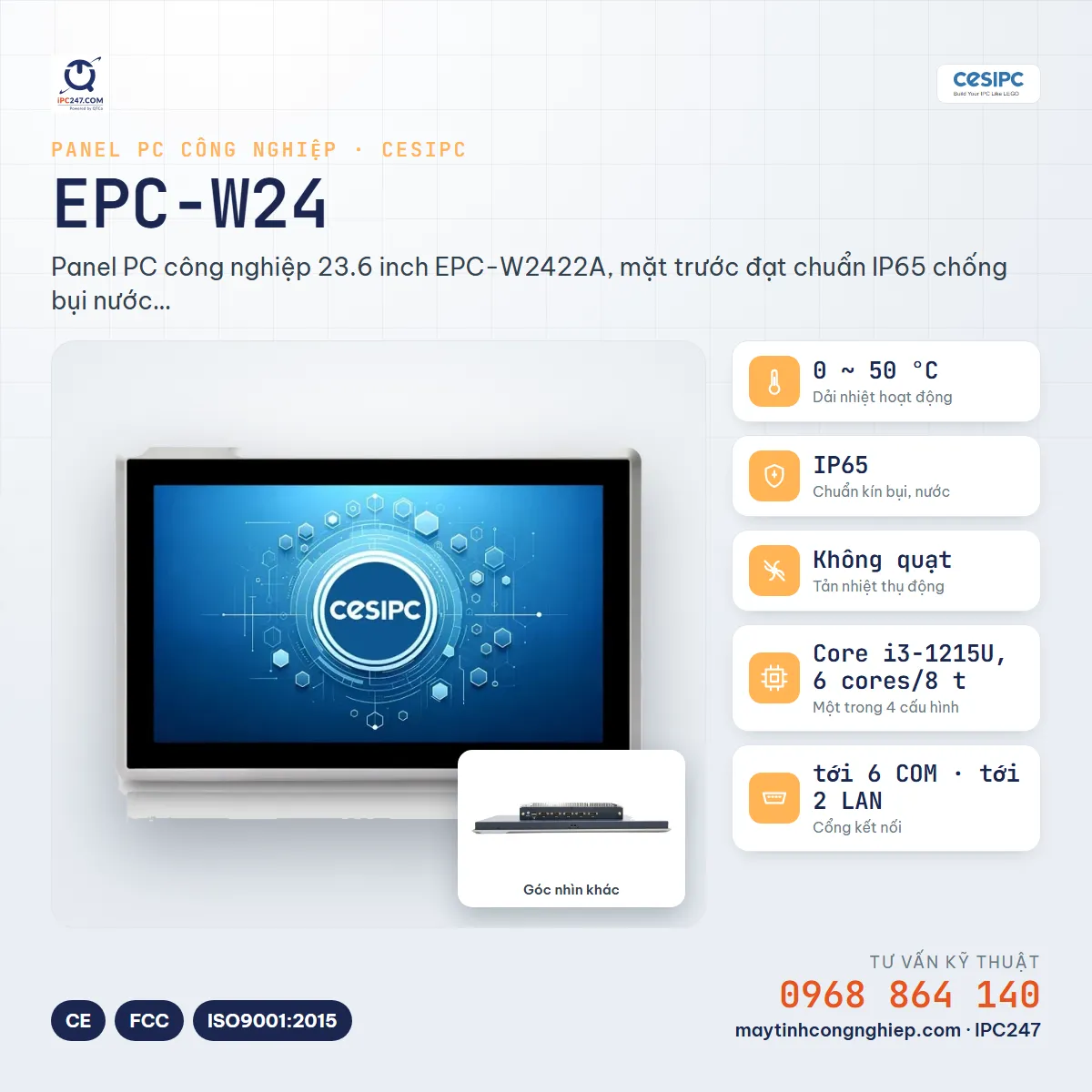
- 0~50°COperating temp
- IP65Ingress rating
- FanlessCooling
- up to 6COM ports
- up to 2LAN ports
True for every configuration in the series
The items below stay the same whichever configuration you pick — no need to re-check after choosing.
- Operating temperature range
- 0 ~ 50 °C
- IP protection rating
- IP65 (FRONT PANEL)
- Resolution
- 1920x1080 (16:9)
- Display brightness
- 300 nit
- COM ports
- 6 ports
- LAN ports
- 2 ports
- Power over Ethernet
- No PoE
- Digital I/O (DIO)
- No
- Cooling
- Fanless (passive)
- Touch screen
- Resistive
Choose a configuration
Filter quickly, then click a model number for the full specs. Not sure which one, send us your installation conditions and our engineers will pick for you.
Showing 4 / 4 configurations
| Select for comparison | Model number | Display | CPU | Environment | Ports · I/O | Reference price |
|---|---|---|---|---|---|---|
| EPC-W2422A | 23.6″ · 1920x1080 (16:9) 300 nit · Resistive | Core i3-1215U, 6 cores/8 threads, 1.2-4.4GHz, 10MB Cache, Intel UHD Graphics | 0~50°C · IP65 (FRONT PANEL) Fanless | 6 COM · 2 LAN — | ||
| EPC-W2462A | 23.6″ · 1920x1080 (16:9) 300 nit · Resistive | Celeron J1900, 4 cores/4 threads, 2.0-2.4GHz, 2MB Cache, Intel HD Graphics | 0~50°C · IP65 (FRONT PANEL) Fanless | 6 COM · 2 LAN — | ||
| EPC-W2472A | 23.6″ · 1920x1080 (16:9) 300 nit · Resistive | Celeron J6412, 4 cores/4 threads, 2.0-2.6GHz, 1.5MB Cache, Intel UHD Graphics | 0~50°C · IP65 (FRONT PANEL) Fanless | 6 COM · 2 LAN — | ||
| EPC-W2492A | 23.6″ · 1920x1080 (16:9) 300 nit · Resistive | Core i3-10110U, 2 cores/4 threads, 2.1-4.1GHz, 4MB Cache, Intel UHD Graphics | 0~50°C · IP65 (FRONT PANEL) Fanless | 6 COM · 2 LAN — |
No configuration matches these filters. Remove a condition, or ask an engineer — the version you need may be orderable even if it is not on the site.
Tick 2–3 configurations in the first column to put them side by side — the comparison page highlights exactly the cells that differ, so you don’t have to scan every row.
Not sure which configuration fits?
Describe the installation site — temperature, vibration, power supply, devices to connect — and IPC247 engineers will build a complete configuration for those conditions.