 Maytinhcongnghiep
Fault diagnosis
Answer a few questions to narrow down the cause. The steps follow the order technicians actually use: rule things out from the outside in, from cheap to expensive.
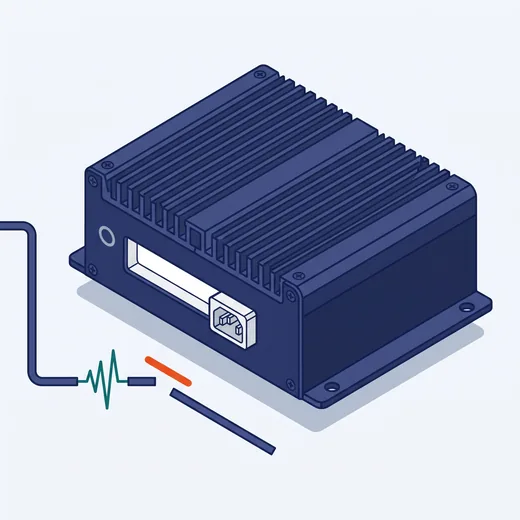
What to do
Input power is fine — suspect the internal fuse or the power button
- Check polarity: reversed polarity keeps the machine off (good machines have protection, so nothing burns)
- Many machines have an AT/ATX switch — in AT mode the machine powers up as soon as power is applied, no button needed
- Try the Remote Power On/Off pins if the machine has them
- Unplug all USB devices and expansion cards, then try again
Before opening the machine. Disconnect power, wait for capacitors to discharge, and photograph the current wiring. If the machine is under warranty, call us first — opening it yourself may void the warranty.