 Maytinhcongnghiep
Fault diagnosis
Answer a few questions to narrow down the cause. The steps follow the order technicians actually use: rule things out from the outside in, from cheap to expensive.
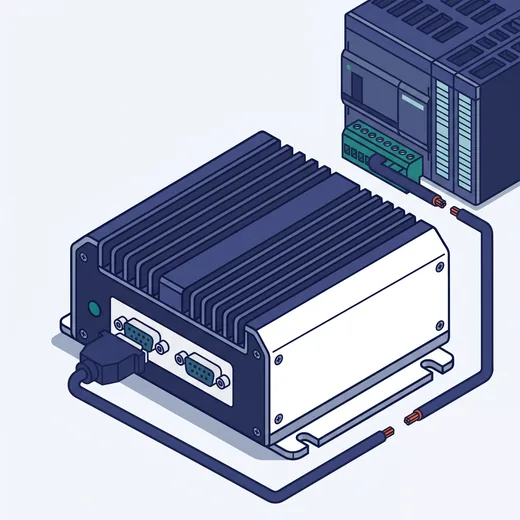
What to do
Suspect hardware failure or interference
- Check connectors and screw terminals — vibration loosens them over time
- Test continuity along the whole run, especially where it shares a cable tray with power wiring
- Try the device on another COM port of the machine to tell a bad port from a bad device
- Intermittent errors point to interference — consider optically isolated ports
Before opening the machine. Disconnect power, wait for capacitors to discharge, and photograph the current wiring. If the machine is under warranty, call us first — opening it yourself may void the warranty.