 Maytinhcongnghiep
Fault diagnosis
Answer a few questions to narrow down the cause. The steps follow the order technicians actually use: rule things out from the outside in, from cheap to expensive.
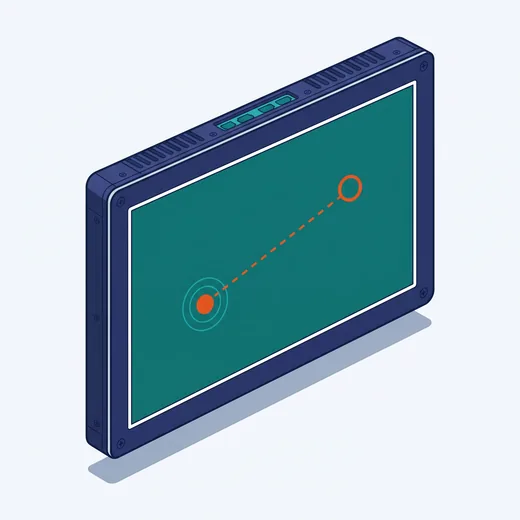
What to do
Suspect drivers, interference, or the need to recalibrate
- Recalibrate the touch screen with the vendor’s software
- Install the correct touch driver for the operating system version in use
- Check the chassis grounding — poor grounding causes very visible touch interference
- Unplug USB devices to rule out conflicts
Before opening the machine. Disconnect power, wait for capacitors to discharge, and photograph the current wiring. If the machine is under warranty, call us first — opening it yourself may void the warranty.